The next round Without a repeat order
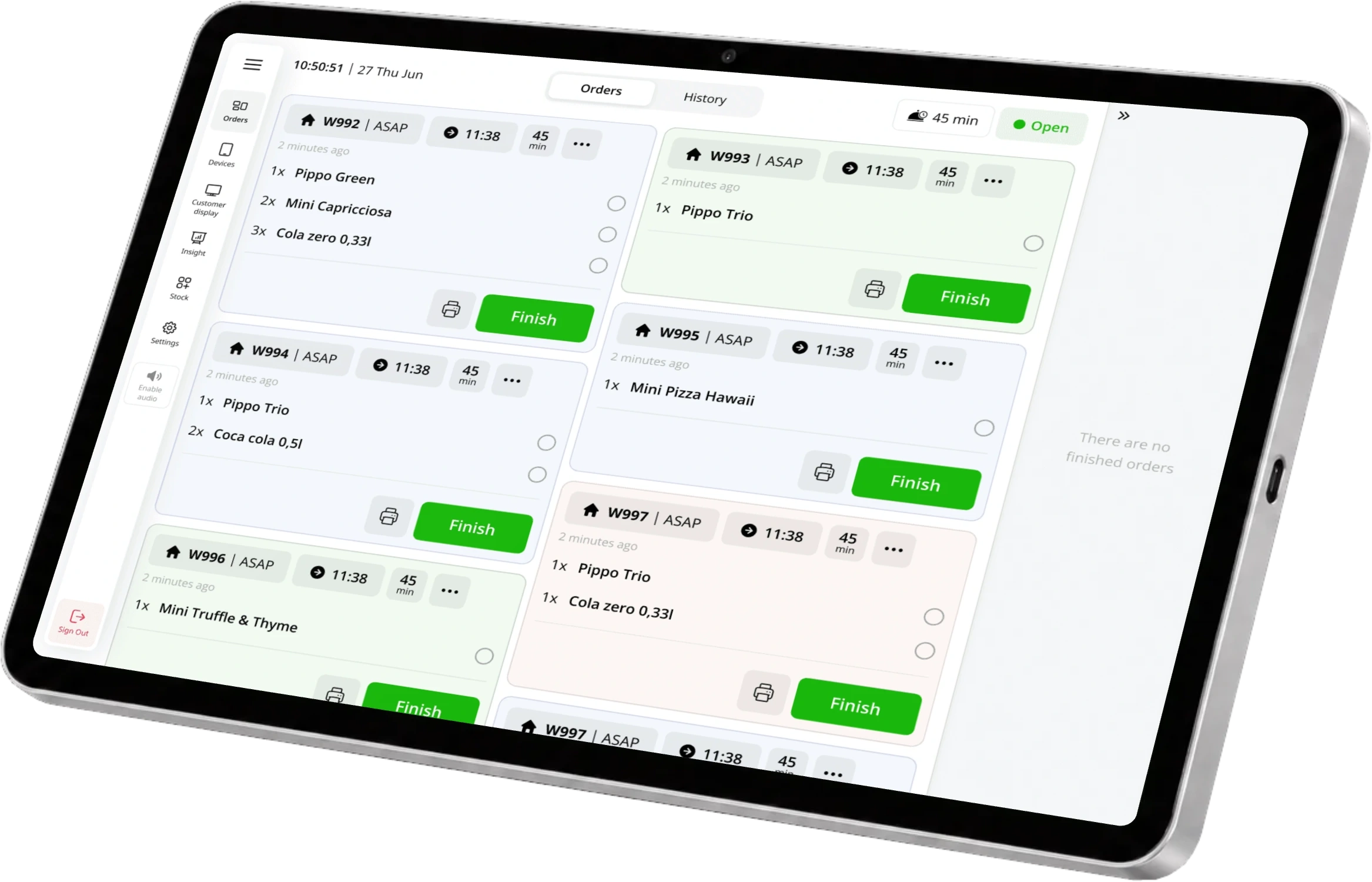
New dishes and changed notes go straight to the kitchen. What has already been sent stays sent.

The first round is only the beginning. Omni Check connects every order, every waiter and every payment throughout the visit. Add another round, change tables, share a dish or settle one guest’s bill while the evening continues. Your floor and kitchen stay connected through it all.

Another round. Friends joining. A table that stays a little longer. Give great service room to happen. Omni Check keeps everything together.
Preferred by the best restaurants
































The first drinks. An extra course. A new waiter. A friend who leaves early. Omni Check connects every part of the visit to one running bill, from the first order to the last payment.
Send the order and leave the bill open. Add the next round, bring over a bar bill or move the party to another table. The kitchen and your colleagues stay connected to the same visit.
Four guests. Dinner ordered. The bill stays open for whatever comes next.
New dishes and changed notes go straight to the kitchen. What has already been sent stays sent.
Move or combine unpaid bills. Items, notes and the balance follow without entering the order again.
Continue from another authorised POS in the restaurant. Your team works from the same saved bill, with newer changes protected.
One drink from a round of four. A shared dessert. Four equal bills. Or several payments on the same check. Omni Check handles the detail, while you stay with your guests.
Move a main, a drink and even a quarter of dessert onto Emma’s bill.
Choose exactly what belongs to one guest
 Main course240 kr
 ¼¼ of the dessert55 kr
The whole table is connected
Open balance1,200 krA dish, one drink or a fraction of a shared dessert. Move exactly their share to a new bill, with prices and offers recalculated for it.
Keep the order and its prices together. Each confirmed payment reduces the balance. Pending amounts stay reserved until the payment finishes.
Print a pro forma or take payment straight from the bill. Use card, Tap to Pay or a supported request through Vipps, MobilePay or Swish.
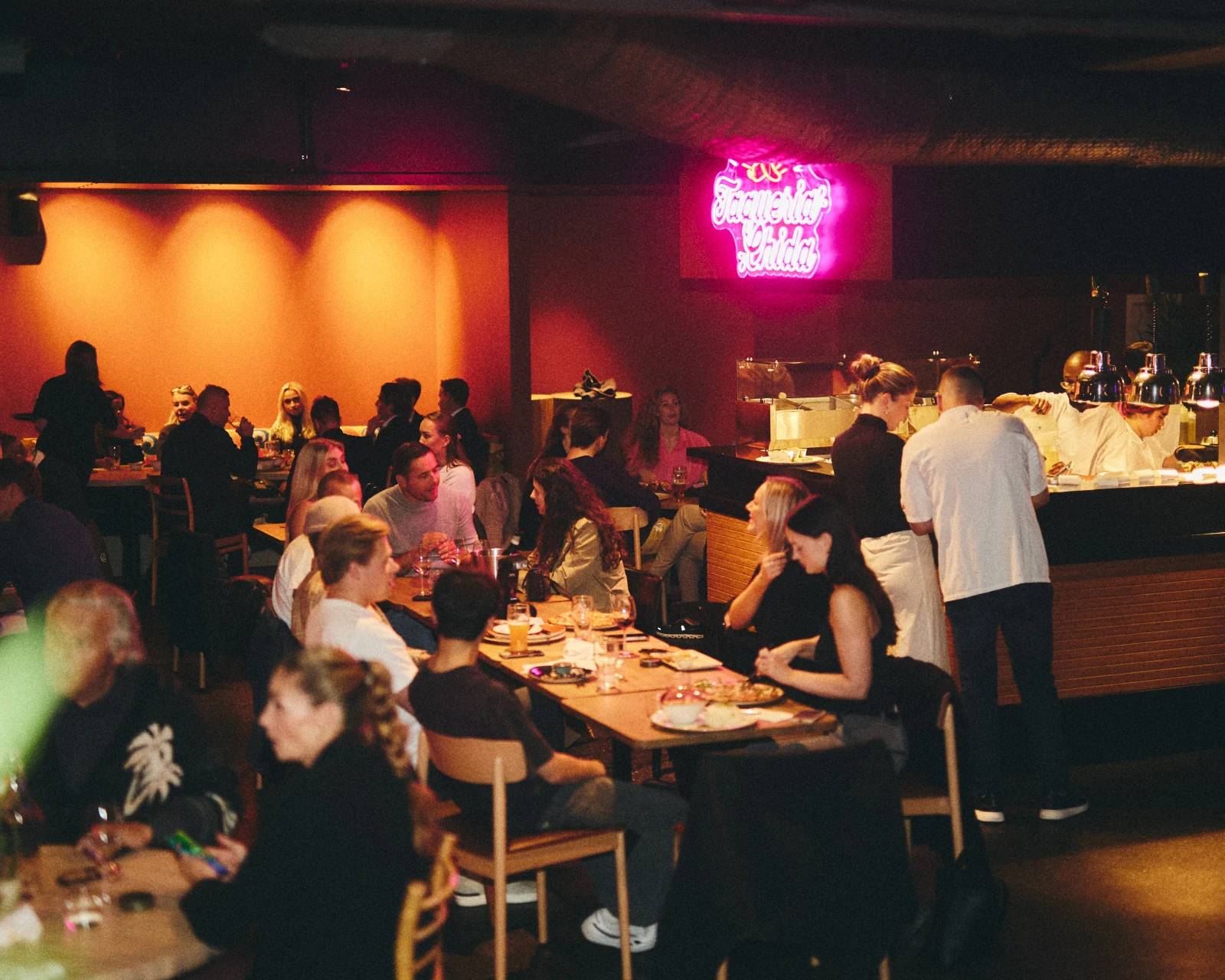
Omni Check is part of ninito Full Service POS. The room, the kitchen and every open bill, connected. So your team can give the evening its full attention.
Omni Check is the running-bill system in ninito Full Service POS. It connects ordering, kitchen updates, teamwork and payment throughout a restaurant visit. Your team can keep a bill open, add new rounds, move tables, combine unpaid bills and divide items or payments as the visit unfolds.
Yes. Send the first order to the kitchen and choose to pay later. Return to the open bill for drinks, another course or dessert. Staff can update notes, customer details, discounts and items according to their permissions, then save and send the changes. Everything stays connected to the original visit.
Yes. Authorised POS devices in the same restaurant share open bills and saved changes live. A colleague can add the next round, update the order or take payment. The visit stays with the team, so service can continue when staff change stations or shifts.
The kitchen receives the additions, changes and removals you send. Omni Check keeps each existing order line connected to the visit. Adding dessert or correcting an item therefore sends an update, without presenting the original meal as a new order.
Yes. Staff can move whole items or individual units from a quantity line to another check. For example, one drink from a round of four can go on a guest’s own bill. Supported items can also be divided into fractional shares, and eligible bills can be split equally. Weighted or indivisible items are handled separately.
Splitting a bill creates separate checks that can be settled independently. Each check is priced for its items and customer, so promotions are recalculated. Splitting payment keeps one bill and its pricing, while several payments reduce the same outstanding balance. Your team chooses the approach that fits the table.
Yes. Move an open bill to another table without recreating the order. When groups join up, staff can merge eligible unpaid checks into one bill. Items can also move between checks. A table can hold several checks, which staff can open together in the payment workspace and settle individually.
Yes. Arrange the guest’s items on a separate check before payment, then settle that check while the other bills remain open. You can also accept a partial payment on one bill. Each completed payment reduces the outstanding balance, and the final payment closes that check.
Saved changes update across authorised registers in the restaurant. If a colleague has already changed the bill, an older edit cannot simply overwrite their work. Pending payments reserve the amount being collected, and payment identifiers help prevent the same operation from being recorded twice. Permissions control sensitive actions.
Yes. Staff start the payment and the guest approves it on their phone. Supported options include Vipps or MobilePay requests and Swish, depending on the restaurant’s country and register setup. Card terminals, Tap to Pay and cash are also supported according to the setup.
Yes. Print a pro forma so guests can review the bill before paying. Staff can check the items, arrange the split and confirm the outstanding amount before starting the payment.
Arrange items, shared dishes and separate checks before taking payment. That lets Omni Check calculate each bill and its promotions correctly. Once a payment is recorded, changes that affect paid items are restricted until the payment has been resolved or refunded.
Preferred by the best restaurants