QSR & takeaway
Keep choices with the order and send them straight to the kitchen.

Restaurant POS with customer recognition, connected ordering and AI recommendations built in.
Preferred by the best restaurants





















Recognise your regulars, put the right menu on screen and follow every sale live. All from one POS.
Find a guest by phone number or wallet QR. Their points and member prices are ready in the sale.
Explore customer recognition
Lunch between lectures. A favourite meal on the kiosk. An eligible student discovers a relevant benefit while choosing, giving your restaurant another reason to become their usual stop.
Bring student benefits into the lunch decisionAI and machine learning use the order and purchasing patterns to suggest what fits. With consent, shared guest preferences add context.
5 visits a weekFor the last 3 weeks
Sam’s favourite
An extra for Sam’s favourite.

A suggestion. The guest decides.
A gift card first. The rest by card. Combine payment methods on one purchase, with the remaining amount always clear.
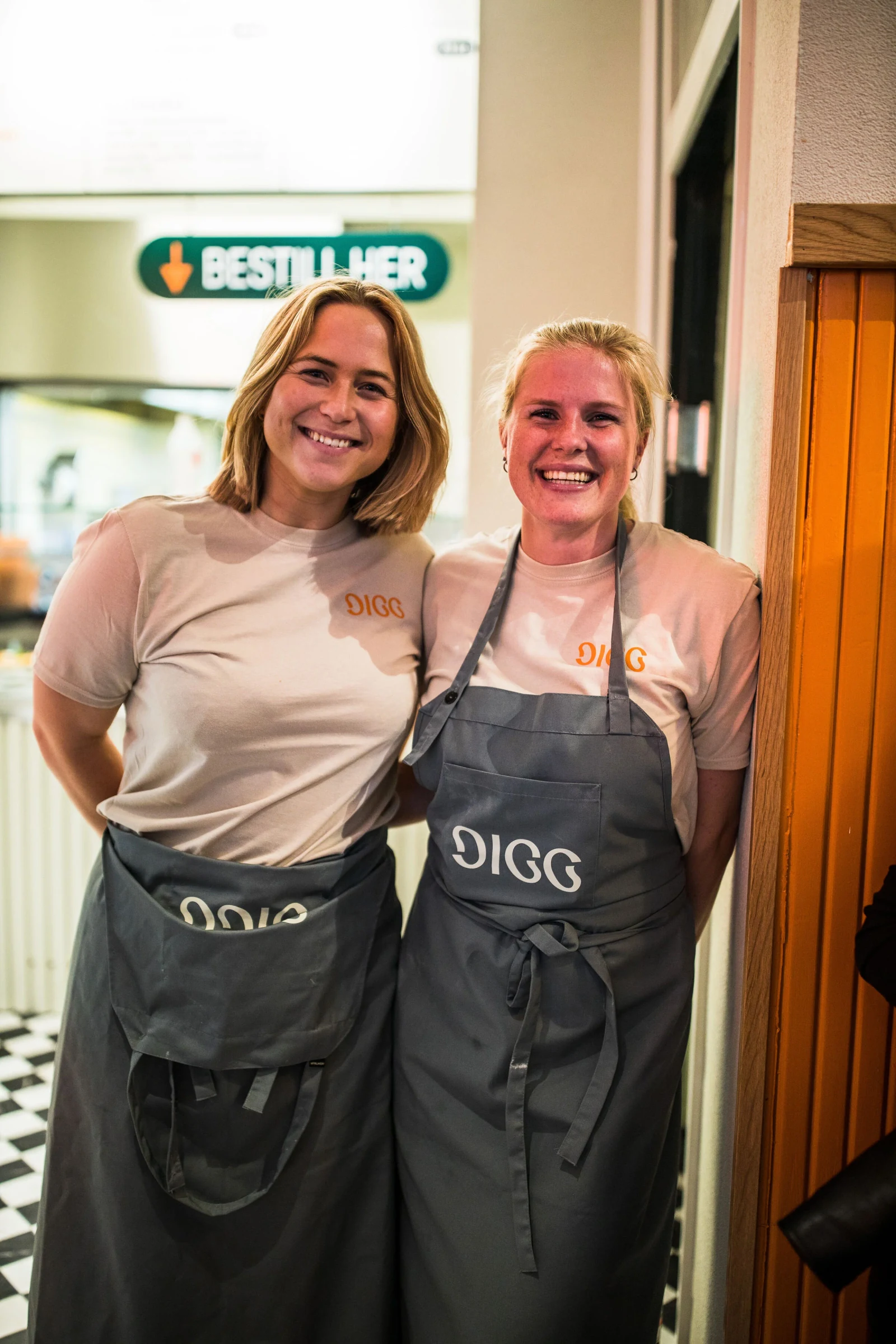
Take orders, make changes and handle payment in one clear workflow. Based on feedback from 600 restaurants that started using ninito. They reported learning the everyday POS workflow in under two minutes.
Explore the ordering workflowSend the sale to a connected terminal and take the next order while your guest pays. Benchmarked by ninito with orders and payments running in parallel.
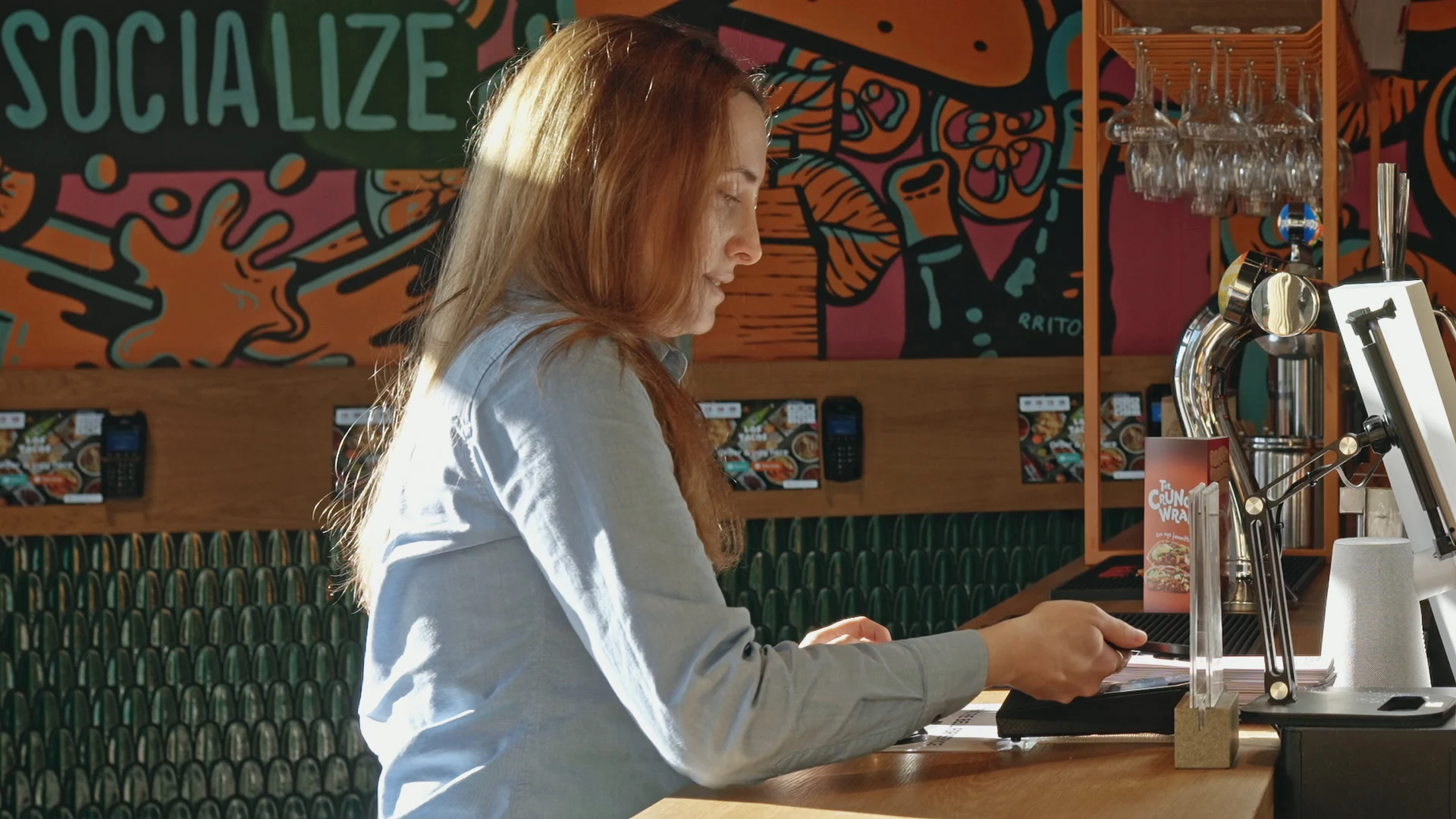
Lunch deals, your usual menu or a simpler Friday night. Schedule prices, products and customisations around the way you serve.
Selected bundles get a lunch price. The usual menu returns at 13.00.
One POS for the lunch rush, the takeaway counter and the busiest nights.
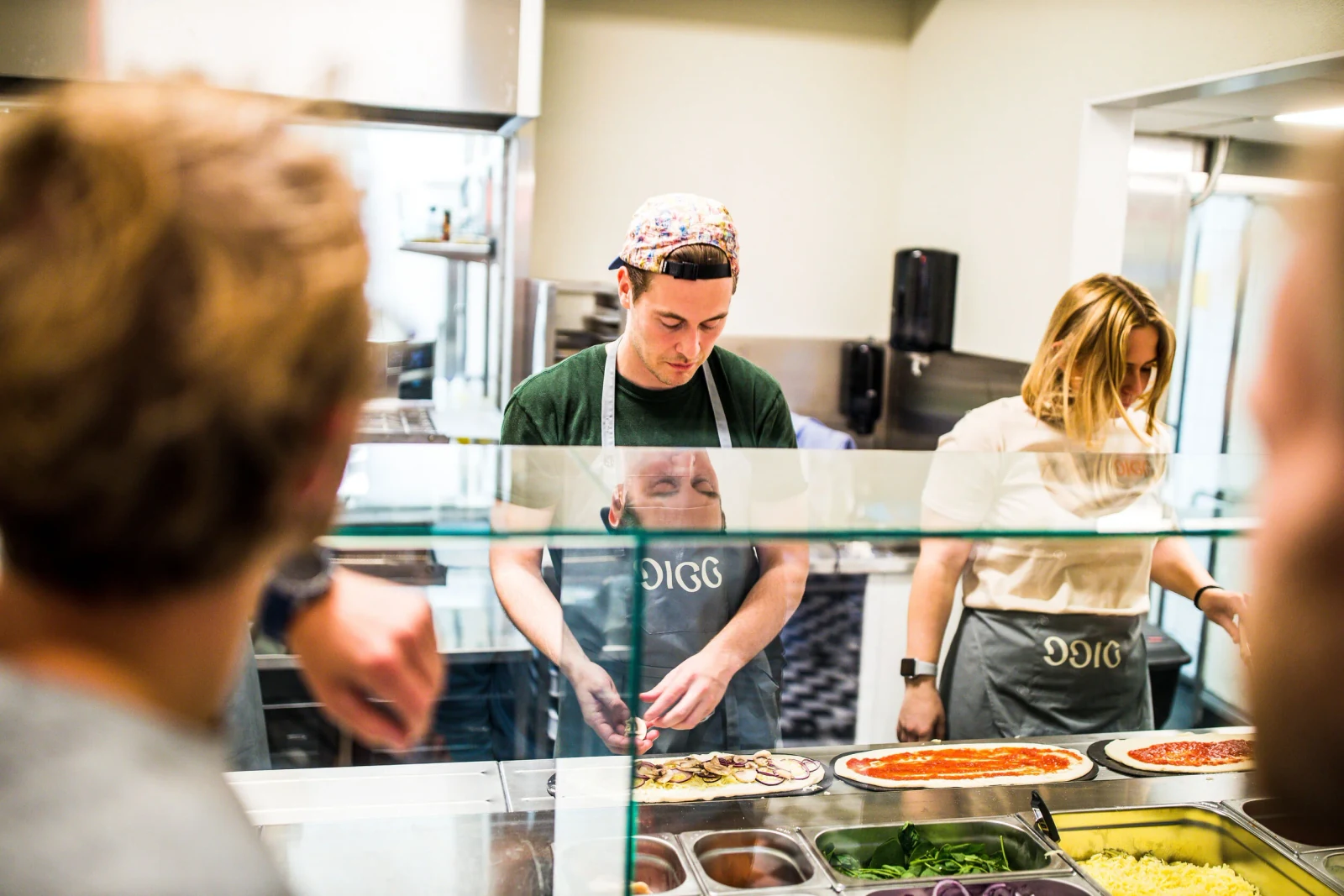
Keep choices with the order and send them straight to the kitchen.
Move on to the next sale while customers pay at connected terminals.
Recognise regulars, apply their benefits and change menus with the day.
A café at breakfast, a takeaway counter at lunch, a bar or nightclub after dark. Timed menus, connected payments and staff permissions let the setup follow your service. Hotel cafés and counters can use the same workflow, without room charging or a hotel PMS connection.
Use a supported browser and internet connection on the device that fits your service. Our equipment options include Apple devices and tested restaurant peripherals. Hardware purchased through ninito is supplied at our purchase price, with 0% markup. We do not offer rental or leasing.
Accept cards, cash, gift cards and supported mobile payments such as Vipps. Each transaction keeps its status, and refunds follow the original payment limits. We confirm the terminals, payment methods and accounting connection that fit your restaurant.
Choose who can see restaurant information and make changes through configurable roles and permissions. Agree the access for staff, managers and head office, together with the reporting and reconciliation routines your business needs.
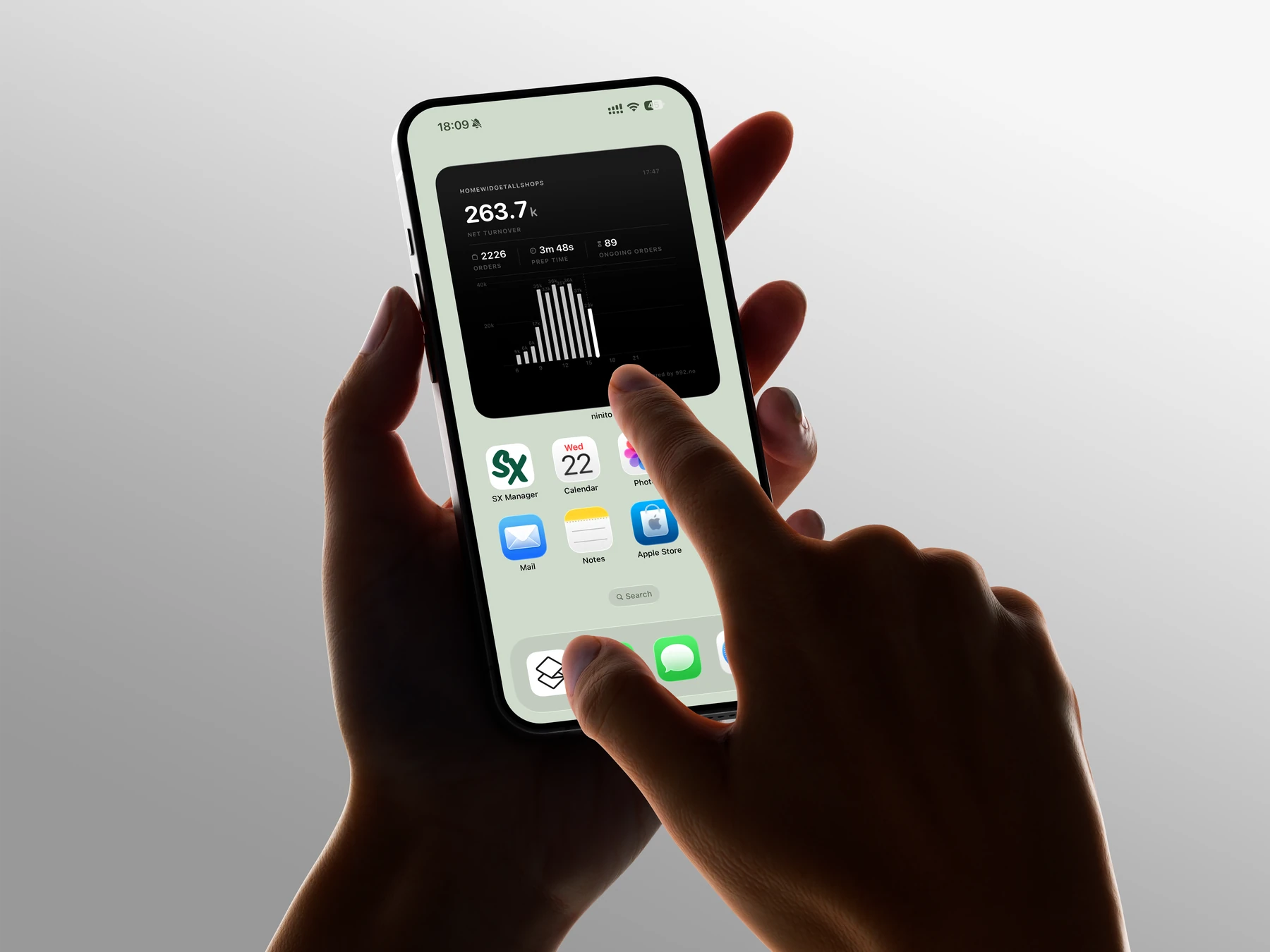
ninito is a browser-based restaurant POS for Android, iOS and Windows, including tablets, computers, phones and Tesla’s infotainment browser. Staff take orders, identify customers and manage sales on the screen that suits the restaurant. Payment terminals, printers, scanners and other peripherals need a supported hardware setup.
ninito has benchmarked 10 sales in 10 seconds from one POS. With connected payment terminals, staff can send a payment and take the next order while it continues in the background. Each transaction keeps its own status. This is a POS throughput benchmark; payment authorisation time depends on the provider and setup. The workflow suits busy quick-service restaurants, takeaway counters, bars, nightclubs and festivals.
Feedback from 600 restaurants that started using ninito indicates that the everyday POS workflow takes under two minutes to learn. This estimate is based on their reported experience. Staff take the order, complete required product choices and move to payment in the same interface. Customer benefits and each employee’s permissions appear in context, so new staff have less to remember.
Find a customer using a phone number, wallet QR code, customer search or company search. An identified loyalty or VIP account brings available points, membership tier, benefits and eligible pricing into the sale. A business account can enable invoice payment when configured. Staff access to customer information and previous orders is controlled by the restaurant.
ninito uses AI and machine learning to recommend food and drinks from the current basket and aggregated purchasing patterns. Around 1.5 million active users interact with the platform each month. With consent, an identified guest’s previous purchases and shared preferences add context. Configured prices, permissions, menu schedules and campaign rules remain separate from AI recommendations. Each restaurant keeps its own customer relationship.
Yes. Customers can earn and use points and access eligible membership benefits across the restaurant’s connected ninito channels. Staff can invite a new member by SMS from the POS, and the customer enters their details and completes the restaurant’s consent flow. Points, VIP tiers, special prices and available benefits are brought into an identified customer’s sale.
Yes. Create custom permission groups for refunds, discounts, reports, cash, settings, product changes and customer information. Restricted actions can request a manager’s PIN. Managers cannot grant permissions they do not hold. Employee activity reports retain corrections, voids and refunds for review, helping managers investigate unusual activity.
ninito supports cards, cash, gift cards, customer balances, Vipps, MobilePay, Swish and business invoices according to market and setup. Supported payment methods can be combined on one order. The POS tracks the remaining amount, and refunds cannot exceed the original amount paid through each method. A failed payment can be retried without rebuilding the order.
ninito connects the POS with the kitchen display, self-service kiosks, webshop, restaurant app and QR ordering. Products and menus can be shared across channels, customer loyalty follows identified guests, and sales appear in live reporting. Orders and their choices reach the connected kitchen display, so the front counter and kitchen work from the same order information.
Yes. Schedule products, categories, prices and customisation options. Run selected lunch bundles from 11 to 13, return to the usual menu, then use a smaller menu during the Friday rush. Disable a customisation category across products or raise selected late-night prices by a percentage you choose. Your restaurant sets the times, weekdays and rules. These are configured menu rules, separate from AI recommendations. Staff can also mark a sold-out product unavailable for a set time, with overrides controlled by permissions.
Preferred by the best restaurants