 ChatGPT
 Claude
Bring your own AI
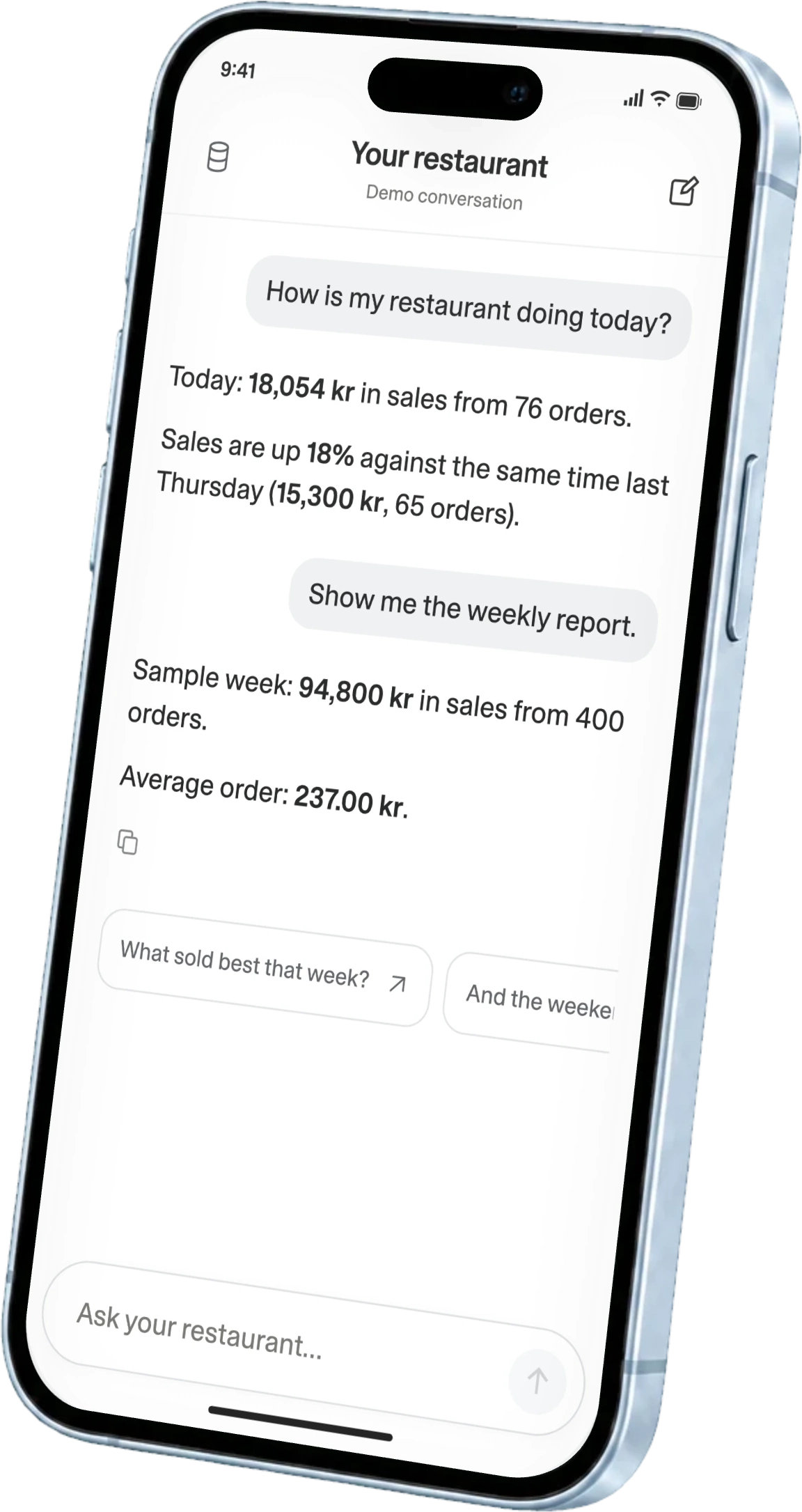
Connect ninito to a compatible AI tool and bring your restaurant’s data into the conversation. Ask a follow-up, compare a different period or turn an answer into a tool you can use again.

Bring AI and machine learning to your restaurant data. Connect ChatGPT or Claude through MCP to ask questions, build reports and prepare changes.
Preferred by the best restaurants


























Try this demo with sample restaurant data. Ask about sales, guests or products, or draft a lunch offer. Ask in English or Norwegian and keep the conversation going.
This demo uses sample data. Nothing is connected to a real restaurant.
Bring your sales, menus and restaurant tools into ChatGPT or Claude. ninito connects your restaurant to your own AI through MCP, so you can work with your business in a conversation.
Ask in your own language. Shape the reports you need. Build around the way your restaurant works.
Meet the connection behind itCompare matching periods, then look at the orders, dishes and guests behind the difference. Ask a follow-up in English or Norwegian until you have the detail you need.
What changed at lunch?
Sales & orders
The same two hours, 11.00–13.00. Lunch accounts for today’s increase in orders.
Choose the restaurants, dates and numbers that matter to you. Ask your AI to turn them into a weekly report, a product comparison or a view you can use again.
Build my weekly report.
Sales & orders
21–27 September
| Period | Orders | Sales |
|---|---|---|
| Mon–Fri | 241 | 55,000 kr |
| Sat–Sun | 159 | 39,800 kr |
The weekend contributed 42% of this week’s sales.
Work through an offer with your AI, including the products, price, restaurants and serving times. Refine the details together, then review the proposal before a change is applied. Supported changes depend on your connection and restaurant access.
Make it weekdays, 11.00–13.00.
Included products
Available days
“Compare last Tuesday’s sales, orders and average basket with the four Tuesdays before it.”
An hourly comparison explains changes in order volume and average spend.“Show lunch’s busiest half-hours and best-selling dishes across the last four weeks.”
A lunch timeline connects busy periods with the dishes ordered most often.“Which dishes and extras do returning guests choose most often this month?”
Ranked favourites and common additions reveal what regulars keep coming back for.“Build a morning dashboard with restaurant and date filters for my key numbers.”
Sales, orders, average spend and returning guests together, with filters that update every view.“Compare each pizza’s quantity, sales and share of orders with last month.”
A product comparison separates changing pizza preferences from an overall increase in orders.“Build a lunch explorer for 11.00–14.00, with weekday, date and half-hour filters.”
An interactive timeline shows sales and product details for your chosen lunch period.“Compare sales, orders and average spend across every restaurant, Friday from 18.00–21.00.”
Every restaurant compared within the same three hours, with matching measures side by side.“Rank each restaurant’s favourite dishes by order share, not just total sales.”
Local rankings include order shares and counts, so larger locations do not dominate.“Compare September’s returning guest rates across restaurants, showing guest counts behind each percentage.”
Returning and total recognised guest counts put every restaurant’s percentage into context.“Prepare pizza and a soft drink for 149 kr, weekdays from 11.00–13.00.”
A lunch offer with products, price and schedule, ready for your review.“Prepare Friday’s 15-product menu with fewer choices, 18.00–22.00, then restore the usual menu.”
Review selected products and reduced choices, with a scheduled return to the usual menu.“Mark spicy chicken pizza unavailable at Centre only. Show me the proposed change.”
A focused proposal identifies the dish and restaurant, leaving every other location unchanged.MCP connects your restaurant to compatible AI tools. Sign in with ChatGPT brings a familiar way to sign in to ninito.
ChatGPTClaudeConnect ninito to a compatible AI tool and bring your restaurant’s data into the conversation. Ask a follow-up, compare a different period or turn an answer into a tool you can use again.
Sign in with ChatGPTSign in to ninito with your ChatGPT account. A familiar way to get started, with restaurant access managed by ninito.
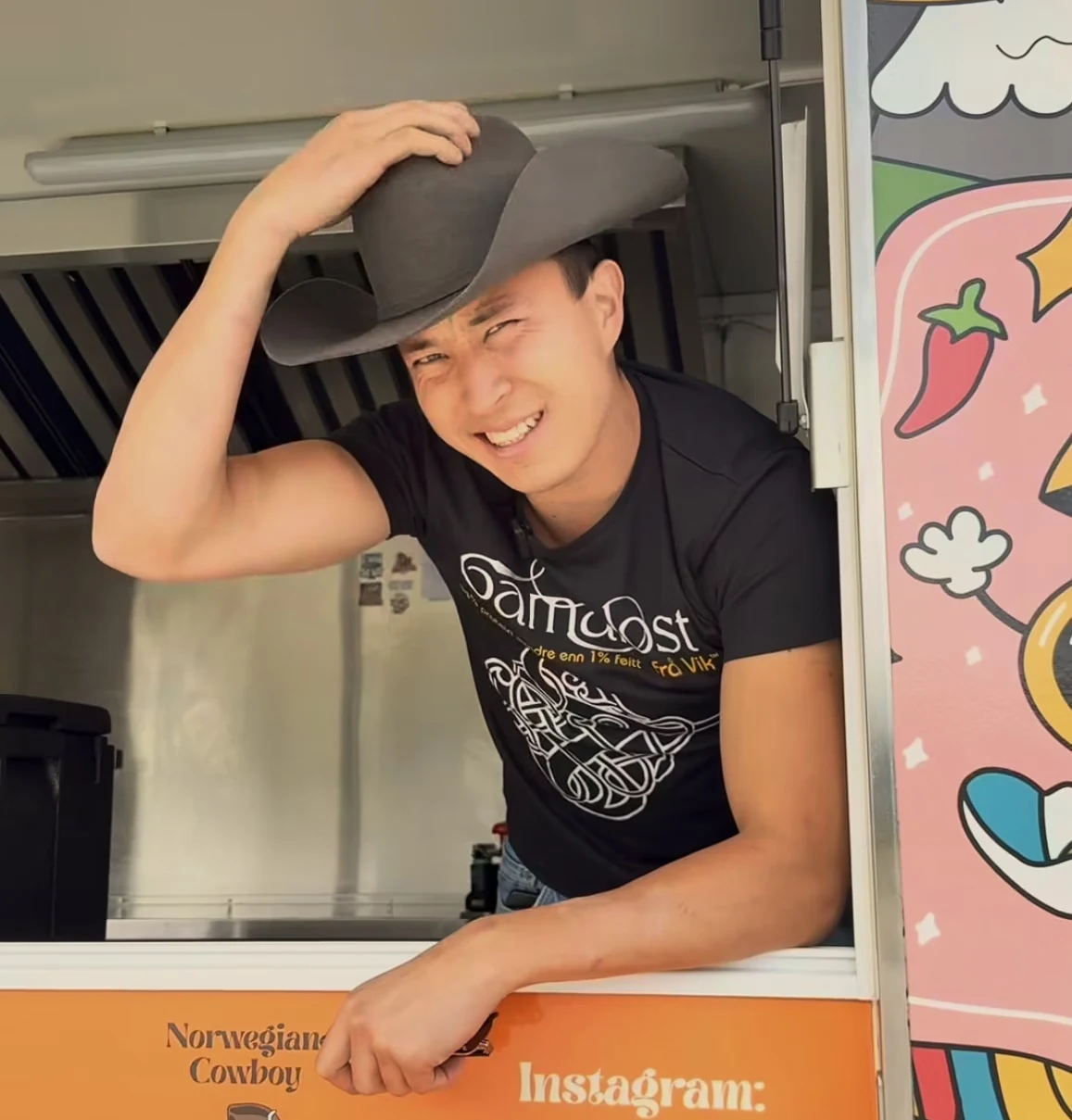

Pota Madre brought its core restaurant systems into ninito across all 20 locations, connecting central management, sales insight and loyalty. Kaj and the team’s story shows why bringing the business information together matters when a growing chain needs a clearer view of its operations.
Read the Pota Madre storyModel Context Protocol is an open standard that lets compatible AI applications connect to data and tools. With ninito MCP, your AI can work with restaurant data and supported tools instead of relying on information you copy into the conversation. Selected customers are already testing the connection.
They do different things. MCP connects restaurant data and tools to your AI. Sign in with ChatGPT lets you use your ChatGPT account to sign in to ninito. Access to your restaurant still comes from your ninito account. Signing in does not give ninito access to your ChatGPT conversations.
MCP is supported by tools such as ChatGPT and Claude, as well as development tools and custom AI applications. Compatibility and the available experience depend on the client. We will share more about supported connections as we expand access beyond the selected customers testing MCP.
A morning dashboard with your own filters, a weekly report across locations, a product comparison or a small tool for exploring lunch sales. Describe the result you want, then refine it in the conversation. The data and tools available through your connection determine what your AI can build.
The idea is to move from understanding to doing. Prepare an offer, adjust a menu schedule or change a product’s availability. Supported actions depend on the tools enabled for your connection and your restaurant access. You review the details before a change is applied.
A restaurant MCP server makes supported restaurant data and tools available to an authorised AI client. ninito provides the restaurant connection; you choose a compatible AI tool. The client can request information or use supported tools through that connection. What it can access depends on the enabled tools and your restaurant permissions.
No. You can keep using ninito’s reporting and manager app. MCP offers another way to work with your restaurant data. Ask follow-up questions, choose your own filters or build a report around a specific menu, service period or group of restaurants. Your custom view can focus on the information you need for that decision.
Yes, selected ninito customers are already testing MCP. Wider access is coming soon for ninito Pro and ninito Enterprise, and we’re excited to bring it to more customers. Talk to our team about your use case and availability. Sign in with ChatGPT is still coming soon, with availability subject to OpenAI’s rollout. Your AI provider’s account requirements and terms also apply.
Preferred by the best restaurants