
Distance & area
Choose the neighbourhoods you serve. Draw your delivery area and decide how far your own drivers travel.

Take delivery orders in your own webshop and app. Choose where your team delivers, assign each order and give drivers the route to the customer.
Preferred by the best restaurants

















Try your delivery rules.
Choose a setup, then select an order below the map.All three orders stay with your own drivers.
Draw where your team delivers and set the rules for distance, order value, day and time. ninito assigns each order using your areas, priorities and available drivers.
Choose the neighbourhoods you serve. Draw your delivery area and decide how far your own drivers travel.
Keep larger orders with your team, or prioritise deliveries that need attention first. You set the thresholds.
Match deliveries to your opening hours and available drivers. Add outside help when you choose, where available.
Keep your own drivers at the centre of delivery. Where available, connect external help for busy periods, unavailable drivers or longer trips, using the rules you choose.
350 m · 2 bags
3 drivers available
With your drivers available, the next local delivery goes straight to your team.
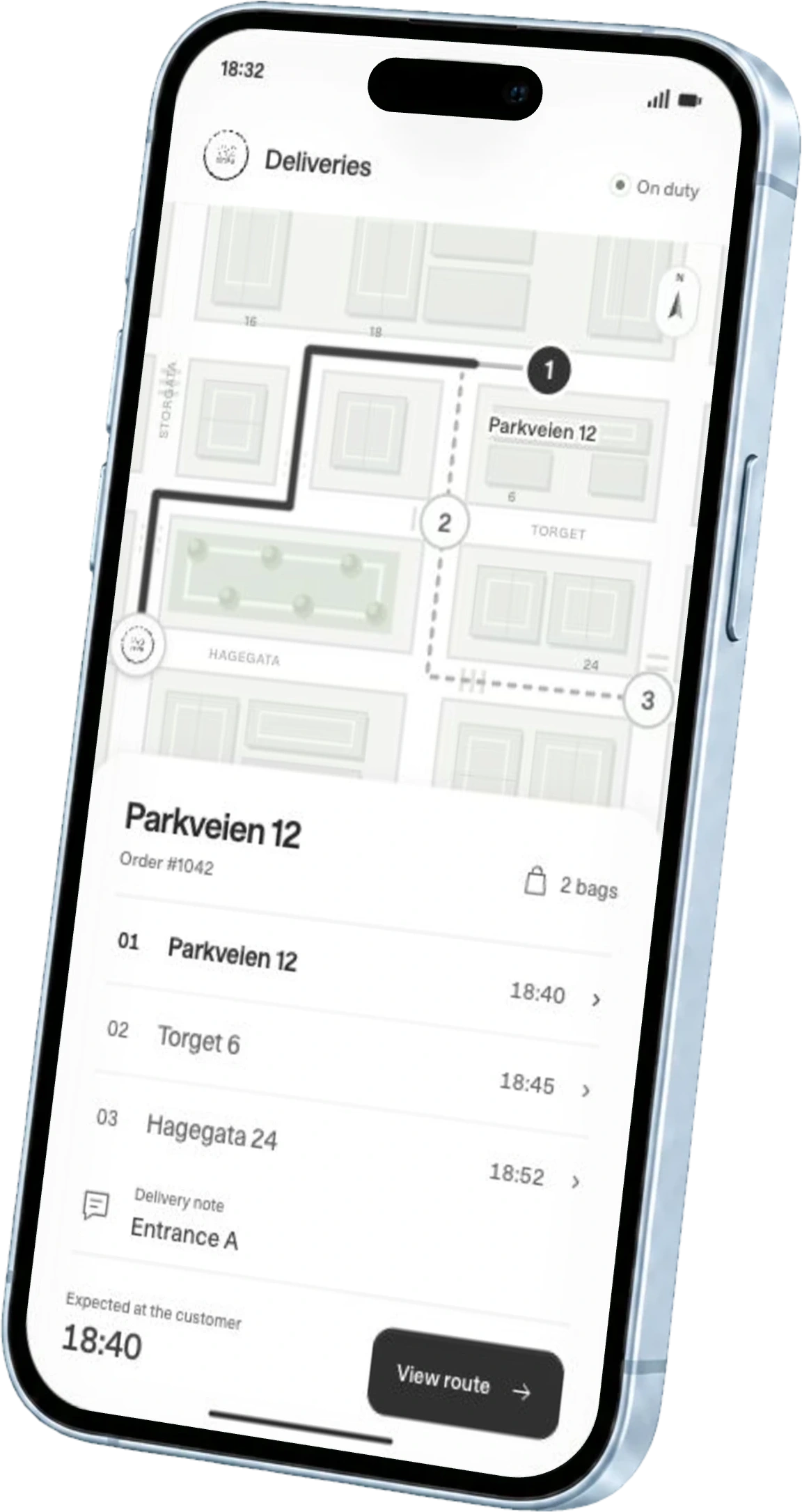
Driver app preview. Open a route, select one of three example deliveries and preview navigation to its address.
Parkveien 12Order #1042
2 bagsGive your own drivers a dedicated app with prioritised deliveries, customer details and navigation. Multiple orders appear in delivery order, so the next stop and the right bag stay clear.
Order information, customer details and delivery instructions arrive together in the driver app.
Distance, promised arrival, traffic and the current route help prioritise multiple deliveries.
The customer is already on the map. Drivers start navigation directly from the app.
Traffic, weather, kitchen preparation and driver availability all affect the journey. ninito uses live data and machine learning to estimate delivery times and help prioritise orders as conditions change.
Arriving at Parkveien 12
Clear roads. An 18-minute drive after 10 minutes in the kitchen.
Webshop and app orders go straight to the kitchen, with every extra and choice included. Follow the meal out with your driver, connect identified purchases to loyalty, and invite the guest to tell you how it went.
Follow the order as you scroll.
Delivery address, map location, estimated arrival and payment, all in your own webshop or app.
The order is connected to the kitchen and ready for the team to prepare.
Your rules assign the delivery using the area, order priority and available drivers.
Orders, priorities and the next customer are ready in the driver app.
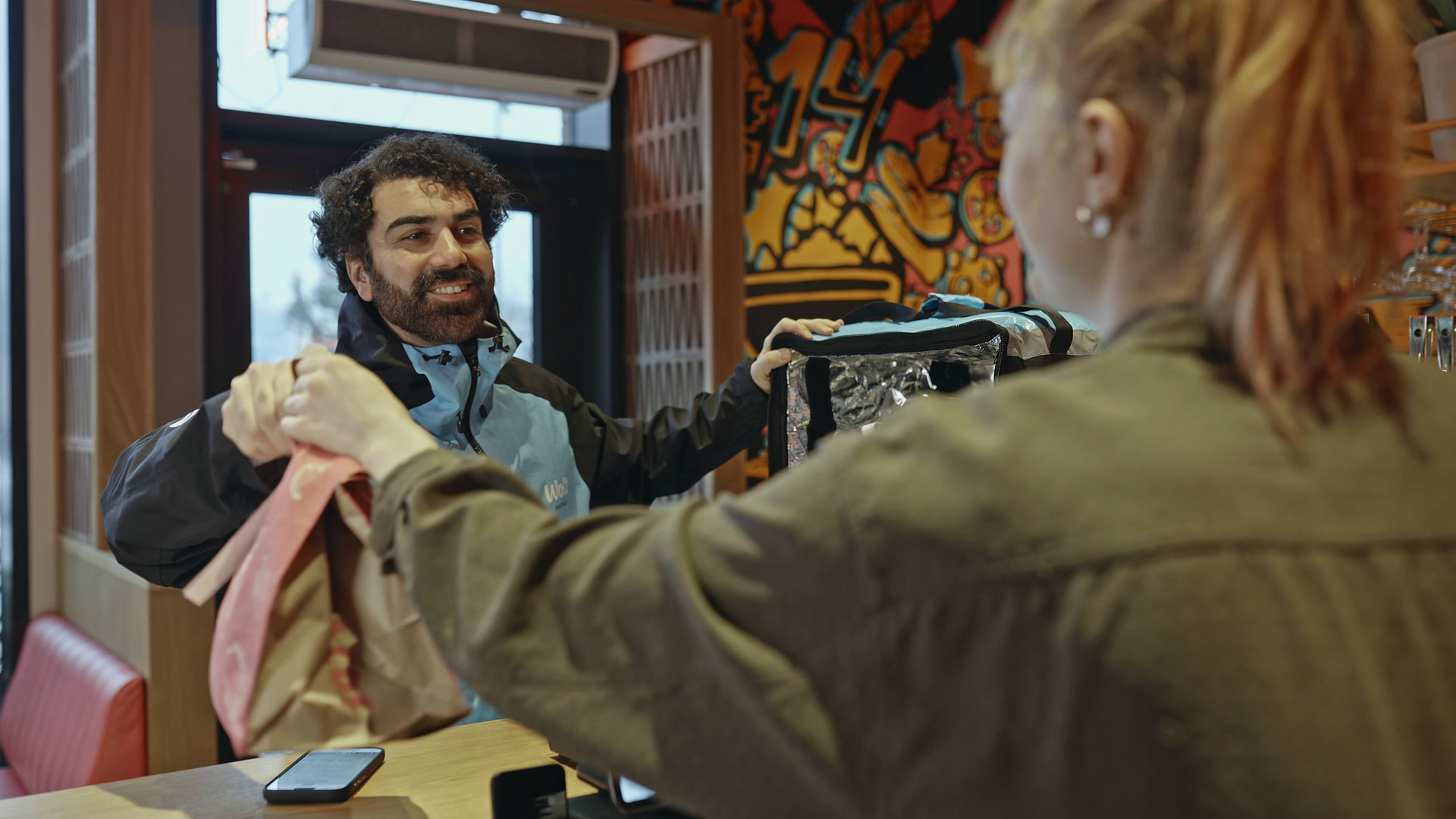
Your driver hands the order to the guest. The delivery is complete.
After delivery, an SMS invites eligible guests to share their experience. The request follows your restaurant’s communication settings.
Thanks for ordering. How was your delivery?
Example guest responseRun delivery with your own drivers, even where no external delivery networks are available.
Decide who delivers by area, order value, time of day and available capacity.
Give every driver ordered stops, customer information and navigation in the same app.

Dolly Dimple’s chose ninito to connect ordering, loyalty, marketing and central restaurant management after comparing and testing several providers. Implementation is now underway, with simpler ordering for guests and clearer control across the chain at the heart of the plan.
Read the Dolly Dimple’s storyGuests order from your own webshop or app and choose the services available at their location. Manage the menu centrally in ninito, with pickup and delivery in the same ordering experience. Dishes, extras, payment and delivery details reach the kitchen, where products can be routed to the right preparation station.
Identified purchases through your own channels connect to the guest’s order history and configured loyalty programme. The relationship stays with your restaurant, across delivery, pickup and other connected channels. Loyalty is available with ninito Pro and Enterprise, with identification and consent for individual guest history and marketing.
Connect supported delivery marketplaces through ninito’s Delivery platforms integration. Orders placed on Wolt, foodora, Uber Eats, Just Eat and Glovo join the kitchen alongside orders from your own channels. Manage their menus, platform prices, reporting and accounting in ninito. This is separate from booking Wolt Drive or Uber Direct to transport your own orders.
No. You can run delivery with your own drivers, including in areas without external delivery networks. Manage delivery zones, order assignment, routes and the driver app in ninito. Wolt Drive and Uber Direct are optional connections where they are available, for extra help when you choose.
Yes. Draw the areas your own drivers serve and decide how far they deliver. For example, keep orders within 500 metres with your team and, where available, connect an external provider for more distant areas. Different areas can use different connected providers. These are examples of configurable rules, not fixed delivery limits.
Yes. Delivery rules can account for order value, day, time, area and availability. For example, reserve orders above 1,000 NOK for your own team and schedule when your drivers operate. You can also configure external help during busy periods where a provider is available. The amount and schedule are examples; your restaurant chooses its own rules.
If you choose to connect an external provider, your rules can send eligible orders there when your own drivers are busy or unavailable. This depends on external availability. Your team can handle new orders again when capacity returns. ninito can take account of available drivers, restaurant capacity, waiting deliveries and current routes.
Drivers see their assigned orders, customer details, delivery information and customer locations on a map. The app shows which deliveries have priority and which stop comes next. Drivers can start navigation directly from the app, without copying addresses or asking the restaurant which order to take first.
ninito helps put a driver’s deliveries in the right order using distance, the promised delivery time, traffic, when each order was placed and the current route. The driver app presents the prioritised stops together with order information, customer locations and navigation, keeping multiple deliveries in one workflow.
ninito can use delivery distance, kitchen preparation time, estimated driving time, traffic, weather, driver availability, waiting deliveries and current routes. Machine learning and live data help calculate delivery estimates and determine how orders move through the delivery operation. Times are estimates and can change with conditions.
The guest orders directly from your restaurant, chooses delivery and enters an address. They see the location on a map and receive an estimated delivery time before paying and placing the order. Behind that ordering experience, ninito manages the delivery rules, driver assignment and route priorities.
The guest’s order reaches the kitchen, where the team prepares the food. ninito applies your delivery rules, and your own driver receives assigned orders in the driver app with the next stops and navigation. The website, ordering platform, kitchen and your delivery team work within the same ninito system.
Yes. Your restaurant controls delivery fees, delivery distance, service areas, order priorities and when your team delivers. If you connect an external provider, you also choose when to use that help, subject to availability. Build the setup around your own team, service area and opening schedule.
Preferred by the best restaurants