
Table 8
Ready for guests
A cleared table is available for the next party.

Automatic course firing, seat orders and check splitting in one restaurant POS. ninito keeps service connected, with your team in control.
Preferred by the best restaurants































Automate course firing to the kitchen. Send drinks immediately while staff control when the next course starts.
Wine, soup and steak. One order.
Wine goes to the bar and soup to the kitchen. The steak stays on hold.
Create your own courses and assign dishes or product categories. New order items enter the right course automatically, including each stage of a tasting menu.
Take the whole order while drinks go immediately to the bar or kitchen. Send an entire course while holding an individual dish for later.
Start mains after starters are marked ready or served, with an optional pause. Staff can adjust the countdown or send now; ninito records who changed the timing.
If five steaks are ordered but only four entered, put the missed dish at the top of the kitchen queue with a clear urgent marker.
Sent courses enter the kitchen queue. Staff see what needs preparing now and can preview upcoming courses for a table when they need to plan ahead.
Record orders by seat for serving and bill splitting. Shared dishes divide automatically when you split the bill by guest.
A place for each order
Guest 1’s main course
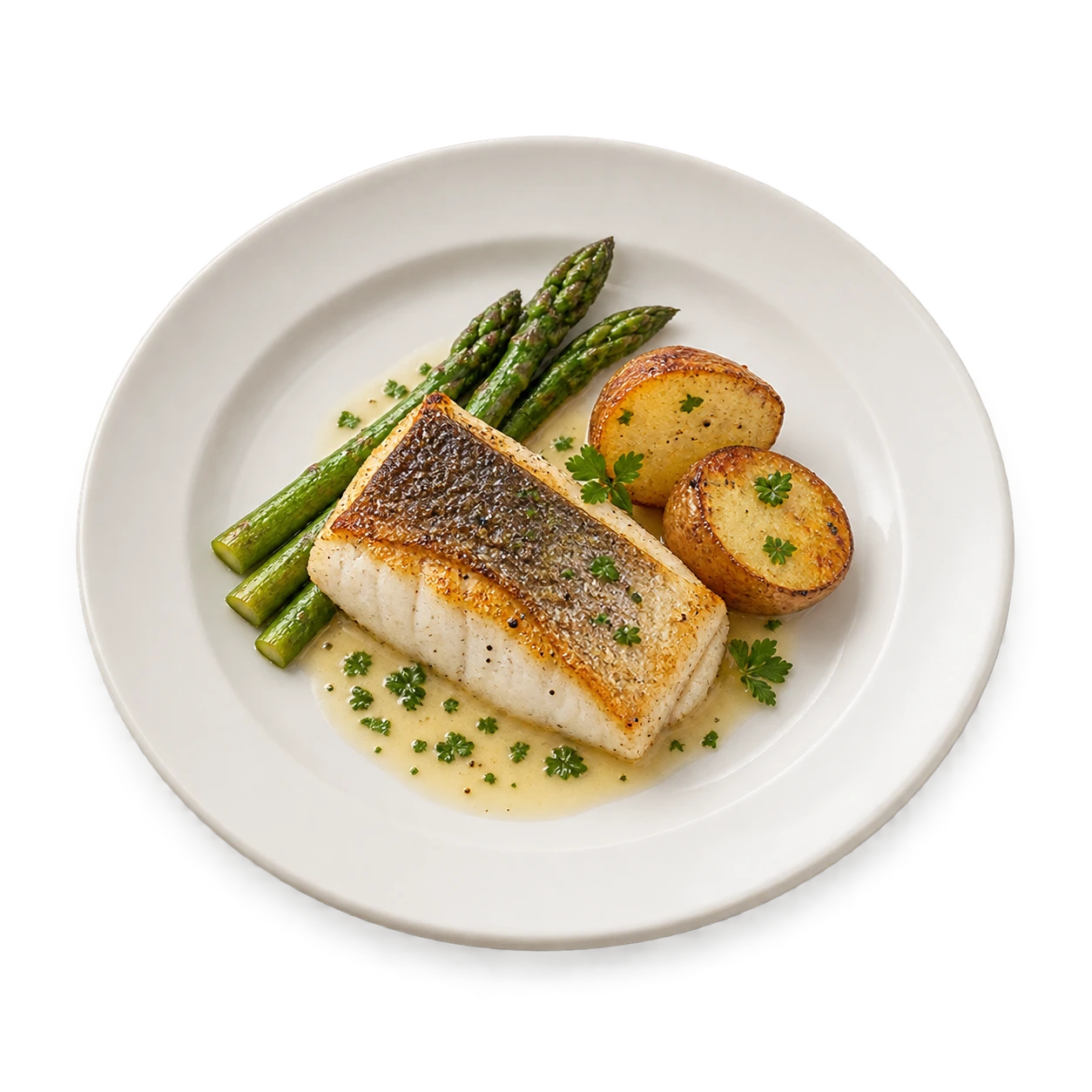
This main course belongs to one guest. The starter in the centre is shared by everyone at the table.
Enter the guest count and ninito creates the seats. Add another seat when someone joins, keeping their order connected to their place at the table.
Assign food and drinks to a guest’s seat or the whole table. Notes and customisations stay with each item so staff know who requested what.
See the destination seat for each dish. When splitting by guest, individual items follow their seats and the cost of table-shared items is divided automatically.
Move an existing dish to another seat or course without entering it again. Correct who ordered it or when it should be served.
Eight courses or twelve. Follow each table’s progress and fire the next course when the guests are ready.
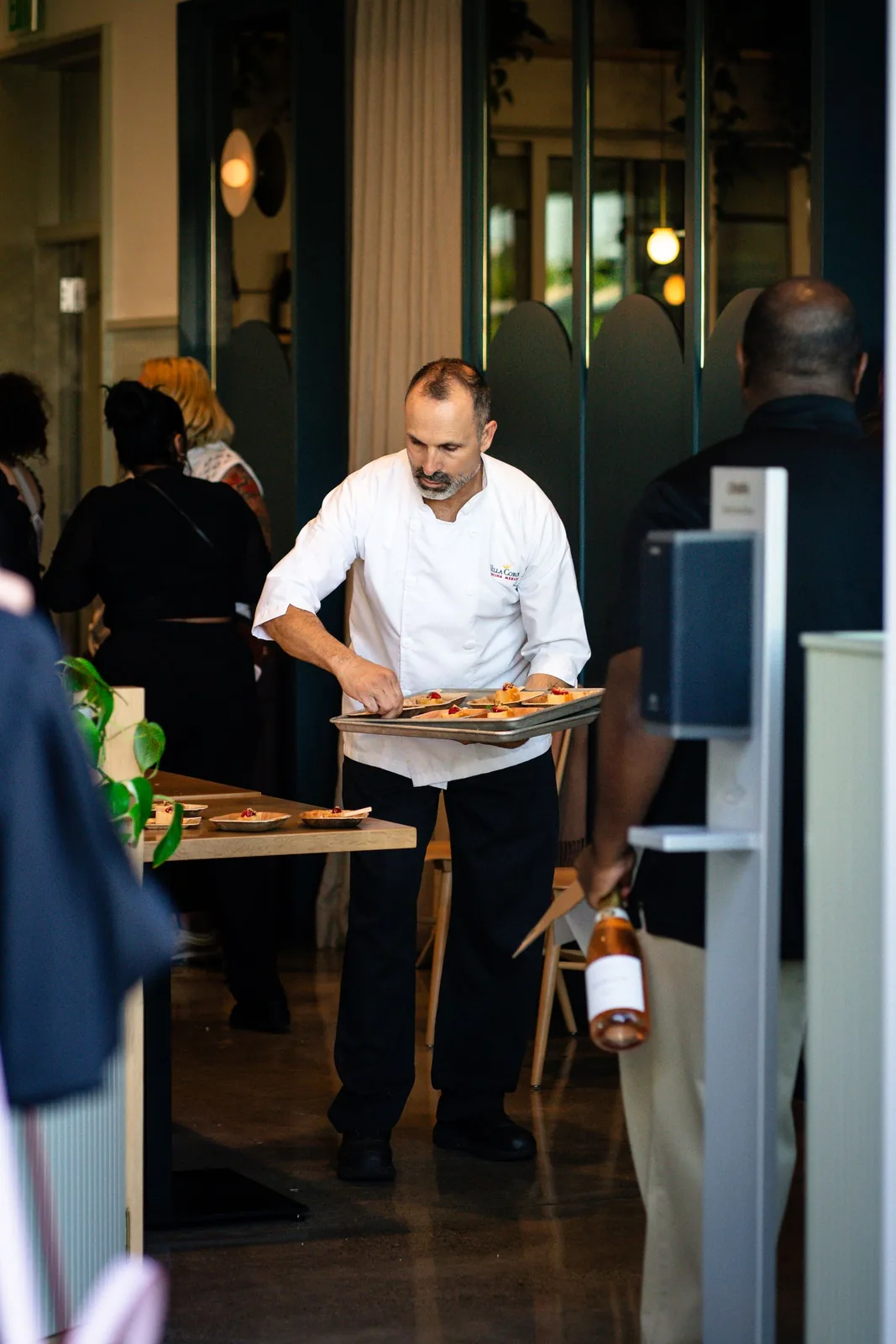
With the guests
When the guests are ready, fire the next course.
Receive a notification when food is ready, a guest requests service or a seated table has waited to order. See which table needs a follow-up.
Filter items by on hold, preparing, ready or served. Mark dishes as served at the table, with a record of who served them and when.
Add a drink already handed to a guest directly to the bill, without sending another preparation request to the bar or kitchen for that item.
ninito warns staff if they leave a table before saving or sending their changes, giving them a chance to complete the order before moving on.
Move or merge restaurant tables, keeping their orders, checks and guest choices together.
Table 8 + Table 12
Move selected orders and bills to another table, or merge tables when parties join. Review the destination and what is already there before moving the items.
Record add-ons, required selections, quantities and notes on each dish. Keep the guest’s choices with their order, including changes made while taking it.
Copy an item with its choices and notes, then adjust it for another guest. Separate one item from a larger quantity without changing the others.
Resume a table with its orders, guests, shared items, paid and unpaid bills and activity history. A colleague can see what happened before taking over.
Split checks by guest, couple or group. Divide shared costs, combine payments and track unpaid bills.
Dinner for three · NOK
The full order, on one bill.
One bill for 1,440 NOK. All three mains and the shared bottle stay together.
Divide the total evenly between a chosen number of people, or create bills from seat orders. Table-shared items are divided automatically when splitting by guest.
Split a bottle of wine or another item between bills. Divide its cost into halves, thirds or other portions, and move items between bills.
Create a bill for one person, a couple or part of the table. Move the items they want to cover onto that bill.
Pay each bill separately or combine cash, card and Vipps on the same bill. Every payment stays connected to the amount being settled.
Filter paid and unpaid bills. Print pro-forma receipts individually or for the whole table before payment, and find the receipts for bills already paid.
Let guests order from your table QR menu or approve a mobile payment request started by your team. QR orders and the waiter’s running bill remain separate.
The QR order identifies table 12. It remains separate from the waiter’s open bill.
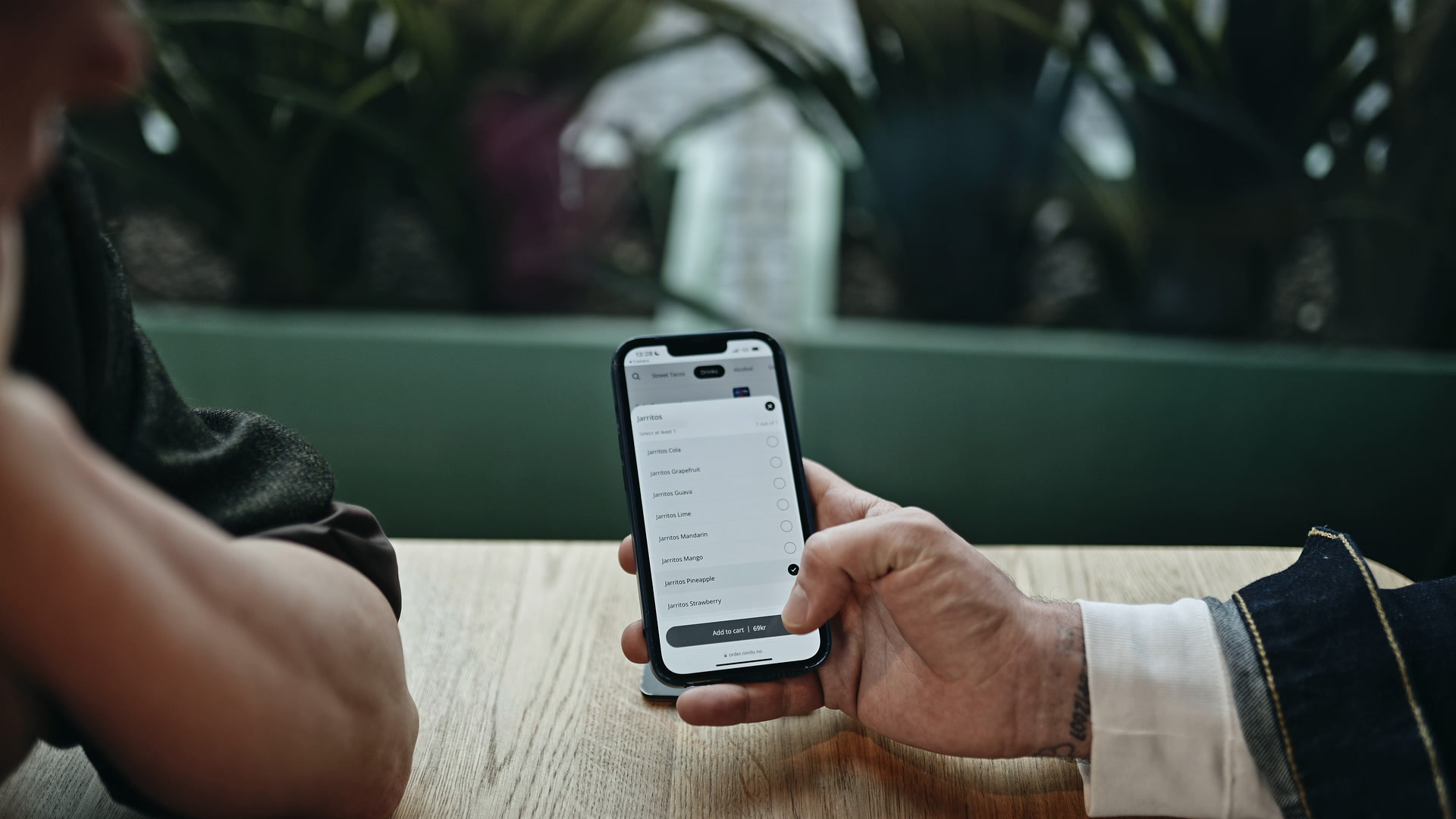
The QR code identifies the table. Guests place a new order from the menu, without joining or changing the waiter’s existing open bill.
Staff request a supported mobile payment from the POS, and the guest approves it on their phone. Vipps, MobilePay and Swish availability follows the restaurant’s country and register setup.
Staff can take successive partial payments against one bill. Each completed payment reduces the remaining balance, while the rest stays open.
The waiter manages the running bill, arranges items and starts payment. Colleagues can continue the same saved check from authorised POS devices in the restaurant.
Collect feedback from guests’ phones during the visit. Negative feedback can alert the waiter before guests leave.
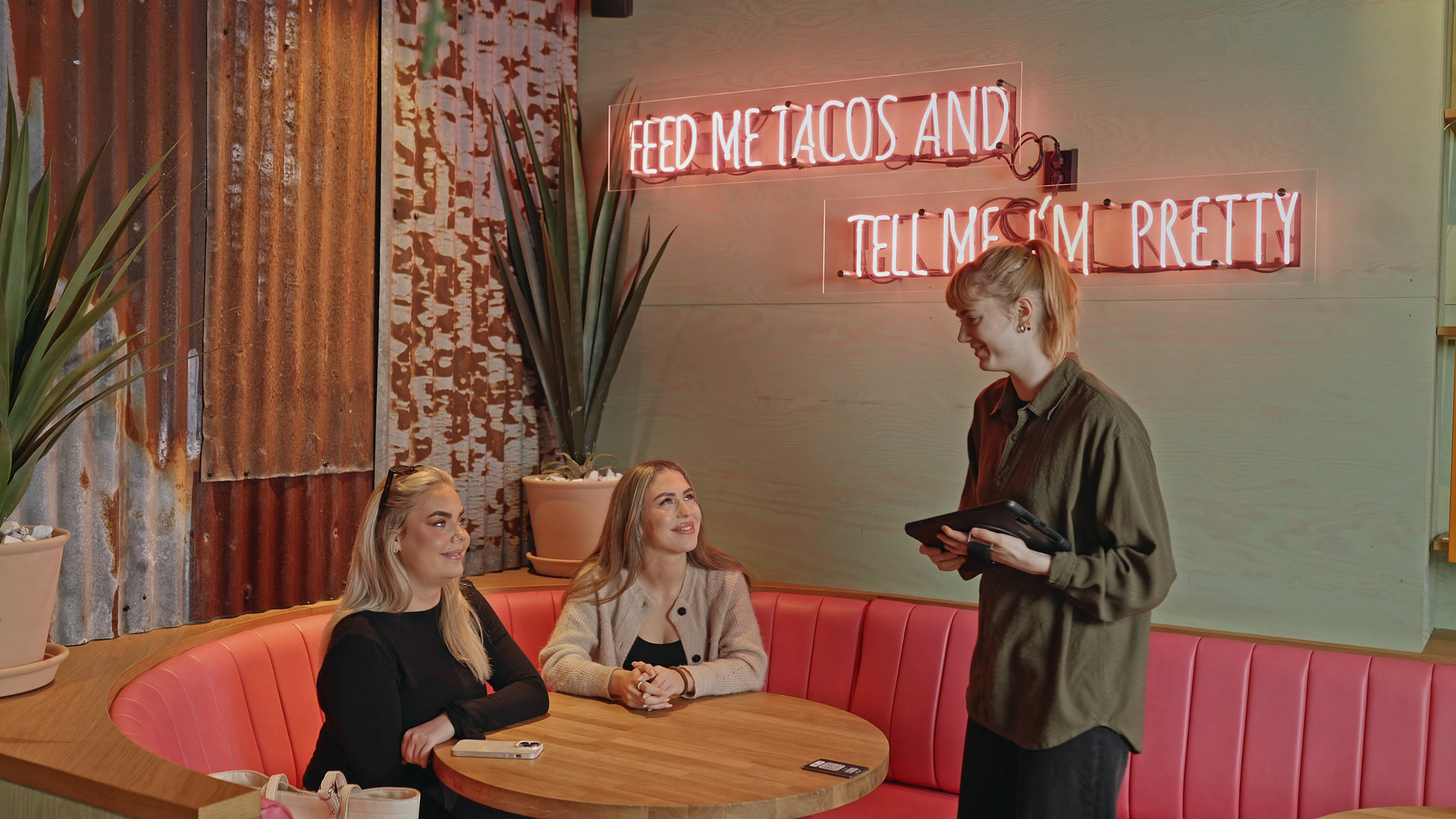
Negative feedback received
Guests can share feedback from their phones during the meal or around payment, while there is still an opportunity to talk at the table.
ninito can notify the waiter about negative feedback. The team can approach the table, understand the issue and decide how to help before the guest leaves.
Review service history, spending per guest and table duration. Trace restaurant orders, payments and staff actions.
Table 12·
See individual and average guest spending alongside the table total. Staff can see which seats ordered drinks or starters; managers can review the patterns afterwards.
Track time at the table and set expected dining durations by party size. Receive notifications when that duration is reached and review table turnover.
See who added or changed orders, when dishes were sent and served, and when payments were made. Filter staff or guest activity to find relevant events.
Find a past visit to investigate a missing item, payment question or complaint. Review the relevant orders, service history and payments before following up.
Manage restaurant tables across rooms and floors, with availability, covers and assigned waiters.
Table 8
A cleared table is available for the next party.
Table 12
Four guests. One waiter. Their next course is already with the kitchen.
Table 18
The guests have paid. Clear the table before seating the next party.
View the floor plan before logging in. See rooms, floors and sections, search for a table, and check its assigned waiter and meal progress.
See guest counts, elapsed time and table notifications. Open a quick table summary before entering the full order to see what needs attention.
After guests pay and leave, the table stays unavailable until cleared. Staff can also mark a table for clearing or block tables that are out of use.
Open the current visit from the floor plan. Continue its order or start payment, with the table’s existing orders, guests and bills together.
With guest consent, ninito uses previous orders and preferences to suggest food and drinks.
When a guest identifies themselves, their profile appears beside the POS order, with membership and birthday details they chose to share.
With the guest’s consent, see previous orders, favourite drinks and shared preferences beside the current order.
Machine learning combines purchase patterns and shared guest preferences to suggest relevant food and drinks.


At Paleet Food Hall, guests share a table while choosing food from different restaurant concepts. Connecting their ordering channels through ninito simplified daily routines and reduced administration, giving Tobias Simensen and the team more time for the food hall and its guests.
Read the Paleet Food Hall storyFrom the neighbourhood restaurant to fine dining and the hotel dining room. Keep tables, courses and bills connected around the way your team serves. Hotel restaurants use the restaurant workflow, without a hotel PMS or room-charge integration.
Use a supported browser and internet connection on the device that fits your service. Our equipment options include Apple devices and tested restaurant peripherals. Hardware purchased through ninito is supplied at our purchase price, with 0% markup. We do not offer rental or leasing.
Combine cash, card and Vipps in a supported setup. Split shared items, see paid and unpaid bills, and find the receipt when a guest has a question. We confirm the payment methods, terminals and accounting connection for your restaurant before setup.
Choose who can see restaurant information and make changes through configurable roles and permissions. Agree the access for staff, managers and head office, together with the reporting and reconciliation routines your business needs.
Omni Check keeps a restaurant bill open throughout the visit. Your team can add rounds, hand the bill to another waiter, move tables, split eligible checks and take partial payments. Kitchen updates stay connected to the order, from the first round to the final payment.
Yes. View the floor plan before logging in, with multiple dining areas, floors and restaurant sections. Staff can find a table, see its assigned waiter, covers, elapsed time and meal progress, then open the current visit or begin payment.
Tables can be available, awaiting clearing or temporarily blocked. After guests have paid and left, the table is marked for clearing and cannot be seated until cleared. Staff can also block tables that are out of use.
Yes. Build an eight-course, twelve-course or other tasting menu with your own course groups. Assign dishes or product categories so ordered items enter the right course. Follow each table’s pace, hold the next course when guests need more time and fire it when they are ready. The team can distinguish preparing, ready and served throughout the meal.
Set mains to follow starters marked ready or served, with an optional pause. If no starters are ordered, mains can be treated as the first course. Staff can adjust the countdown, send a course now or hold individual items. ninito records who changes the timing, and the kitchen receives items when they are sent for preparation.
Enter the covers to create seats, then assign items to individual seats or the whole table. Staff can see where each dish goes. When creating bills by guest, individual items follow their seats and table-shared items are divided automatically.
A missed dish can be given urgent priority at the top of the kitchen queue. An item already handed to a guest can be added to the bill without sending a duplicate preparation request to the kitchen or bar.
Yes. Divide a product’s cost between bills, split evenly, or create bills for individual guests, couples or groups. Each bill can combine cash, card and Vipps. Staff can review paid and unpaid bills, print pro-forma receipts before payment and access receipts for settled bills.
Yes. Move a party to another table or merge tables when groups join. Choose which items and bills to move and review what is already at the destination. The team can continue service with the selected orders and bills, while earlier visit records remain available.
No. Your team can manage the full visit in the POS. If QR ordering is enabled, guests can place a separate order associated with their table. That order does not join or edit the waiter’s existing open bill.
Yes. Staff initiate a supported mobile payment request from the POS, and the guest approves it on their phone. Staff can also take partial payments. Available methods depend on the restaurant’s country and register setup. Guests do not independently join, edit or settle the waiter’s bill through the table QR menu.
Guests can share feedback during the visit or around payment. ninito can alert the waiter when a guest is unhappy, giving the team an opportunity to speak with them at the table and decide how to help.
Review table duration, spending per guest and seat, orders, changes, service events and payments. Earlier visits remain available to help investigate a guest question or understand service patterns.
Preferred by the best restaurants