Every stage Beautifully clear
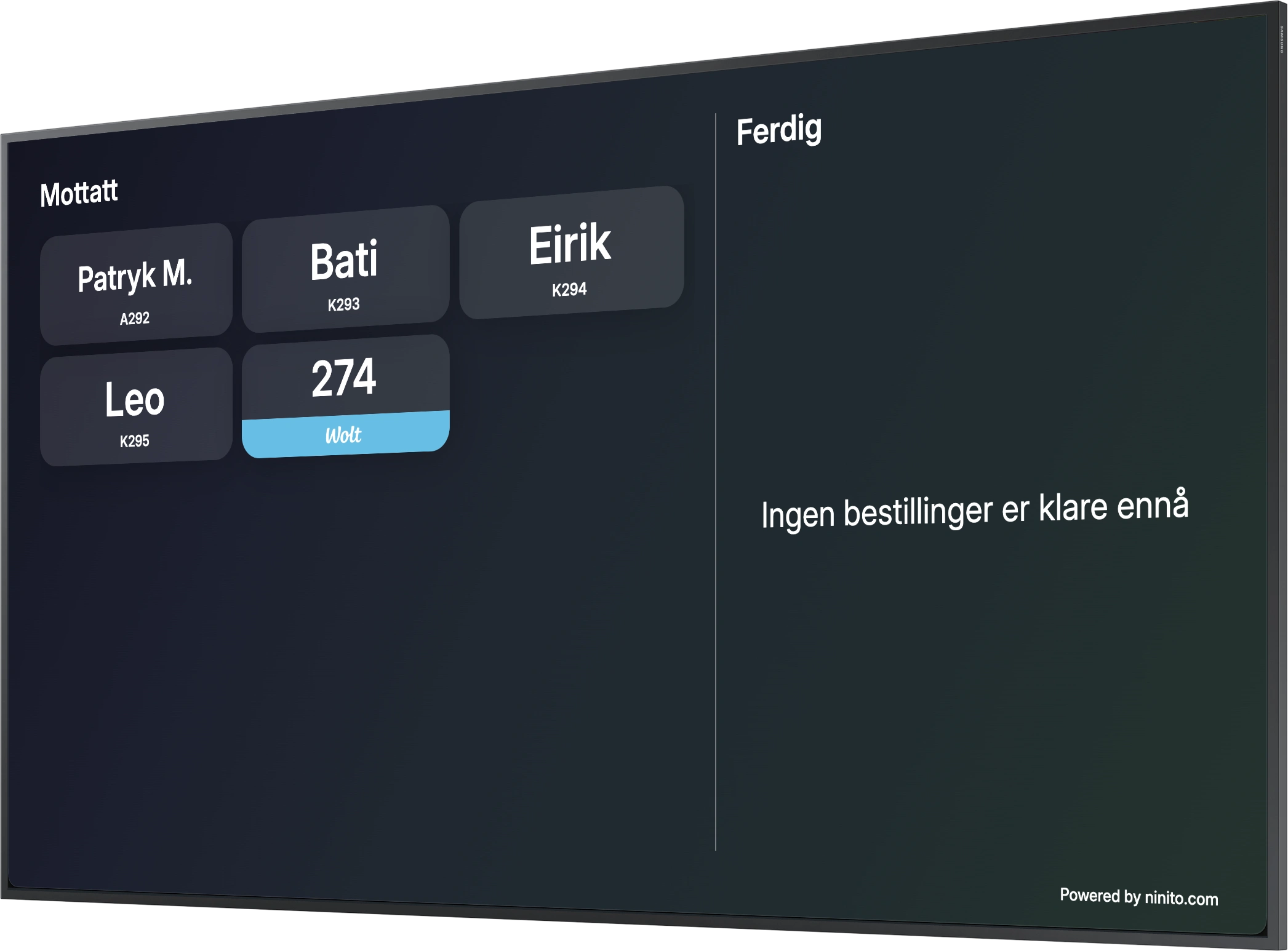
Guests follow their order from received to preparing to ready, with progress that is easy to understand at a glance.

Powered by Apple’s A15 Bionic, ninito brings exceptional processing power to your customer display. Smooth, live order updates for guests and couriers, with power in reserve for the years ahead.
Preferred by the best restaurants























Guests follow their order from received to preparing to ready, with progress that is easy to understand at a glance.
Delivery couriers check their own order status on screen, so your team can focus on preparing and handing over the food.
Apple silicon keeps live order updates fluid and responsive. Powerful hardware at the heart of a customer display designed for years of service.
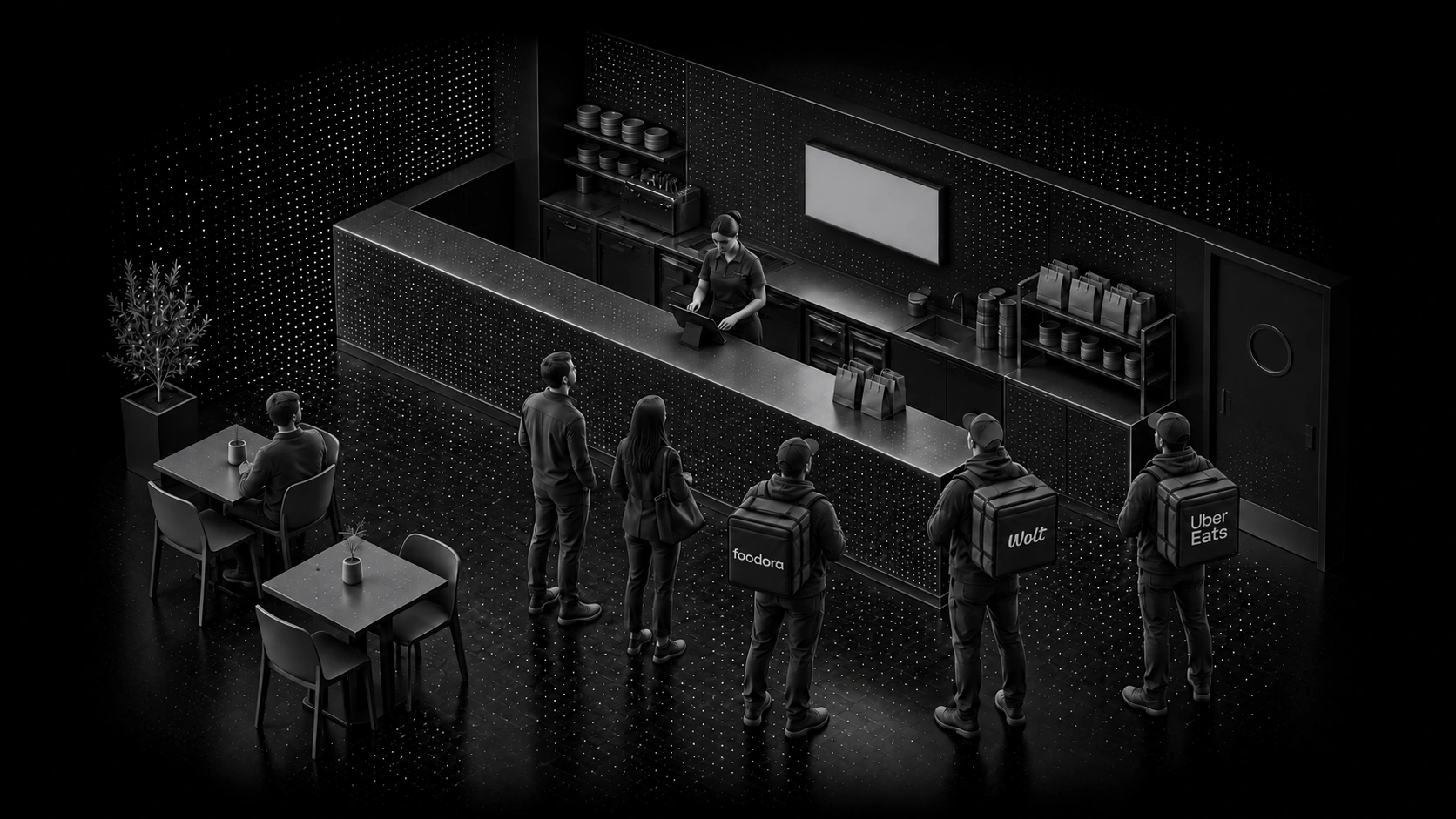
Guests follow their order. Couriers see when it’s ready. Live updates on one elegant display give everyone the clarity they need. Fewer questions at the counter. More time for exceptional service.
Make every stage of the order part of the guest experience. From received to preparing to ready for collection, ninito gives guests a clear view of their food’s progress. They recognise their order, follow what is happening and know when to collect. The answers are already on screen.
Explore self-service kiosksMark an order ready in KDS and the customer display updates automatically. The kitchen, service team and guests all follow the same status. Send an SMS too, wherever notifications are configured. One connected flow takes the update all the way to the guest, while your team keeps serving.
Explore the kitchen display systemBring pickups for connected Wolt, foodora, Uber Eats, Wolt Drive and Uber Direct deliveries onto the display. Couriers find their order and follow its progress without asking your staff. Choose the locations and channels each screen shows, with a dedicated courier view that keeps collection clear for everyone.
Explore delivery integrationsMake the display part of your restaurant. Bring your own identity to the screen and choose a portrait or landscape layout that fits your space. Apple’s A15 Bionic delivers the power behind the experience, keeping order progress smooth and clear through every service.
Explore backoffice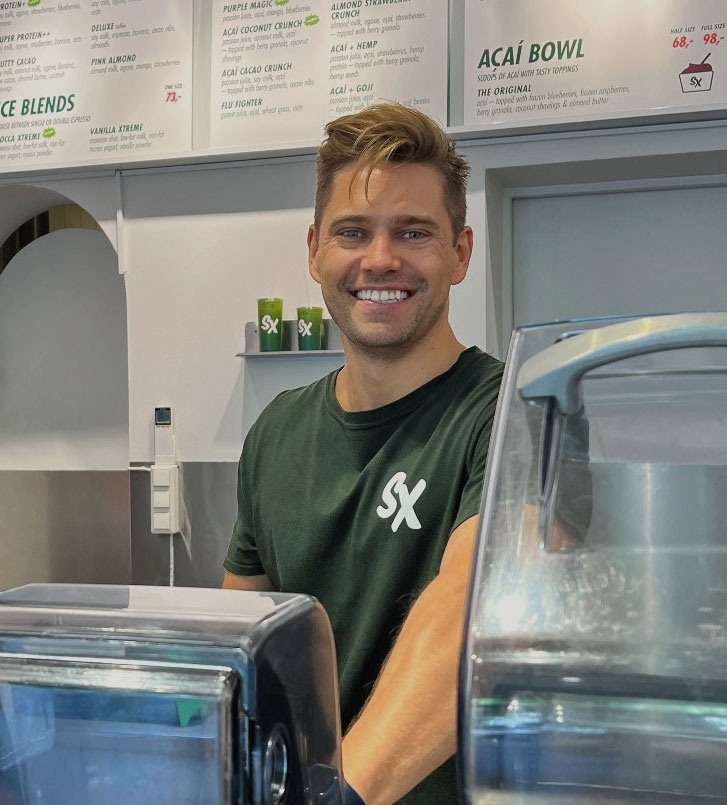

SmoothieXchange connects its app and kiosk orders with the work behind the counter. Moving a printer and changing how tickets arrived improved the workflow, a practical reminder that a good ordering experience also depends on how information reaches the people preparing each order.
Read the SmoothieXchange storyGuests see their order reference and follow progress from received to preparing to ready for collection. The display connects to the kitchen workflow, giving them a clear place to check what is happening and when to collect their food.
Yes. Order-status updates from KDS reach the customer display automatically. Mark an order ready and the collection screen follows. SMS notifications can also reach the guest where configured, without staff maintaining a second order list at the counter.
The display can show orders for connected Wolt, foodora and Uber Eats deliveries, as well as pickups handled by Wolt Drive and Uber Direct. Couriers check their order reference and progress on the restaurant’s screen, so they can get the status without asking staff. Wolt Drive and Uber Direct handle delivery for your own orders rather than acting as ordering marketplaces.
Yes. Choose the locations and ordering channels each display shows. Create a focused view for delivery couriers or takeaway guests, with the orders that belong at that collection point.
ninito Customer display is powered by Apple’s A15 Bionic chip, with substantial processing capacity for smooth live updates and years of service. The display stays connected to your kitchen through ninito, so guests and couriers see the latest order progress.
Yes. Bring your restaurant’s branding to the screen and choose a portrait or landscape layout that suits the space. Configure what each display shows around where your guests and couriers wait and collect.
Preferred by the best restaurants