Make the most
Of every rush
When everyone arrives at once, the next order should be easy. Give your food stand, event bar or food truck a clear menu, connected payments and a kitchen that knows what comes next.
Preferred by the best restaurants




























Keep the queue moving Keep the order together
The counter, payment terminal and kitchen have different jobs. Connect them so staff can take the next order while a payment continues, and send the food choices to the people preparing them.
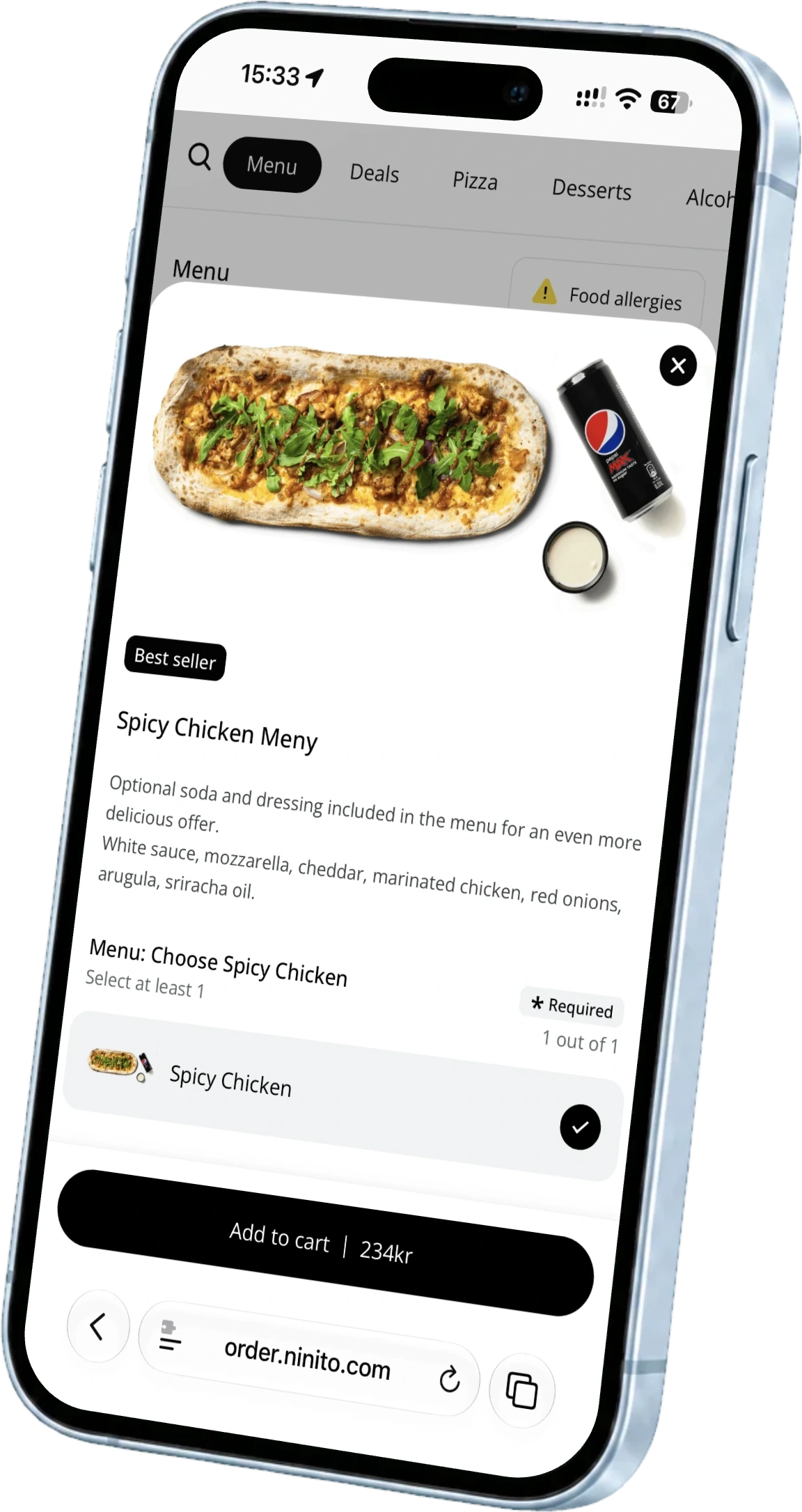
A menu made for this event
Put the event’s products, required choices and prices in place before opening. Schedule availability for lunch, evening or late-night service. When a product sells out, change its availability from the POS.
See timed menus and availability
The event ends The relationship can keep growing
A great meal at a festival can be someone’s first taste of your restaurant. Invite them into your customer club and give them a reason to visit again, long after the last stand closes.
A simpler system Behind the counter
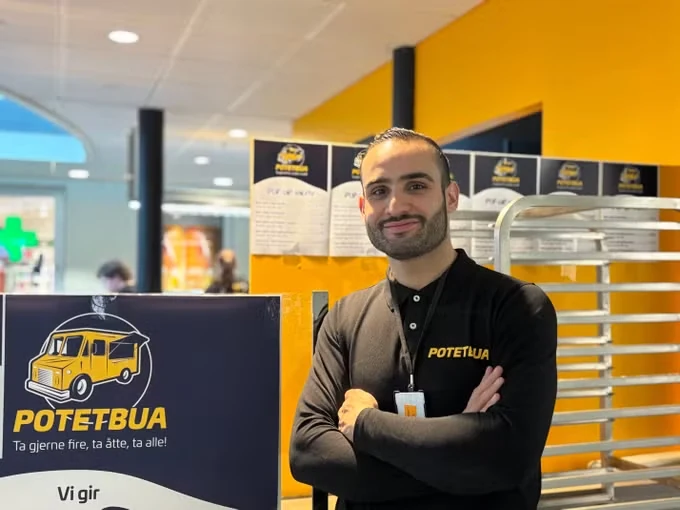
Potetbua wanted to bring its operations together and reduce payment costs. Read why Ibrahim chose ninito after taking the time to find a platform the business could grow with.
Read the Potetbua storyTake the next order while a guest pays
Send payments to supported connected terminals and keep each transaction’s status separate. The team can continue taking orders while previous payments complete. Payment authorisation speed depends on your connection, terminal and provider.
Explore the counter workflowKeep the kitchen and handover in step
Send orders and customisations to the kitchen display. Show order status on a customer display so guests can follow when their food is ready. After service, review the products, ordering channels and payments behind the sales.
Explore kitchen displaysGet the site ready before the crowd arrives
An event setup starts with the connection and the service points. Work through the practical details before opening day.
Internet and power
ninito runs in a supported browser with internet access. Test coverage, power and terminal connectivity at the actual service points.
Menus and equipment
Agree the menu, payment methods, supported terminals and kitchen screens. Equipment supplied by ninito is sold at cost with 0% markup.
People and the final settlement
Set staff permissions, test refunds and agree how sales should be reported. Plan the account and location structure for your operation before launch.
Questions about festivals and events
Can ninito run in a food truck or temporary stand?
Yes, with a supported browser, reliable internet, power and compatible connected equipment. Review the setup at the actual site, including the payment terminals and any kitchen or customer displays.
Does this work without internet?
Plan for an active internet connection. The browser-based ninito setup described here requires internet access. Test the venue’s connectivity and agree a contingency plan before the event.
Can we rent equipment from ninito?
ninito does not offer rental or leasing. Equipment purchased through ninito is supplied at cost with 0% markup. We review the browser devices, payment terminals and peripherals your setup needs.