3 Betalia alternatives for the whole restaurant
Compare more than payment equipment. ninito connects POS, kiosks, kitchen production and guest loyalty with local support and included guest SMS.

Choose the service behind the hardware
A screen, terminal and printer are visible parts of a restaurant system. The menu setup, kitchen connection and help during a busy service matter just as much. A Betalia alternative should make that complete operation easier to run.
1. ninito builds the setup around your restaurant
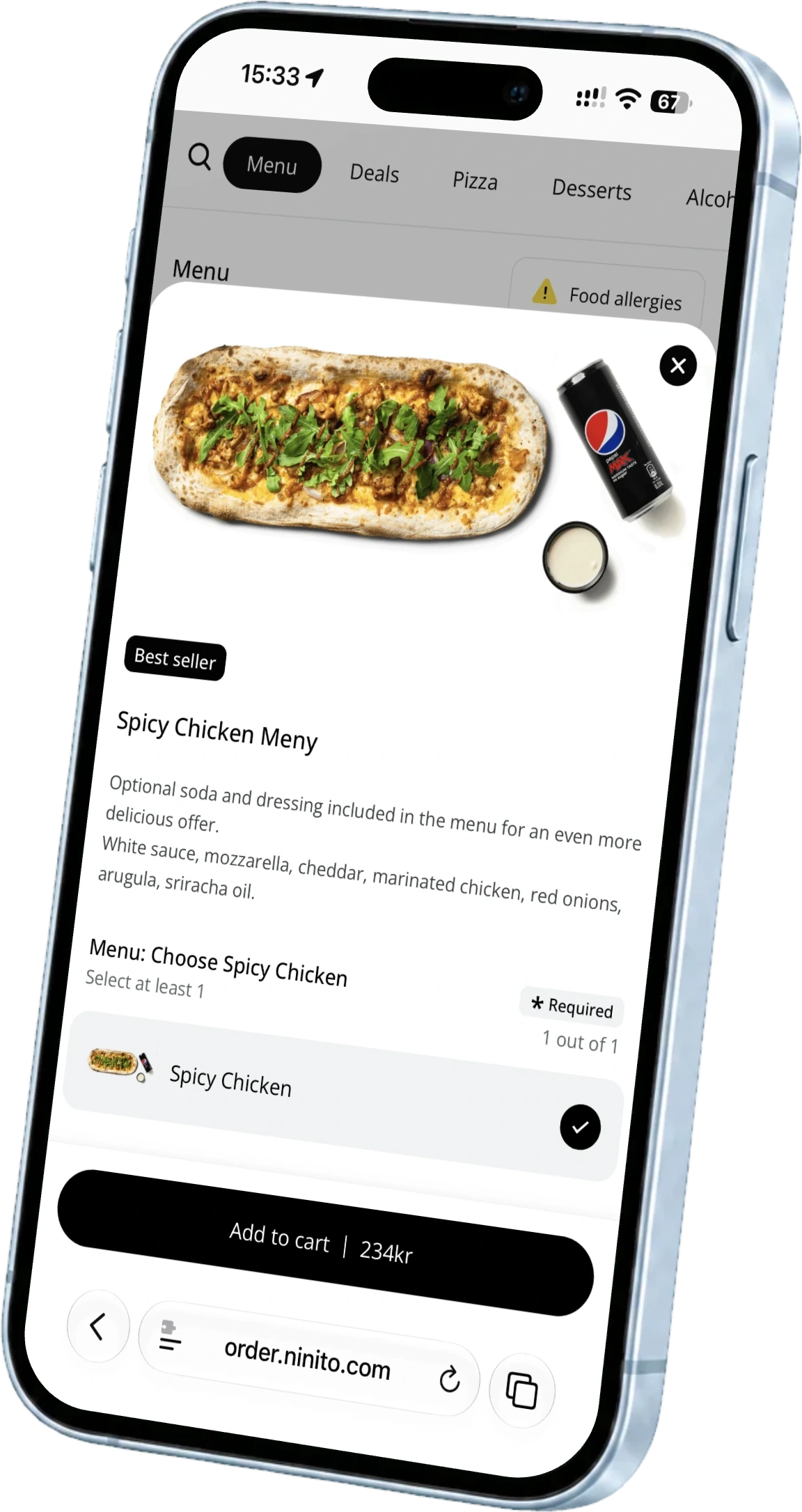
ninito connects ordering and production with the way your team works. Its menu engineers prepare your dishes and choices, while POS, kiosks, kitchen screens and native loyalty give the restaurant a connected foundation for service and growth. The team remains available after the equipment is in place. Support from ninito’s own team in Norway is included 24/7/365, without extra evening, night or weekend charges.
Payment pricing deserves its own comparison. ninito offers BankAxept in Norway at 0.161%, with 0% ninito commission and no fixed fee per BankAxept transaction. Online and other card payments have their own rates. Hardware is supplied at purchase cost with 0% markup, and guest SMS is included.
- Menu engineers prepare the dishes and ordering choices
- Counter and self-service orders connected to the kitchen
- Native loyalty and included guest SMS
- Support in Norwegian and English, available 24/7
2. PCK
PCK describes restaurant and takeaway functions around Pckasse, with TakeAway for online and QR orders and SmartKitchen for kitchen workflow. Its price list distinguishes modules and includes accounting integration in Pckasse Basic.
3. OnlinePOS
OnlinePOS publishes restaurant functions such as table plans, split payments, kitchen messages and stock management. Its technical support is advertised as free 24/7, and its ordering module connects a restaurant-branded page to the POS. These are material capabilities and should be included fairly in the shortlist.
Put the menu before the equipment order
The menu tells you what the equipment needs to support. Decide how staff take an order, where guests collect it and which kitchen stations prepare each part. Then choose the screens and payment devices that fit. ninito’s menu engineers help turn those decisions into a working setup, with the ordering structure ready before the first shift.
Make the equipment work for the service
List the devices already in the restaurant, their condition and the peripherals that must remain. Then ask each supplier to separate required replacements from optional upgrades. Include installation, networking, warranty handling and what happens if a screen fails on a weekend.
Use the same sales month to compare payment costs and the same menu to test service. Put the supplier’s value commitment beside the equipment quote. ninito Pro and Enterprise include a 100% value guarantee. If ninito does not create enough value to cover what you pay for the system, you do not pay for it.
Questions worth asking
What does ninito bring together for a restaurant changing POS?
ninito connects staff ordering, kiosks, online ordering and kitchen production with native loyalty and guest SMS. Its team prepares the menu and helps the restaurant launch the new setup.
Does a new POS require all new hardware?
Existing compatible equipment can be assessed as part of the move. Choose devices around the menu, service model and kitchen workflow before buying replacements.