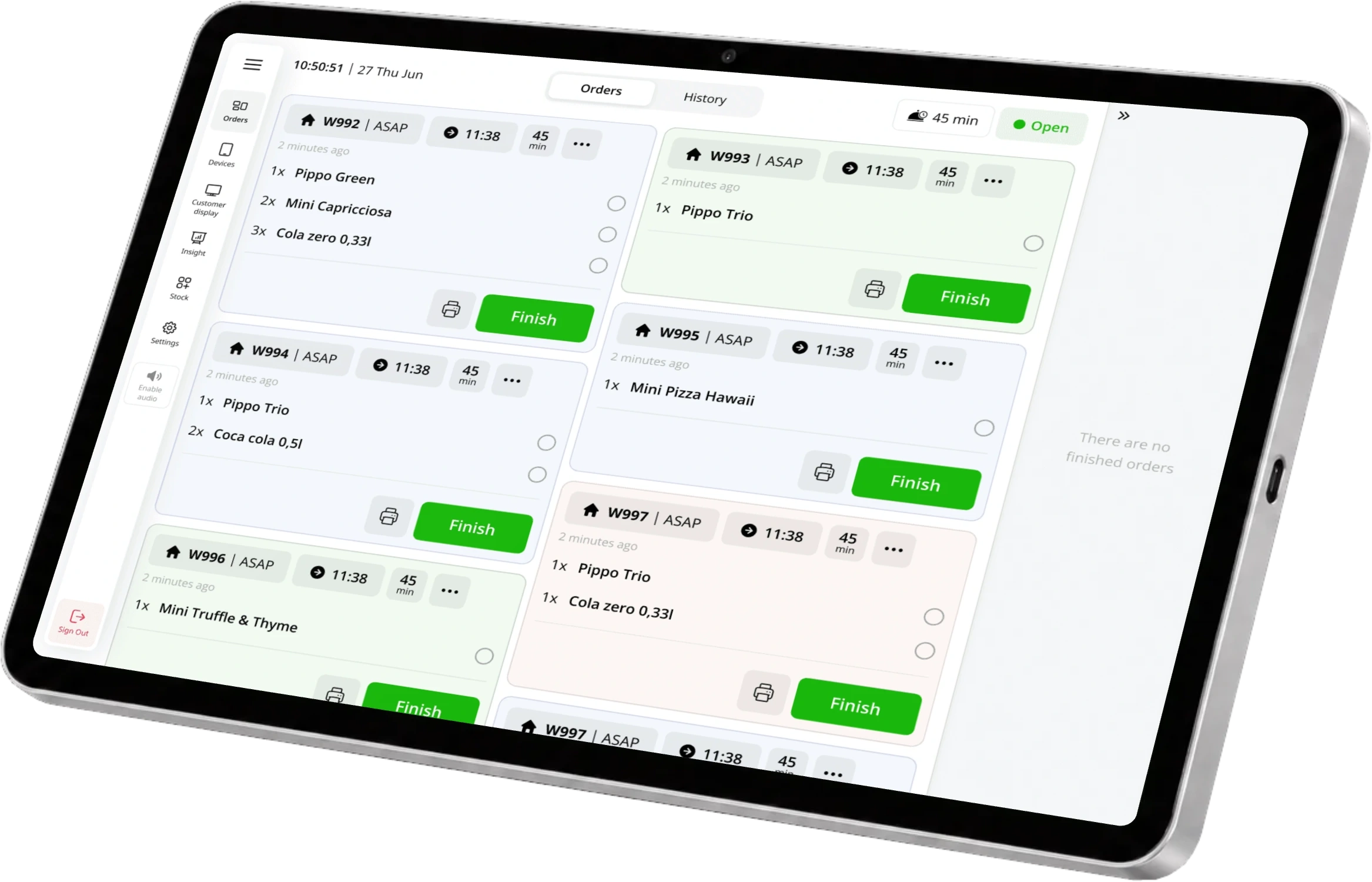
Less retyping during the rush
foodora marketplace orders arrive automatically in ninito KDS. Keep the order connected from the moment it reaches the restaurant, without entering it again.


A delivery order should move the kitchen forward, not send someone looking for another screen. Connect foodora to ninito and bring its orders into the same preparation flow as your other channels.
Preferred by the best restaurants































foodora marketplace orders arrive automatically in ninito KDS. Keep the order connected from the moment it reaches the restaurant, without entering it again.
Manage foodora menu items and prices alongside your other connected platforms. Keep channel decisions together when your restaurant changes its offer.
See foodora revenue alongside the restaurant’s other sales. Give managers a clearer view of where orders come from, without treating delivery as a separate business.
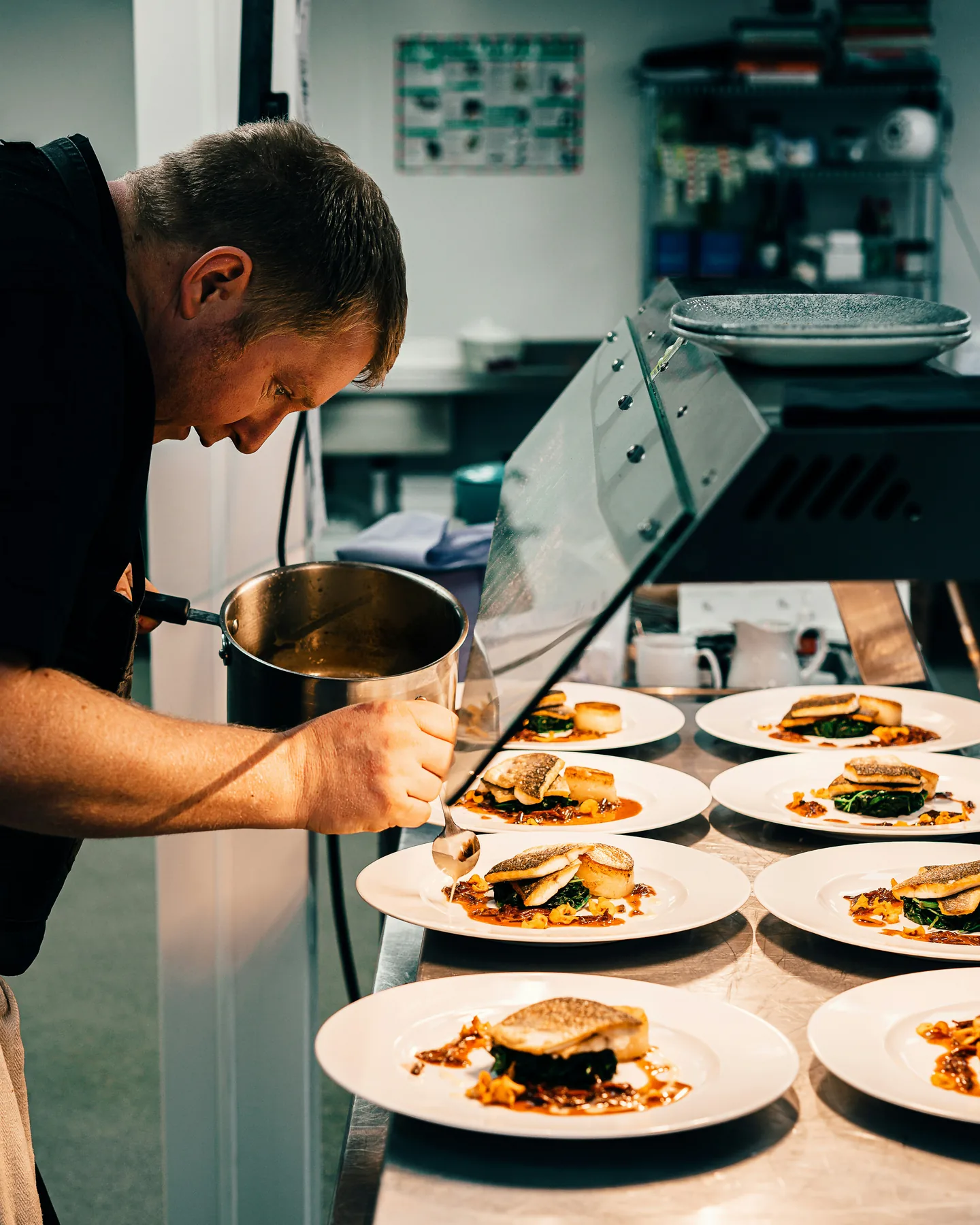
Guests are ordering at the counter while foodora orders arrive. ninito brings the connected orders into the kitchen overview your team already uses to organise preparation.
Bring Foodora into the conversation. We help you connect the right parts of your restaurant, from the first questions to getting started.
Orders from the connected foodora restaurant arrive in ninito KDS automatically. The kitchen can work with them alongside orders from other connected channels.
ninito supports platform-specific pricing alongside shared menu management. During setup, we connect the relevant foodora restaurant and agree the menu you want to make available there.
No. The connection brings foodora into your ninito operation. Your foodora merchant relationship, marketplace terms and service availability still belong with foodora.

Orders from the Wolt marketplace go to ninito KDS. Manage menu items and platform prices alongside your other ordering channels.

Couriers deliver orders placed in your own webshop. Delivery depends on local coverage and courier availability.

Book delivery for orders from your own channels. Use external couriers where available, alone or alongside your own drivers.
Preferred by the best restaurants