Menu photos that make the right choice easier
The photograph and description should tell guests what the meal includes. Show the food you actually serve and keep images, portions and choices in agreement.
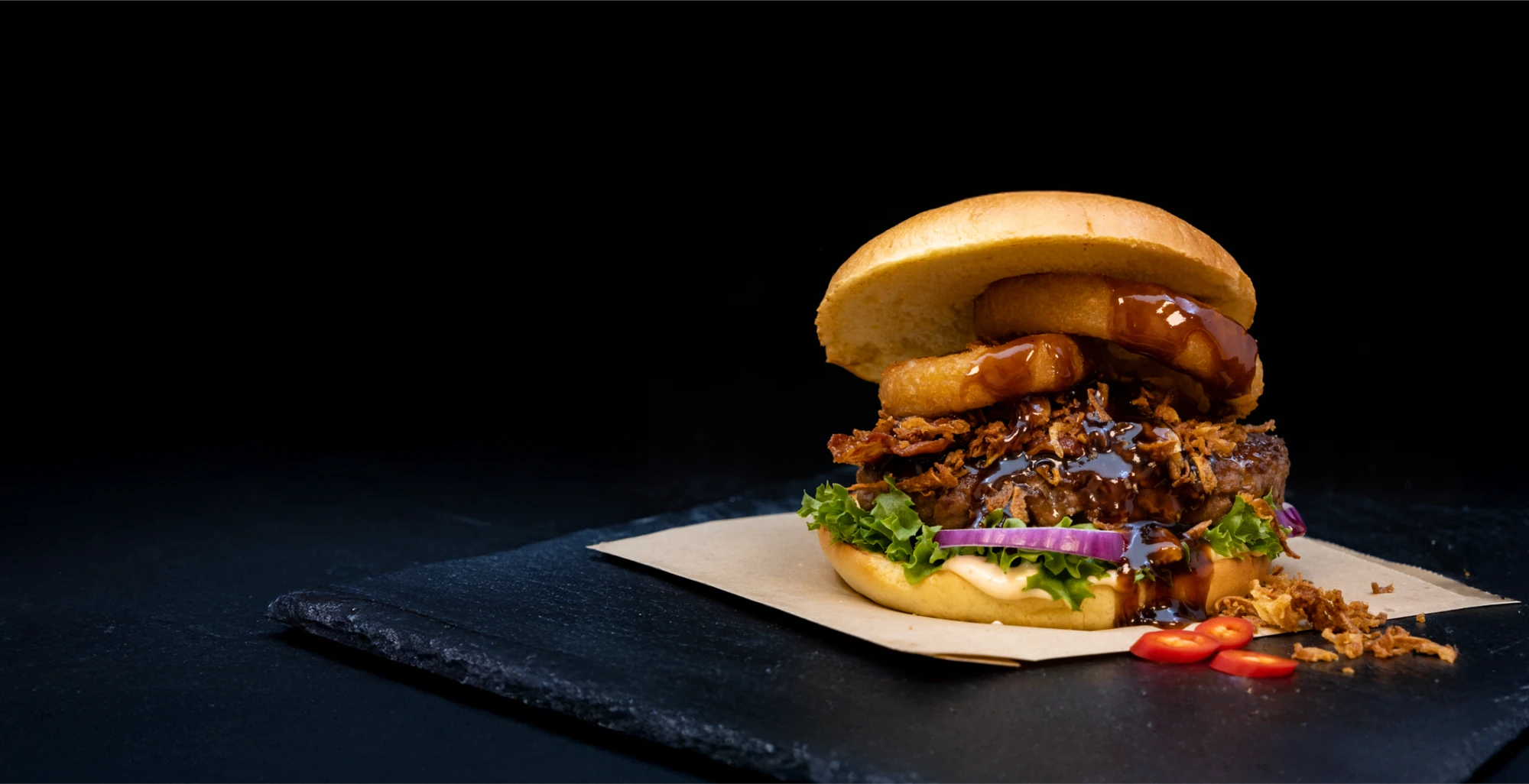
Let the photograph make a promise the kitchen can keep
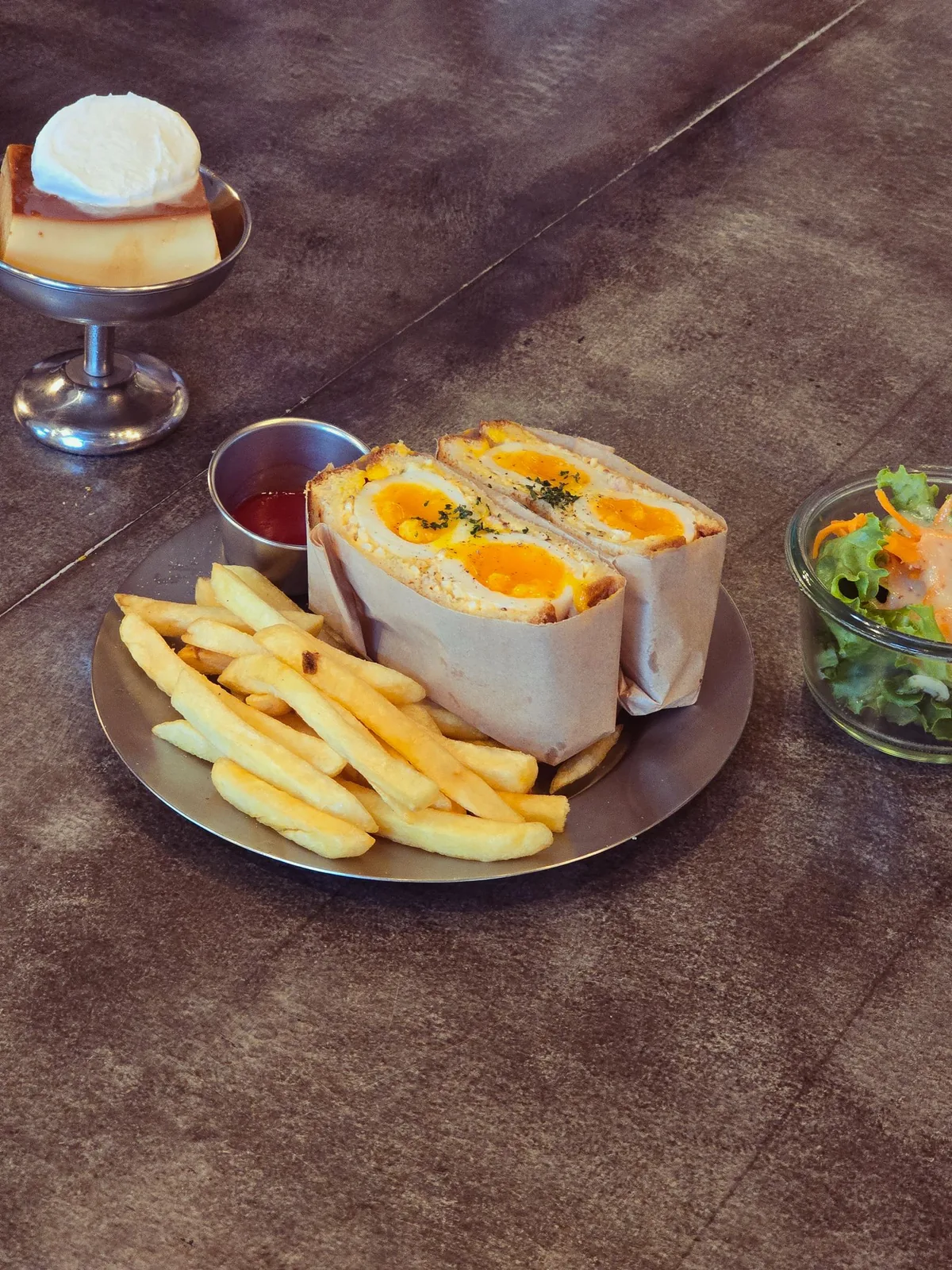
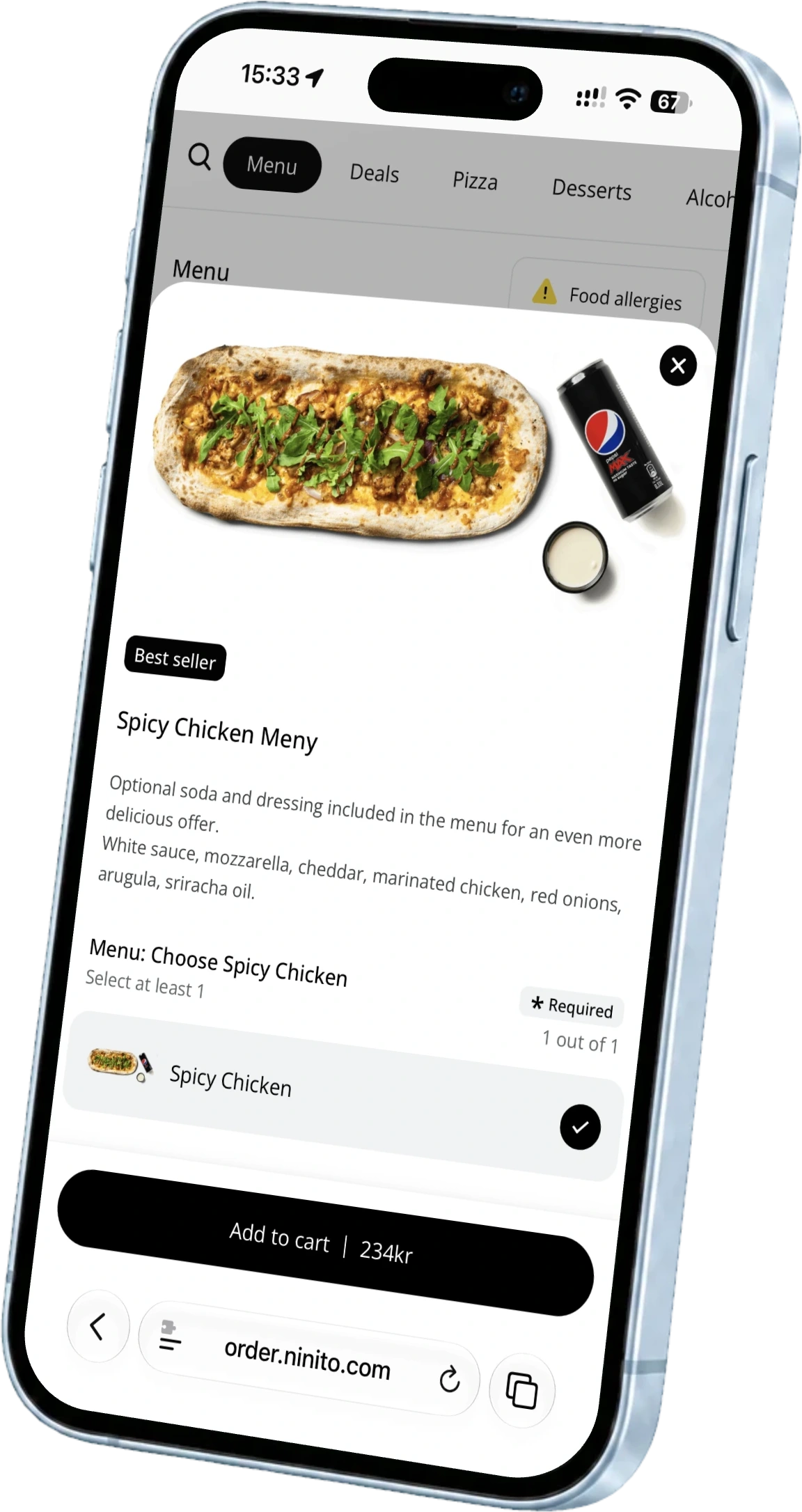
A burger looks appealing on screen. Fries and a drink sit beside it. The guest orders the burger and expects the whole meal, but the sides were only part of the photograph. The problem begins before anyone cooks. The image and menu have given different answers about what was ordered.
In ninito backoffice, you can update product images and descriptions alongside the rest of the menu and apply the changes to selected connected channels. That makes the photograph part of the product information. A good menu image should create appetite while helping guests understand what will arrive on their plate or in the bag.
Photograph the portion you serve
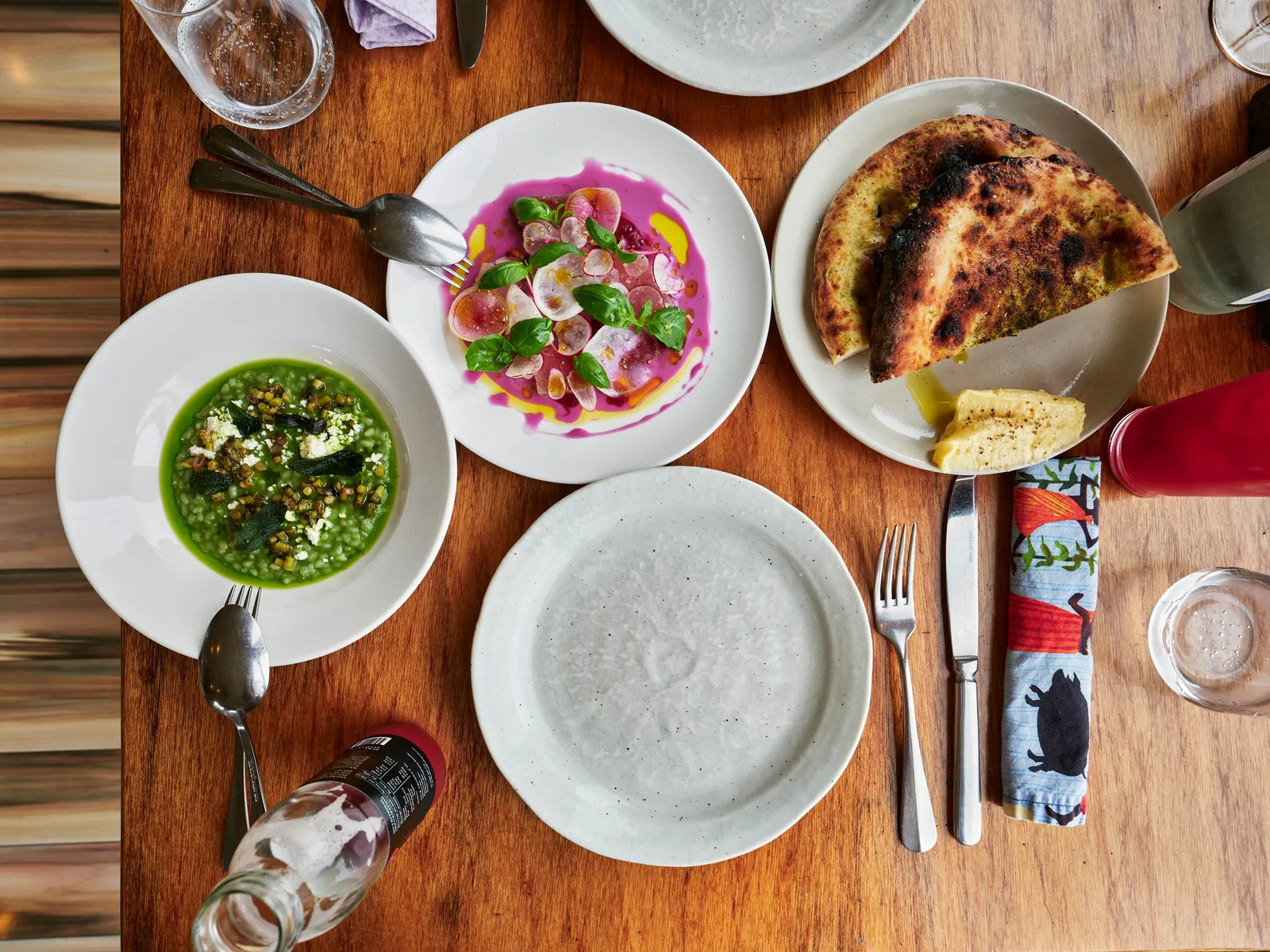
Prepare the dish using the recipe, portion and presentation the kitchen normally serves. Choose a simple background and lighting that makes the ingredients easy to see. A dish should not get twice its usual filling just because it is being photographed. Recognising the food when it arrives matters to the experience.
Take several compositions if useful, but check the image at the size guests will actually see. Details that are clear on a large screen can disappear in a small menu tile. The main dish should remain easy to recognise. A bundle containing several items also needs a clear visual account of what is included.
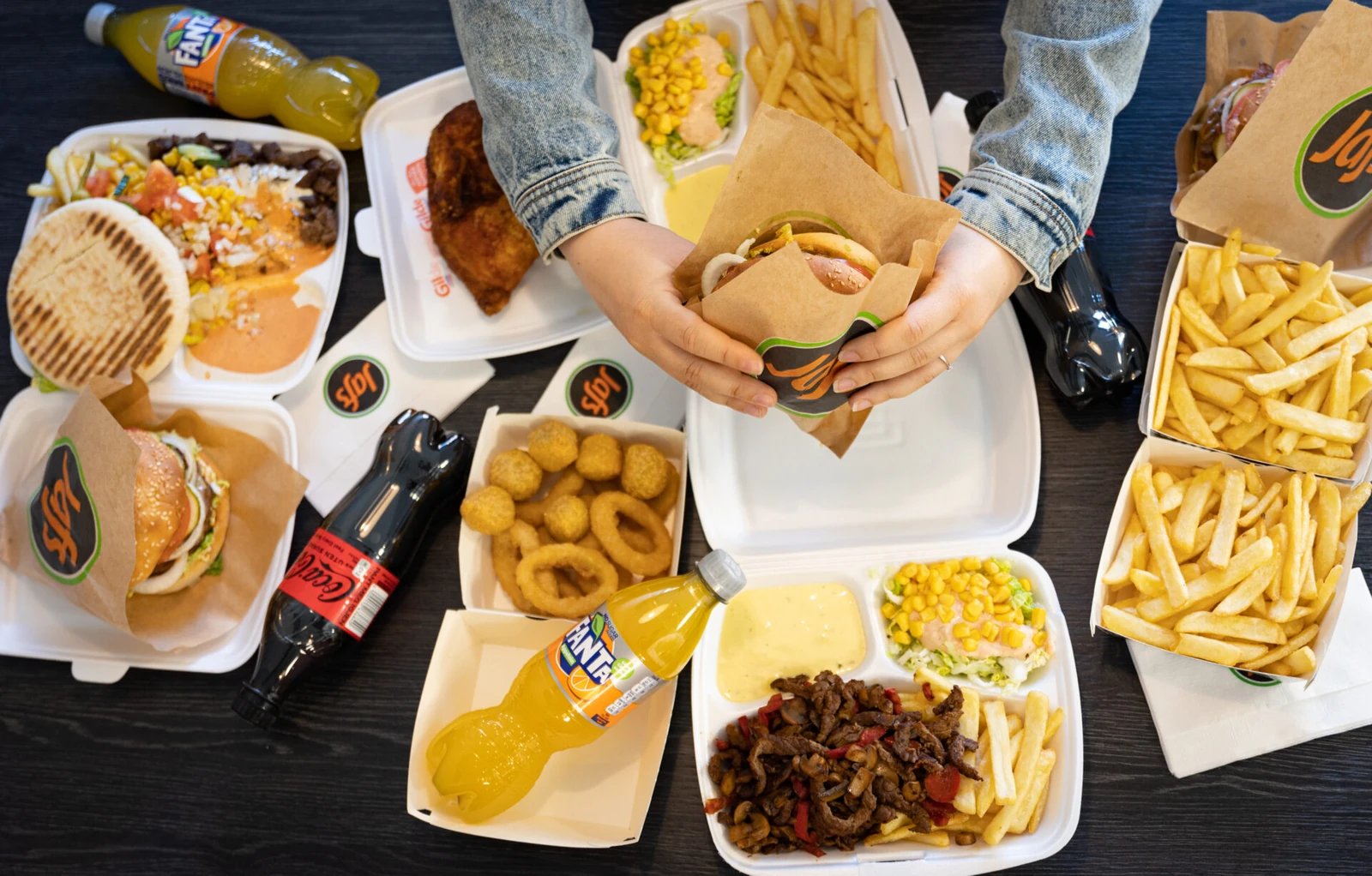
Use the description for what the image cannot explain
The photograph shows what the food looks like. The description can explain the main ingredients, size, heat and what is included. “Burger with cheddar, pickled onion and house dressing” helps more than a long list of words saying how amazing the burger is. If fries are chosen separately, make that easy to spot.
Keep the choices equally concrete. When an item comes with different sides, guests need to understand which version the image shows. A photograph is not a substitute for accurate allergen information either. That information must come from the actual recipe and stay current when ingredients change.
Change the photograph when the dish changes
A different bun, a new side or a smaller portion can make a previously accurate image misleading. Include the photograph and description in the same menu change the kitchen makes. Guests should not see yesterday’s dish on screen and today’s version in the bag.
ninito lets you apply product changes to the channels and restaurants you choose. Review the published item afterwards, especially where menus differ locally. A photograph that fits one branch may not suit another serving a different version of the dish.