The menu brief that makes every ordering channel clearer
A practical restaurant menu template for dishes, choices, prices, availability and kitchen routing. Give your menu team the details that make ordering work.
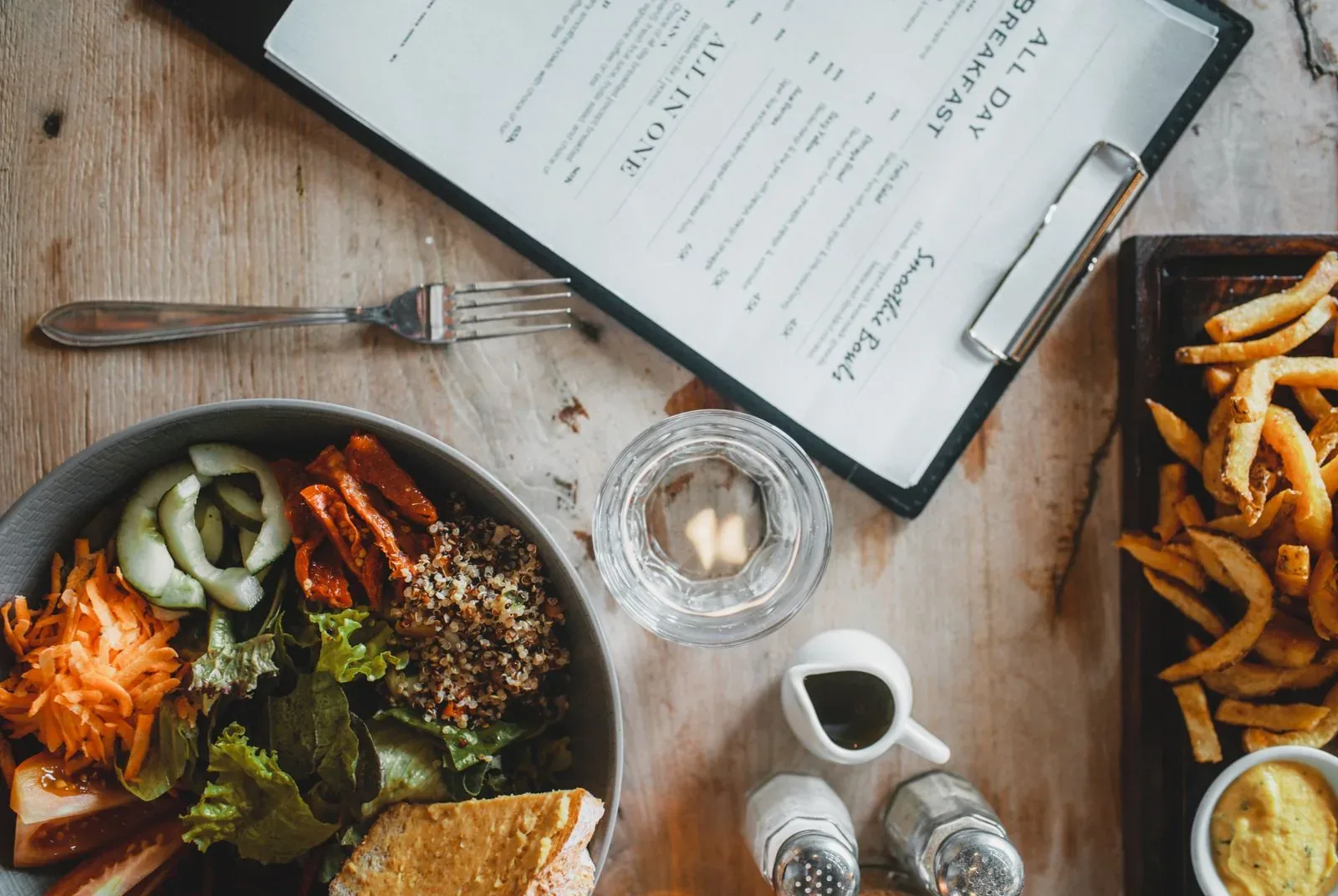
Your menu is more than a list of dishes. It tells the guest what to choose and the kitchen what to make. Use this brief to capture the choices, timing and preparation rules once, then build a consistent experience across your restaurant’s ordering channels.
Give the menu one shared starting point
A menu sent as a photograph or PDF is enough to start a conversation, but it rarely explains every ordering rule. Staff may know that a lunch dish ends at a particular time or that one extra is included while another costs more. Put that knowledge into the brief. The aim is a shared reference for the restaurant and the people building the ordering setup, not a second system that staff must maintain forever.
Copy the brief header
Begin with the scope of this version. Name the locations and channels it affects, the intended publishing time and the person who can approve changes. A group-wide menu and a local weekend special should not share an ambiguous instruction. Attach the current menu material and clearly identify what is new. If there is uncertainty, give the question an owner rather than silently filling the gap. Keep this header with the product records so it travels with the work.
| Field | What to enter |
|---|---|
| Restaurant and locations | The venues this version applies to |
| Channels | POS, kiosk, webshop, app or QR |
| Menu version and date | A name the whole team can recognise |
| Publishing window | The agreed date and local time |
| Approval owner | Name and contact route |
Create one record for each product
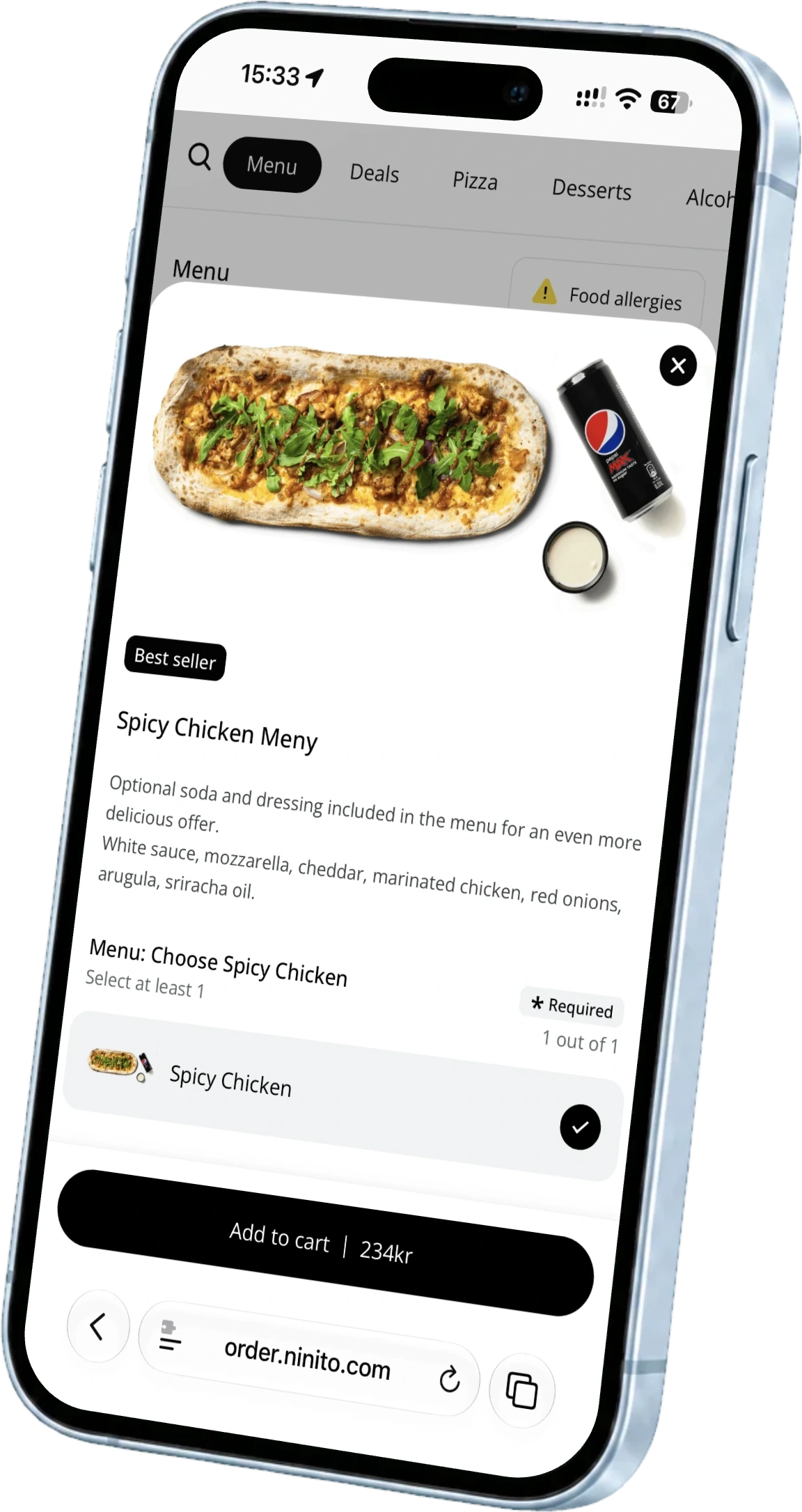
Record the guest-facing name separately from any kitchen shorthand. Add an approved description, price, product image if available and the restaurant’s approved allergen information. Include the category and preparation station. ninito backoffice connects products, modifiers and prices across supported ordering channels, while kitchen routing sends the product to its preparation area. Clear source information helps the team build that setup without guessing what the restaurant intends. Use a separate record when a product has materially different rules.
| Product field | Decision to record |
|---|---|
| Name and description | The wording guests and kitchen staff should see |
| Price and category | The approved amount and menu position |
| Choices | The modifier groups attached to this product |
| Preparation station | Where each item should be prepared |
| Availability | Locations, channels, days and time windows |
Explain every choice and limit
For each modifier group, write whether a choice is required, how many selections are allowed and whether a selection changes the price. Separate included choices from paid extras. Note what should happen when an option is unavailable and whether the guest can remove an ingredient. Avoid instructions such as normal burger options, because different people will interpret them differently. Ask someone outside the kitchen to place a test order using only the brief. Their questions expose the missing rules before guests encounter them.
- Required or optional
- Minimum and maximum selections
- Included choices and paid extras
- Unavailable options and permitted removals
Separate everyday availability from offers
A product being available at lunch is different from the product having a lunch discount. Record those rules separately. Specify locations, channels, weekdays and time windows, then describe any offer conditions. ninito supports time-based availability and promotion rules for selected channels and locations. If an offer involves loyalty, include the eligible members or products, the reward and the usage limit. Do not assume two overlapping offers should combine unless the restaurant has approved that behaviour.
Use a simple example to check the brief
Imagine a lunch bowl served on weekdays. The guest chooses one included base, then adds any extras they want. The brief should name the bases, price the extras and explain where the bowl and drink are prepared. It should also state when lunch ordering ends and whether the bowl is offered through the app, kiosk and counter.
Now try ordering just before the lunch window closes. Add a paid extra, remove an ingredient and choose a drink. Check the total, the words shown to the guest and the instructions reaching each station. This small scenario turns a menu document into a working service test. Repeat it with your most popular meal and your most complicated customisation.
Approve the guest view and the kitchen result
Check the finished menu in the channels guests will use. Approve names, prices, allergens and available choices, then send a test order to the kitchen. Confirm that preparation labels and modifiers are clear to the people making the food. Keep one approved version as the starting point for later changes.
Use the brief as a conversation with ninito’s menu engineers. They bring restaurant experience to the categories, combinations and choices, then work through the result with your team. Menu setup and ongoing changes are included with Pro and Enterprise, so the finished menu has people behind it when the next dish or season arrives.
Questions worth asking
Do we need a spreadsheet before ninito can build the menu?
No. Printed or digital menu material can be the starting point. The template helps capture choices and operating rules that the menu itself does not explain.
Should every restaurant in a group use the same menu brief?
Use one common structure, but record local prices, products, hours and channel differences explicitly. Each location should know which approved version applies.