Self-service kiosk or counter ordering? Build a better mix
Make room for both speed and personal service. Learn where kiosks help, where the counter matters and how ninito connects both to the kitchen.
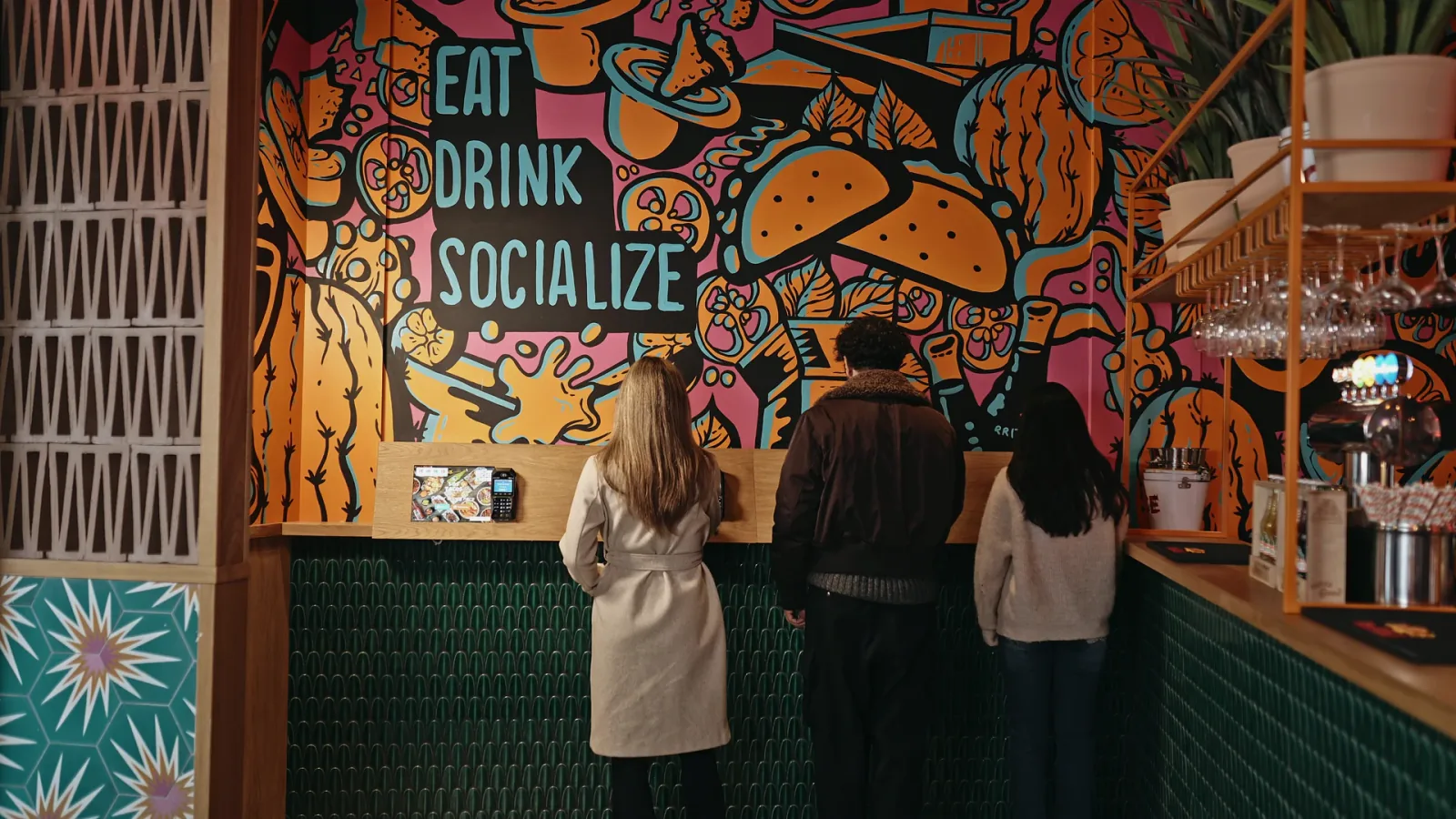
The aim is to move routine ordering to the screen where it helps, leaving the team more time for the conversations that matter. ninito connects both routes to the same restaurant operation, so a guest’s choice of channel does not create a separate kitchen process.
Give guests the way to order that suits them
Some guests know exactly what they want. Others need a recommendation, an allergy question answered or help making a choice. A restaurant can serve both well when kiosks and the counter work together instead of competing for attention.
The aim is to move routine ordering to the screen where it helps, leaving the team more time for the conversations that matter. ninito connects both routes to the same restaurant operation, so a guest’s choice of channel does not create a separate kitchen process.
Where each approach earns its place
At the counter, a person can answer a question, explain an unavailable dish and adapt the conversation. That is useful for complex orders and guests who need help. The restaurant should consider how much of the employee’s time is spent advising guests and how much is spent entering choices that guests could comfortably make themselves.
A kiosk can present photos, choices and relevant extras consistently and let guests browse at their own pace. It still needs a clear route to assistance. A confusing menu on a screen can create a queue of its own, especially when guests cannot see how to correct a mistake or complete payment.
Compare the service tasks
Use the same practical criteria for both channels. The table identifies questions to test in your restaurant, not fixed performance scores. Staffing, menu design and placement can change the outcome.
| Task | Self-service kiosk | Counter ordering |
|---|---|---|
| Menu exploration | Guests browse the configured menu | Staff explain choices and answer questions |
| Assistance | Provide a visible route to a team member | Help is part of the conversation |
| Payment | Test terminal access and retry behaviour | Staff guide the payment and exceptions |
| Kitchen flow | Send complete modifiers and realistic times | Use the same preparation rules and destinations |
Do not move the queue into the kitchen
Adding ordering points can increase how many orders arrive together. It does not automatically increase grill space, preparation staff or collection capacity. Before installing kiosks, agree how the system handles a sold-out ingredient, a temporary delay and a full pickup area.
Run counter and kiosk orders at the same time during a rehearsal. The kitchen should see complete information and the guest should receive a realistic promise. Compare the physical queue, preparation workload and number of interventions. These observations are more useful than assuming an extra screen will solve every bottleneck.
ninito connects the counter and the kiosk
Your team and your guests can order in different ways while the kitchen works from connected information. ninito gives the restaurant Full Service and Quick Service POS alongside kiosks, online ordering and native loyalty. The included team understands both sides of the counter. ninito’s restaurant experience helps you review the ordering choices and the kitchen handover together, instead of judging the kiosk only by its screen.
Include the cost of payment in the service comparison. More kiosk orders should not hide a higher fee on every basket. ninito supplies hardware at purchase cost with 0% markup and takes 0% payment commission. Ask for the available payment methods and their rates for the counter and kiosk together.
- Consistent products and availability across ordering channels
- Kitchen orders with the guest’s modifiers and choices
- Native loyalty at the kiosk and through the restaurant’s own channels
- Menu engineers help organise the menu before launch
Judge the result in a real service
A mixed setup can be a good starting point. Keep a person available at the counter while guests who prefer self-service use the kiosks. Observe where guests hesitate and which questions staff answer repeatedly. Those observations can improve both the screen menu and the counter conversation.
Review corrections, payment retries and help requests after a few real shifts. Improve the menu and staffing with what you learn. With ninito Pro and Enterprise, the investment also carries a 100% value guarantee. If the value ninito creates does not cover what you pay for the system, you do not pay for it.
Questions worth asking
Does a kiosk replace every counter role?
No. Guests still need assistance, collection and service. The restaurant should decide which ordering tasks suit self-service and keep a clear way to speak to the team.
Will more kiosks automatically reduce waiting?
Not necessarily. Ordering capacity and kitchen capacity are different. Test simultaneous demand and the collection process before deciding how many screens to install.