Make your Google profile an easier route to ordering
Accurate hours, a clear ordering link and current photos help guests move from Google to your restaurant. Keep the details connected to the experience you actually offer.
Give the guest a clear next step
A guest searches for your restaurant on Google, ready to order dinner. The profile shows opening hours, a website and possibly several ordering options. If a link leads to an old menu or another branch, the guest has to resolve the confusion before you receive an order.
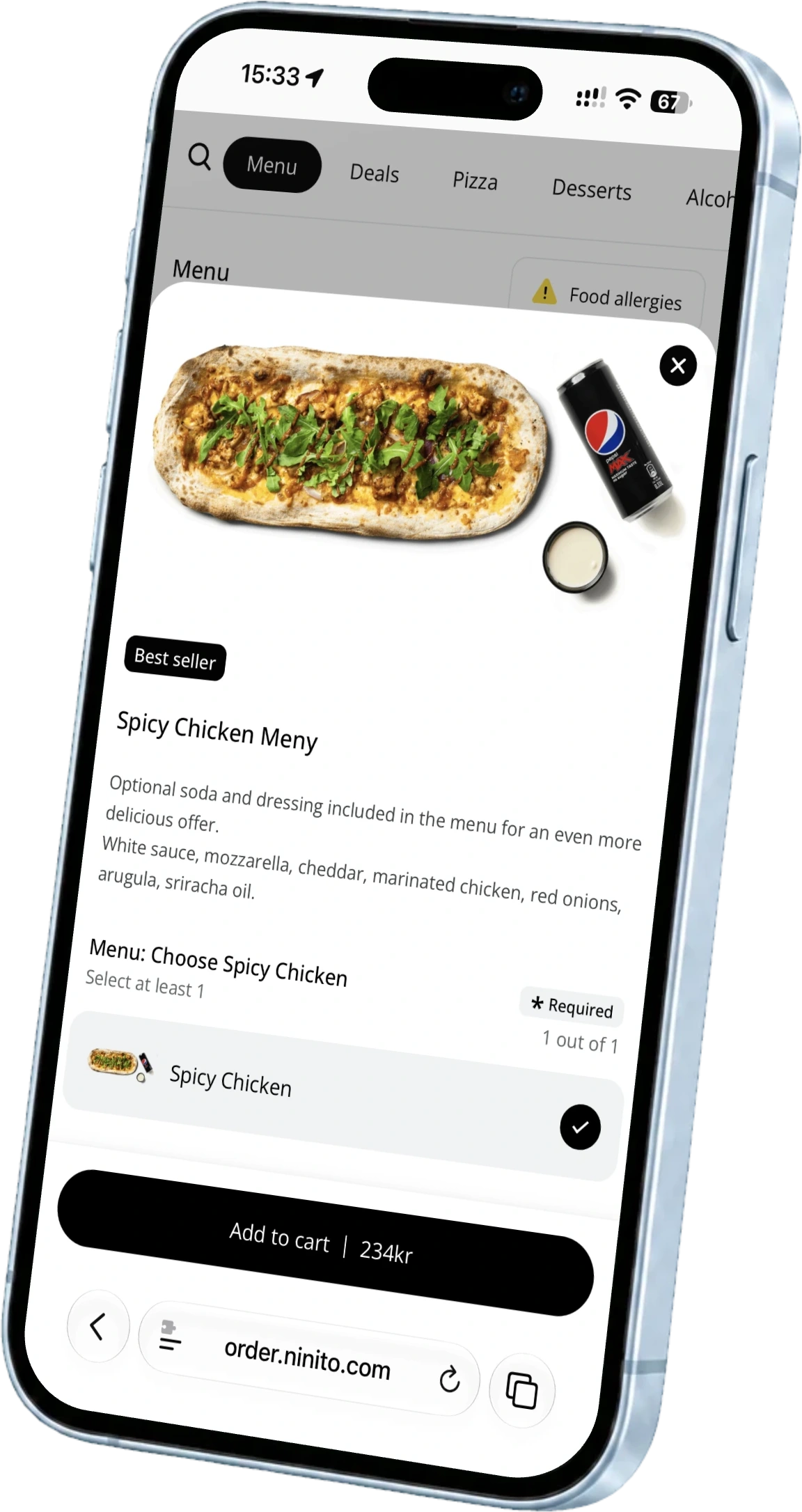
With ninito online ordering, your restaurant has its own ordering page to send guests to. Connect it to the relevant branch’s Google profile and website so the menu, location and collection details agree. The Google profile helps people find the restaurant. The ordering page needs to make the next step straightforward.
Open ordering links as a guest would
Google lets restaurants manage their own ordering links and third-party providers, and mark preferred options for collection and delivery. Choose according to the services you actually offer. A collection link should not send a guest into a delivery-only order.
Open each visible link on a phone from the public profile. Look for the correct restaurant name, address and menu. For a chain, this is especially important after an opening, move or change of ordering system. A link loading successfully is not enough. It needs to take the guest to the right place.
Make opening hours agree with ordering availability
A restaurant can be open even though the kitchen has stopped accepting takeaway orders. Delivery hours can also differ from the opening hours of the venue. Make that distinction clear so guests do not spend time choosing a meal you cannot prepare.
Google has settings for special opening hours and certain services, including collection and delivery. Use them for holidays and other changes, then compare the details with your website and online store. ninito shows a location’s opening hours and waiting time during ordering. Those details should agree with the promise the guest just saw on Google.
Help guests recognise the place
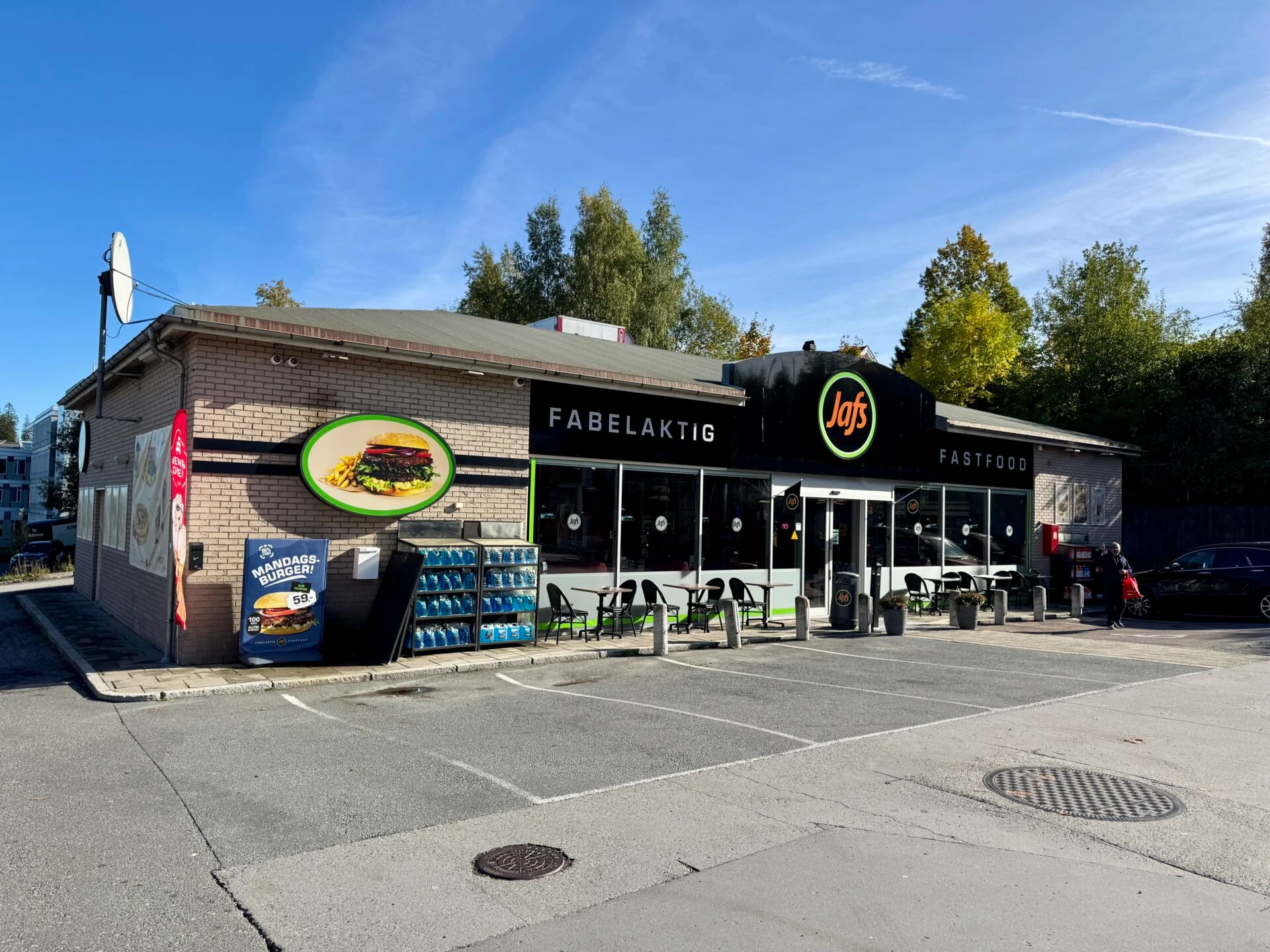
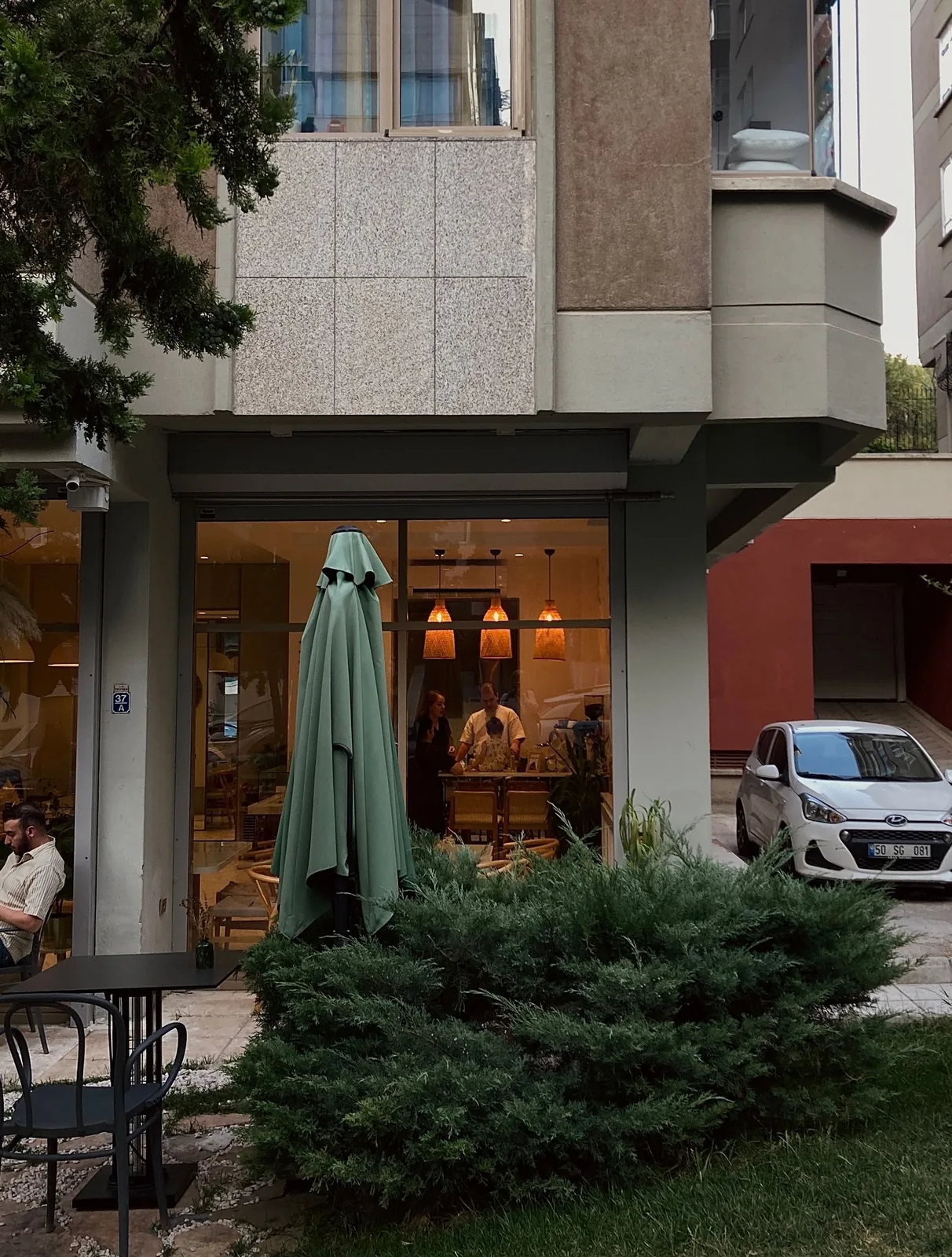
A clear photo of the entrance has a practical job. Guests need to recognise the restaurant from the street, find the right door and understand where to collect their food. Add food and interior images that reflect the restaurant today. Old photos of a previous branch or discontinued dishes create unnecessary questions.
Use the same name, address and contact details on the profile and website. A ninito restaurant website brings your identity, photography and information together with a clear route to ordering. A good-looking website is most useful when it answers the questions guests have before visiting.
Include the profile in your weekly updates
When planning next week’s opening hours or menu, open the public Google profile too. Follow the ordering link, read the hours and check whether the images and information still fit. Repeat the review after a major menu change or temporary closure.
Give someone responsibility for following up mistakes. A report of the wrong collection location should prompt a review of the branch link, rather than help for that guest alone. Feedback then becomes a way to improve the journey for the next person ordering.
Let the website and online store finish the job
Accurate information on Google is the beginning. When guests continue, the restaurant must remain easy to understand on mobile, in the menu and at payment. An updated profile cannot fix an outdated online store, and a new website does not automatically correct old Google links.
ninito can connect the website, online ordering and the work that follows in the restaurant. Bring your Google profile and website to a review with us. We can look at where guests arrive, which location they choose and how the order reaches your team.