From a Google search to your next restaurant order
A practical local-search plan for restaurants covering Google Business Profile, useful location pages, readable menus and a clear path to direct ordering.
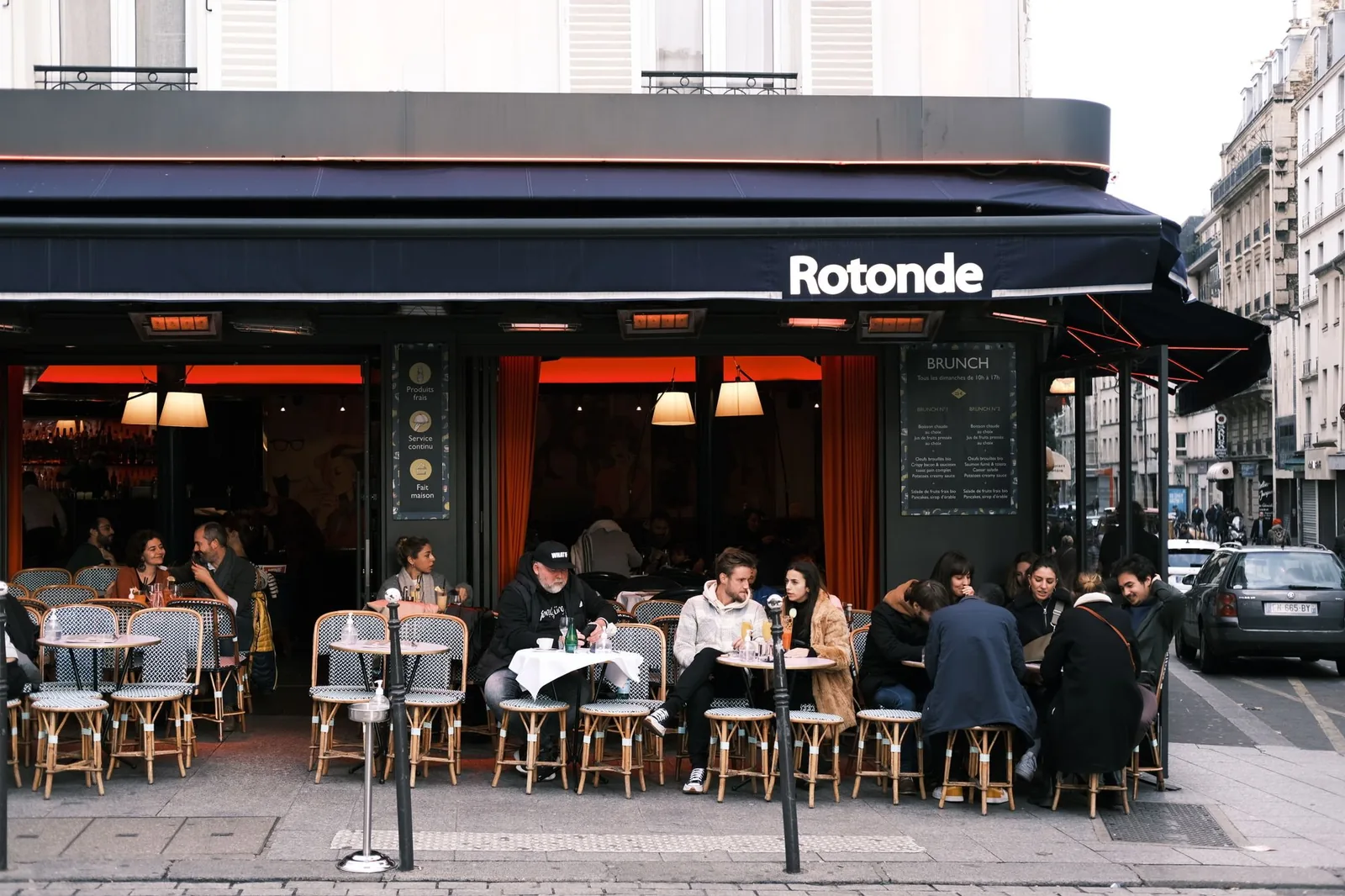
Win the next step after someone finds you. Keep your Google profile accurate, make the menu easy to read and lead guests to the right restaurant and ordering page.
Start with the decision a hungry guest is making
Someone searching for lunch nearby needs a few answers quickly. What do you serve? Are you open? Where are you? Can they order now or collect on the way home? A restaurant can have beautiful food photography and still lose that guest if the answers are spread across old menus, inconsistent opening hours and the wrong ordering link.
Treat local search and the website as one guest journey. The profile helps someone discover the restaurant. The website helps them decide. Ordering turns the decision into a meal. Improve the handover between those steps before spending more to attract people into a confusing experience.
Make the business profile dependable
Check the restaurant name, address, phone number, website and opening hours in Google Business Profile. Use special hours for holidays and planned closures. Confirm that the location pin takes a guest to the entrance they can actually use. For multiple restaurants, inspect each profile rather than assuming a change reached them all.
Google lets restaurants manage menu details and a menu URL through the profile. Keep those useful and current. Review the public result after updates, including the link a guest follows to order. An accurate profile is valuable because it answers practical questions while the guest is still deciding.
Give every restaurant a useful page
A location page should help someone visit or order from that particular restaurant. Include the address, hours, transport or access details, the food available there and a direct route to its menu. Use the neighbourhood and city naturally where they explain the location.
For a group, avoid copying a generic paragraph onto every address. A food-hall counter, a high-street takeaway and a sit-down restaurant may share a brand but answer different guest questions. Add the information that makes the individual page useful. Search-friendly copy begins with accurate, specific answers, not a list of repeated keywords.
Check the last few taps
Open the journey on a phone using mobile data. Search for the restaurant and order a typical meal. Time the journey, then count the points where you wait, choose the same location twice or have to look for the order button. Check the total price before payment. A guest should understand the meal, collection time and cost without opening another page.
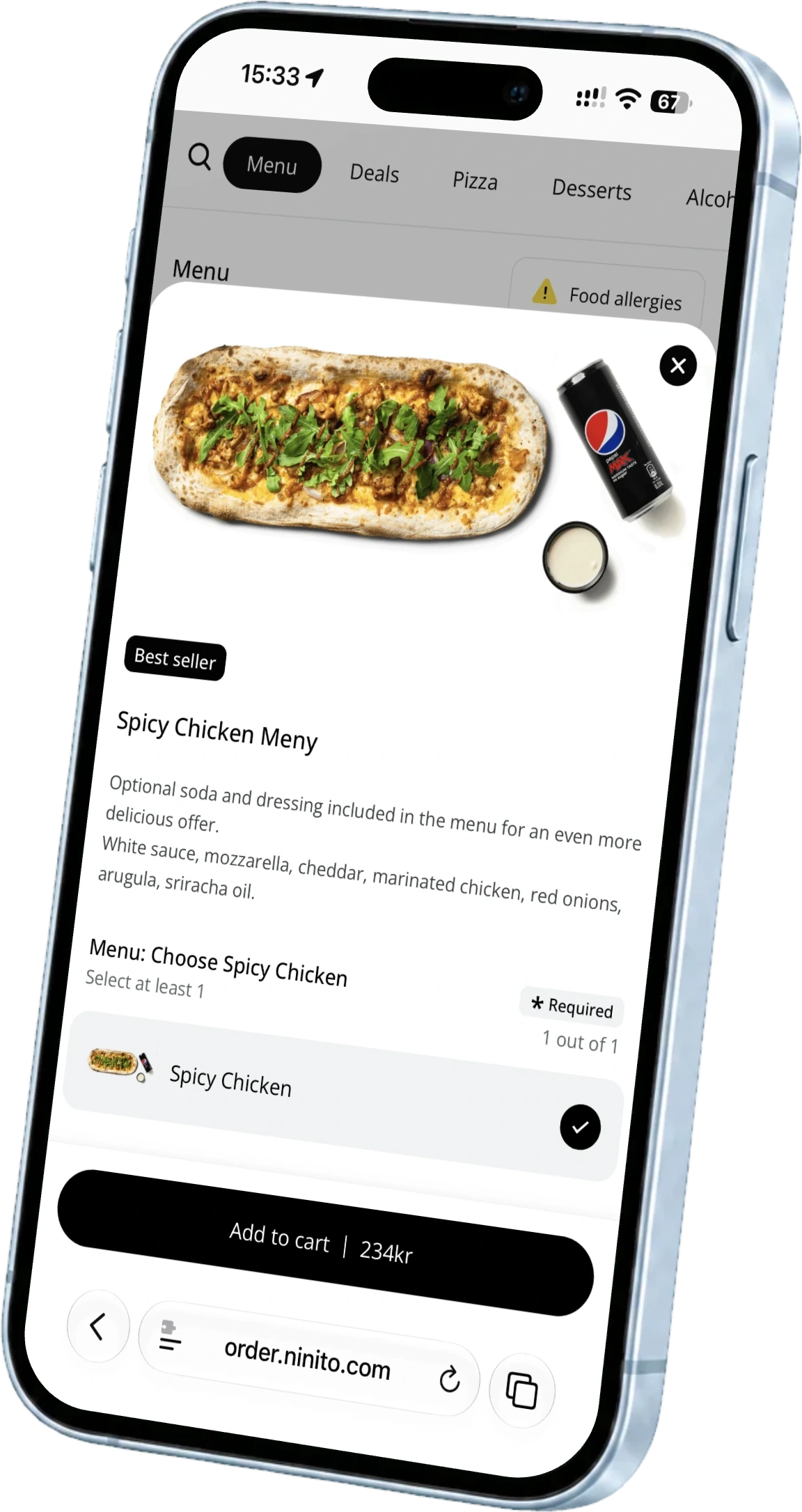
Repeat the test with a sold-out product, an address outside the delivery area and an order near closing time. The website should explain the next step while there is still time to choose. ninito connects the restaurant website to menus and ordering, so the route from Google to a paid order stays close to the kitchen that fulfils it.
Make the order work for the restaurant too. Compare the payment rate, any fixed transaction fee and any platform commission on a real online basket. More direct orders are valuable when the contribution grows with them. ninito takes 0% payment commission, includes guest SMS and lets you review payment options alongside the ordering setup.
Make accuracy a weekly habit
Give one person ownership of the public information. Review holiday hours, the most important menu changes, new photographs and the main ordering links each week. Read new reviews and reply to specific issues with a useful response.
Follow profile interactions, website visits and completed orders to see where guests drop out. Then work on that handover. ninito’s included support team brings restaurant experience to the ordering side of the journey, helping you connect a clear menu, useful choices and a smooth kitchen flow. Better visibility should lead to a meal the restaurant is ready to serve.