Use the sales report to improve the next shift
Move from a total to something the team can change. Look at products, channels and time periods alongside what happened during service.

Start with what you want to understand
The week’s sales figures are ready, but what should the team do with them? A total does not explain whether a queue came from more guests, complicated dishes or orders arriving from several channels at once. A useful operations meeting starts with a question that can lead to a concrete change.
Reporting in ninito brings together sales from the POS, kiosks, online store, app and connected delivery platforms. You can move from the total to a location, channel, item or order. Use that ability to investigate a particular period or meal rather than review every number without deciding what needs attention.
Compare periods that make sense
A rainy Tuesday and a sunny Saturday have different conditions. So do an ordinary week and a week with a festival, a closed branch or a major campaign. Choose comparisons that help answer the question and include what was actually different.
ninito lets you examine sales by date, weekday and hour. If the issue is a queue during the Friday rush, look at the relevant period across several Fridays and the channels contributing to it. That makes a change in demand easier to distinguish from one unusual evening.
Look at the orders behind the workload
Two periods with the same number of orders can feel very different. Simple single dishes and meals with many choices do not necessarily use the same workflow. Look at the products, bundles and modifications selected when the team felt under pressure.
ninito provides insight into products, extras, ordering channels and preparation times, among other details. Use them to ask a better question. Did the food take longer to prepare, or did completed items wait for packing? Reporting shows the pattern, while staff can explain what happened between the screens and handover.
Choose a change the team can carry out
If completed orders regularly wait for drinks, changing packing responsibilities may help more than changing the menu. If a dish repeatedly needs verbal clarification, its name and choices may need improvement. Let the observation determine the action.
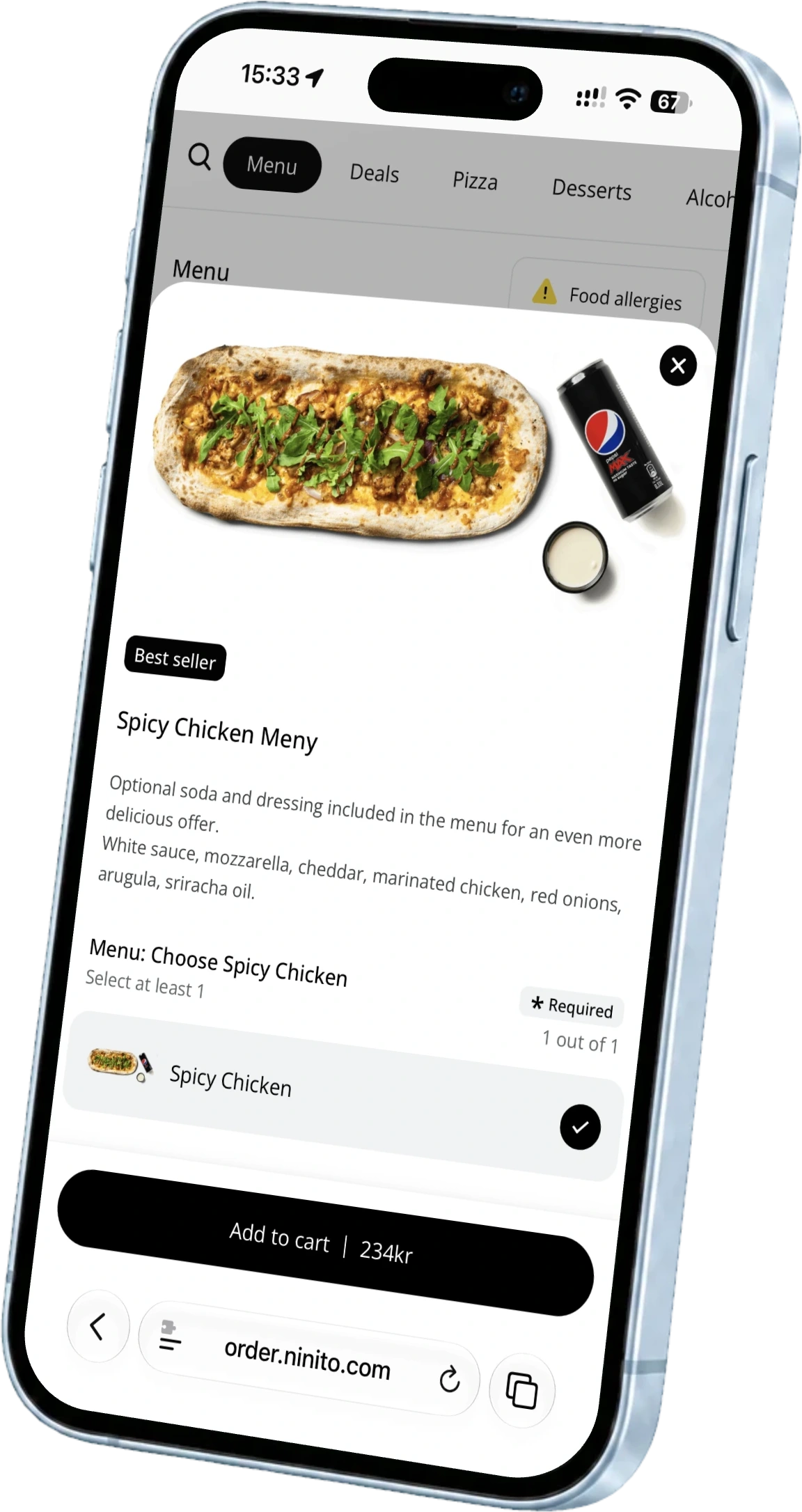
ninito backoffice lets you maintain products, prices and choices together. When the problem is in the menu, the change can be applied to the channels you select. Tell the team what changed and what to watch for on the next shift. That makes follow-up concrete.
Stay informed without interrupting service
A manager does not need to wait until the end of the week to notice something worth investigating. But repeatedly calling staff for today’s figures can interrupt their work too. Separate information you can find in the system from questions that need the team’s explanation.
The ninito Manager app shows sales, products, channels and locations in real time on iPhone. It provides a view of the day without someone preparing a separate report for you. Ask the more detailed questions when staff have time to explain, using the shared information as your starting point.
Let reporting lead to a better working day
Finish the review by deciding what will change, who will follow it up and when you will look again. At the next meeting, compare the same period and ask whether the problem still occurs. Reporting then supports the operation instead of simply presenting last week.
Bring a question you want a better answer to ninito. It could concern busy hours, differences between locations or a dish that creates extra work. We can show which reports and details help explain the situation and how the figures connect with the orders your team handles.