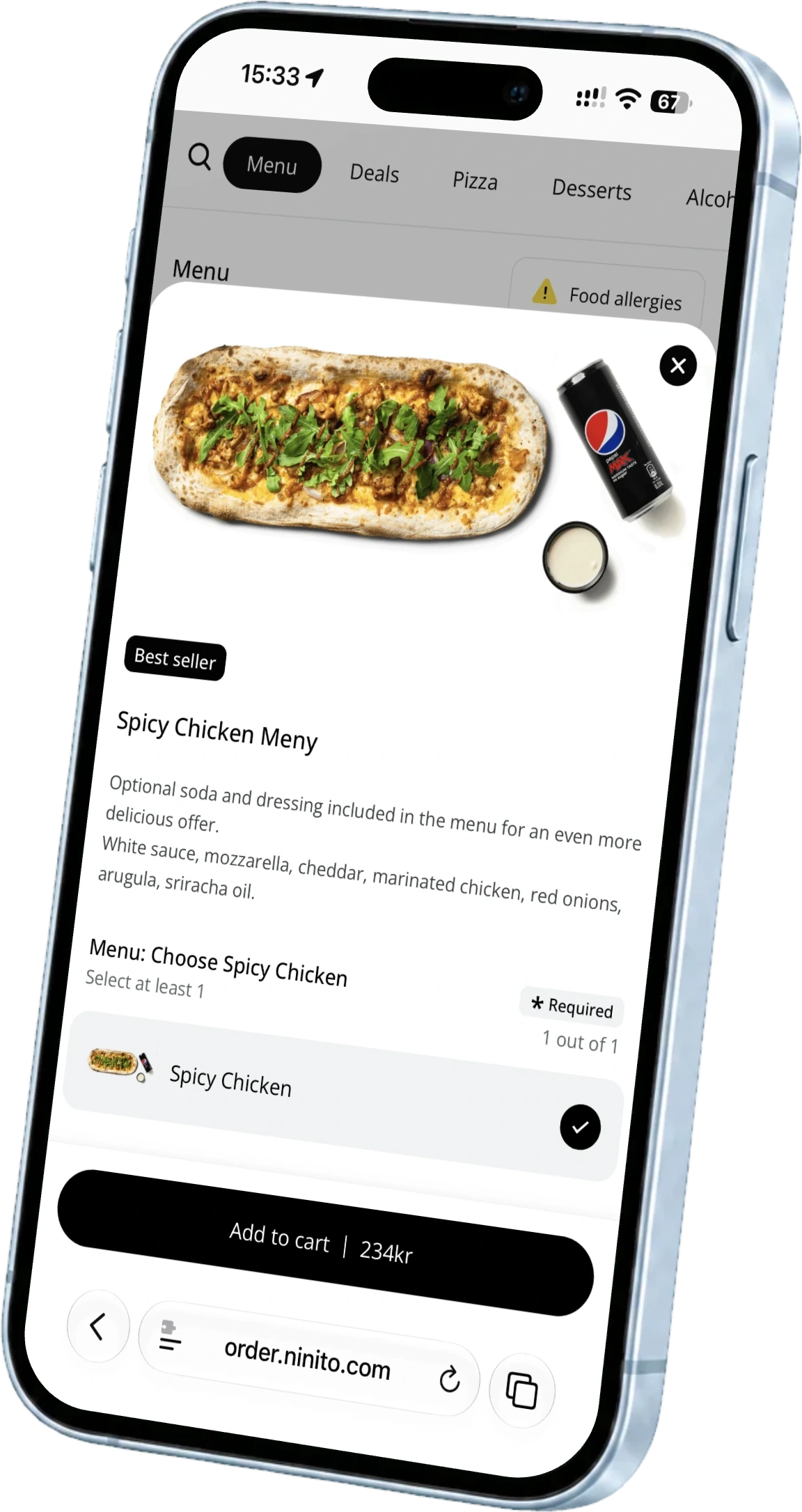
Change your POS Keep the restaurant moving
Switching starts before installation day. Plan your data, menu, payments and people so you know what needs to work before the first guest arrives.
Plan the change before installation day. Prepare menus and balances, check equipment and agreements, then rehearse ordering, kitchen, payment and accounting with the people who will use the system.
Know what you are bringing with you
List your menus, modifiers, prices, VAT categories, locations and active channels. Identify any gift-card or customer balances, open orders, loyalty arrangements and records you need to retain. Send ninito the menu you have, whether it is digital, printed or photographed. Our menu engineers rebuild and organise it for the new setup.
Menu migration does not depend on an export button in the old system. Our menu engineers use their restaurant experience to rebuild categories, modifiers and choices. Customer balances and historical records are planned separately so the team knows what moves and what must remain accessible.
Check contracts and equipment early
Your POS, payment provider, terminals and delivery platforms may have separate agreements. Check notice periods, ownership of hardware and access to records after cancellation. Give the new supplier exact device models and a view of your network before deciding what to reuse.
Rehearse one complete order
Before switching live traffic, test the full route from ordering to kitchen, payment, receipt and accounting. Use the channels you actually sell through. Include a cancellation or refund and a day-end check, not just a successful card payment.
- Confirm menus, prices and opening times in every connected channel.
- Check kitchen destinations and printer or screen output.
- Verify payment status, receipts and the agreed accounting flow.
- Give staff time to practise the actions they own.
Let the menu engineers prepare service
Send the menu in the form you already use. The ninito team can work from a printed menu, photos or digital material. Our menu engineers build the categories, products and modifiers around how the restaurant serves guests. Review allergens, prices, combinations and channel-specific choices together before accepting live orders.
The ninito menu engineers bring restaurant experience to the details. A printed dish name may need a clearer kitchen label. A long set of options may need a better order on the kiosk. We work through those choices with your team before opening. Menu setup and ongoing changes are included with Pro and Enterprise, so your next seasonal menu has the same people behind it.
Choose a handover your service can support
Agree the switching window, who is on site, who checks the connected services and how to contact support. Decide what to do if an essential test fails. Keep access to historical reports and agree when the old setup can safely be retired.
Build the handover with ninito’s own team in Norway, with named responsibilities for the menu, equipment and first live orders. Our restaurant-experienced support team is included 24/7/365 at no extra cost, in Norwegian and English. The relationship continues after the old till is switched off, so your staff knows who to contact during the next busy service.
Questions worth asking
Does my old POS need to export the menu?
No. Send ninito a digital menu, printed menu or photos. Our menu engineers rebuild the categories, products and modifiers for the new setup. Customer balances and historical records are planned separately.
What should be ready before the first live order?
Confirm the menu, payments, kitchen flow, staff training and support contacts. Rehearse a complete order and a refund, agree the switching window and retain access to the historical records you need.