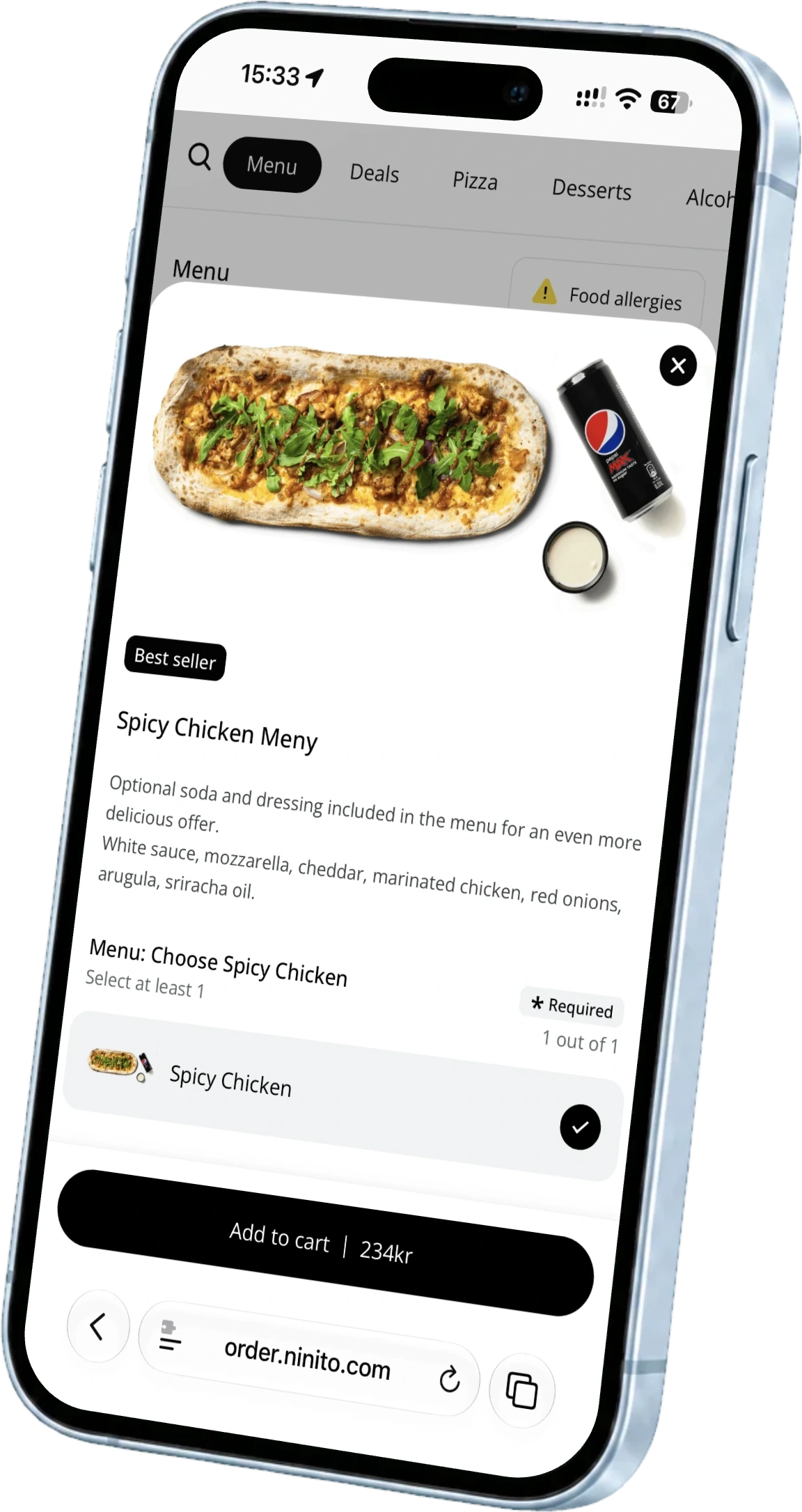
Your first service with a new ordering system, made easier
A restaurant launch checklist for menus, kitchen stations, payment, loyalty and team training. Turn the first live shift into a prepared service.
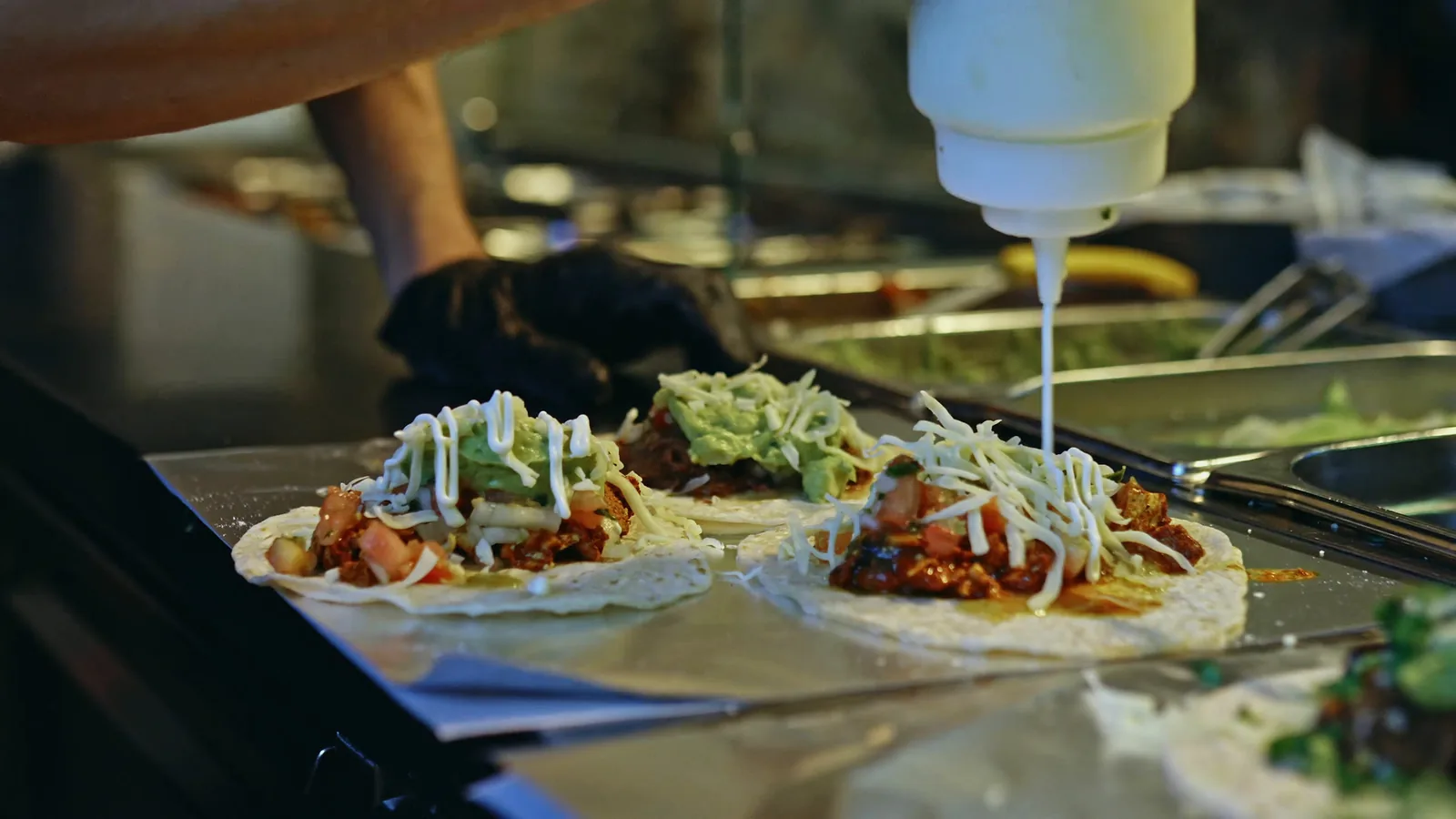
A good launch begins with one complete rehearsal. Use your own menu, let your shift team run the orders and follow each sale through payment, preparation and collection. This checklist gives every part of the restaurant a clear job before opening.
Agree what goes live on the first day
The first live shift should feel familiar to the people working it. Start by naming the locations, channels and team members involved. A counter POS, kiosk, webshop and delivery connection may belong to the same launch, but each needs a clear owner. Put the launch date and the agreed opening sequence in one shared record. Then use the same handful of real orders to test the whole setup, so everyone can see how their part connects to the next.
- Name one launch lead and one contact for each working area
- List every device, ordering channel and location in scope
Follow a mixed order through the kitchen
Send one order containing a drink, a hot dish and an item prepared elsewhere. Each team should see the information it needs, including the guest’s choices. ninito can route products to preparation stations and connect ready status to the agreed collection flow. Test partial completion as well as the final handover. Ask the person collecting the food to identify the order from the information the guest or courier receives.
Give this test a little pressure. Send a second order before the first is finished, change a modifier and mark one item ready before the rest. The team should know what is waiting, what is being prepared and what can be handed over. Resolve the confusing moments now, while there is time to adjust the setup.
- Confirm every item reaches the intended station
- Check order identification, ready status and collection
Include the payment exceptions
Test payment at the point where the guest actually pays. Carry the terminal to a table, use it during a queue and check that the amount and confirmation are easy to read. Run an ordinary sale, a split bill where relevant, a cancelled checkout, a declined payment and a partial refund. Confirm what the guest, employee and kitchen each see.
Trace the completed sale and refund into the reports and accounting flow. Then check the cost against the payment agreement. Match the payment method, percentage, fixed fee and any platform commission to the correct channel. ninito offers BankAxept in Norway at 0.161%, with 0% ninito commission and no fixed fee per BankAxept transaction. Check online and other card payments on their own terms.
Have the restaurant’s finance contact approve the result. Record the test outcome and the person responsible for any correction. Keep card details and payment credentials out of the shared checklist. The goal is a team that knows what to do when an ordinary payment becomes an exception.
Read every message as a guest
Use a test customer profile to check the loyalty journey, earning rules and any reward selected for launch. Read the food-ready message and follow its next step on a phone. ninito includes guest SMS and its own loyalty programme, but the restaurant still needs to choose clear reward rules and a useful collection instruction. Confirm that the message names the right restaurant and location. Keep testing identities separate from real guest contact lists.
- Try earning and using a reward
- Read ready and collection messages on a real phone
Rehearse with the people who will run service
Before opening, ask each shift leader to place an order, handle a sold-out item and find a receipt. Let the kitchen follow the same order through preparation and collection. Rehearse the actions people will own, then agree who checks the first live shift.
ninito’s own team in Norway is part of that handover, with support in Norwegian and English included 24/7/365 at no extra charge. Introduce the shift leaders to the support route before launch. The people taking the next order should know who can help with it, including in the evening, at night and at weekends.
Close the checklist with a clear decision
Mark each check as passed, needs work or outside the launch scope. Record the owner and next action for anything unfinished. The launch lead should confirm that the restaurant can accept, prepare, hand over and account for an order before opening the channel. Keep the record after launch and review the first service with the team. It becomes the starting point for the next location instead of a document that disappears once installation is complete.
Questions worth asking
Should every channel launch on the same day?
Only if the agreed setup has passed its checks. Record the scope explicitly so unfinished channels are not accidentally opened.
Who should approve the launch checklist?
The restaurant’s launch lead should collect confirmation from kitchen, service, finance and implementation contacts for their respective checks.