Try your next POS before the Friday rush
A quiet demo cannot show the whole working day. Let staff try your own orders, changes and payments before choosing a restaurant POS.

Make the demonstration resemble your restaurant
A salesperson moves quickly through their own system. That does not mean a new colleague will find the burger without onions when the queue reaches the door. A useful demonstration should use the menu, roles and situations your team knows.
In ninito, menu setup, ordering, payment and kitchen work are connected. You should be able to try those connections. Bring a shift manager and someone from the kitchen, and let them follow a few orders from start to finish. You will soon uncover questions that a standard software tour does not answer.
Use an order with a little more going on
A guest wants two burgers. Only one needs extra cheese, and the other needs no onions. A colleague enters a takeaway order at the same time. The kitchen needs to distinguish the orders easily, even when the dishes look similar.
Let your employee enter the order without the salesperson taking over. Ask the kitchen colleague to explain what needs preparing from the information actually displayed. If someone has to ask which burger gets the modifier, you have found something to improve in the menu or workflow.
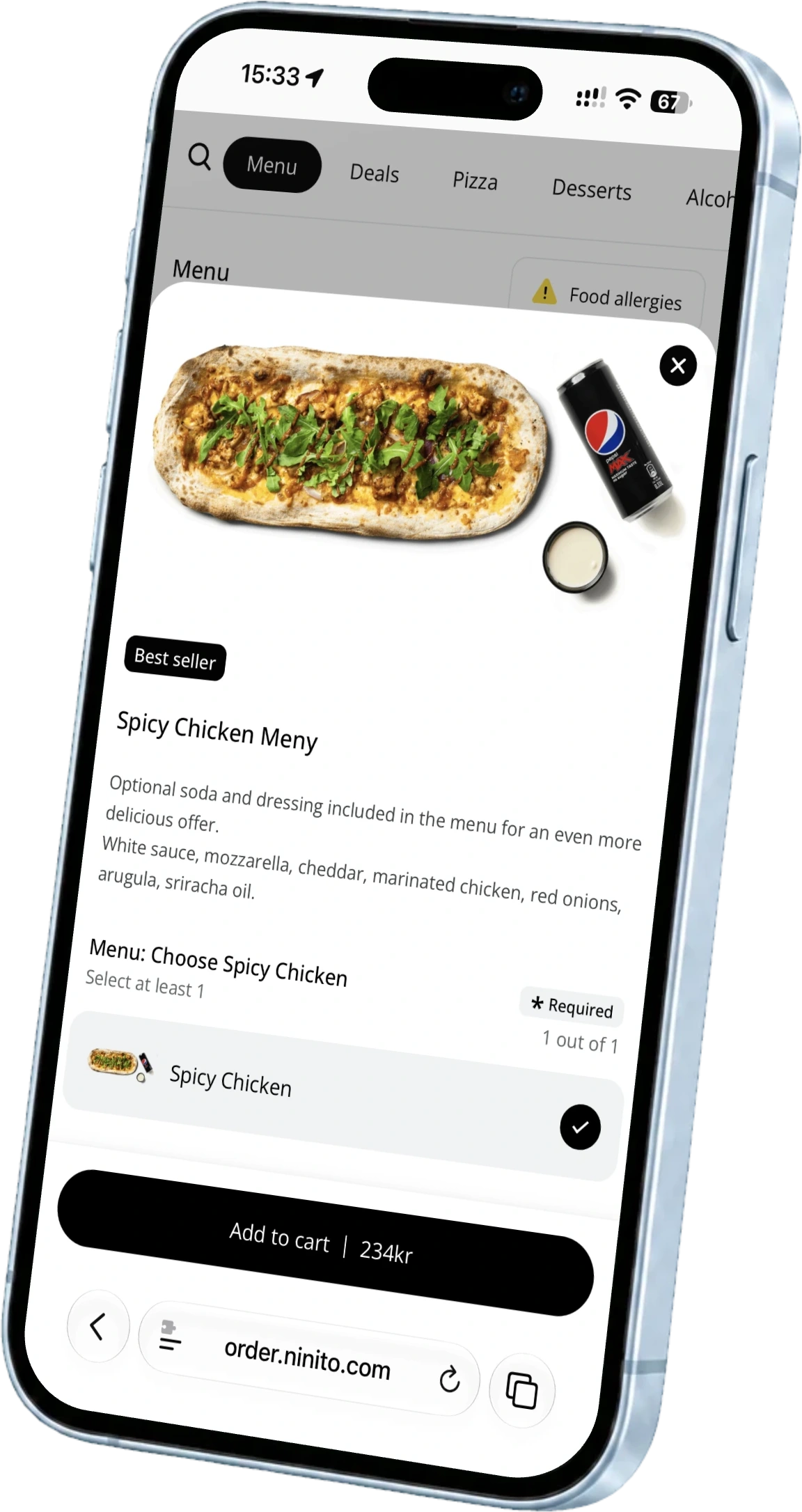
ninito builds products, modifiers, sides and bundles together. A dish can have an appealing guest-facing name and a different, clear kitchen name. That helps turn a menu description into a short, precise preparation instruction.
Try what happens while a guest pays
At a counter, the gaps between tasks often create the queue. Can an employee take the next order while another guest pays? Can the team distinguish an ongoing payment from a completed or declined one?
ninito Pro and Enterprise support parallel payments and multiple terminals from one POS. Ask to see the relevant terminal setup, with a clear status for each payment. Authorisation speed also depends on the terminal and payment provider. What you need to understand is how the employee keeps working without losing track of who has paid.
Let an order change along the way
A guest changes their mind after the order has been sent. An item needs removing, or part of the purchase needs refunding. You can now see whether the team understands the difference between changing the order, informing the kitchen and handling the payment.
Follow the same order through the whole change. Check that the kitchen knows what to do, that the guest receives the right information and that the payment is not handled twice. In ninito, you can open the transactions behind sales totals and follow the event into reporting. This makes the demonstration more useful than stopping at a successful payment.
Discuss interruptions before you experience one
Ask what employees should do if the internet goes down, a terminal loses its connection or the kitchen printer stops. These are different problems and may need different responses. Ask for an explanation covering the equipment and setup you are considering.
A planned interruption test should be agreed with the supplier and kept separate from normal service. Its purpose is to learn who does what and how work resumes. A useful outcome is a shift manager who knows the contact route and next action. ninito provides support around the clock, including evening service.
Start with your most awkward order
After the session, your team should be able to explain how they take an order, how the kitchen receives it and how they handle a change. Anything unclear should be addressed through setup or training before launch.
Bring your menu and an order that regularly causes questions to ninito. We can work through it with your team. You can then choose based on how the system fits the service you actually run.