Open and close every ordering channel with confidence
Yesterday’s pause can quietly stop today’s orders. Use ninito’s channel controls and a short opening routine to keep menus ready for service.
The restaurant can be open while its menu is closed
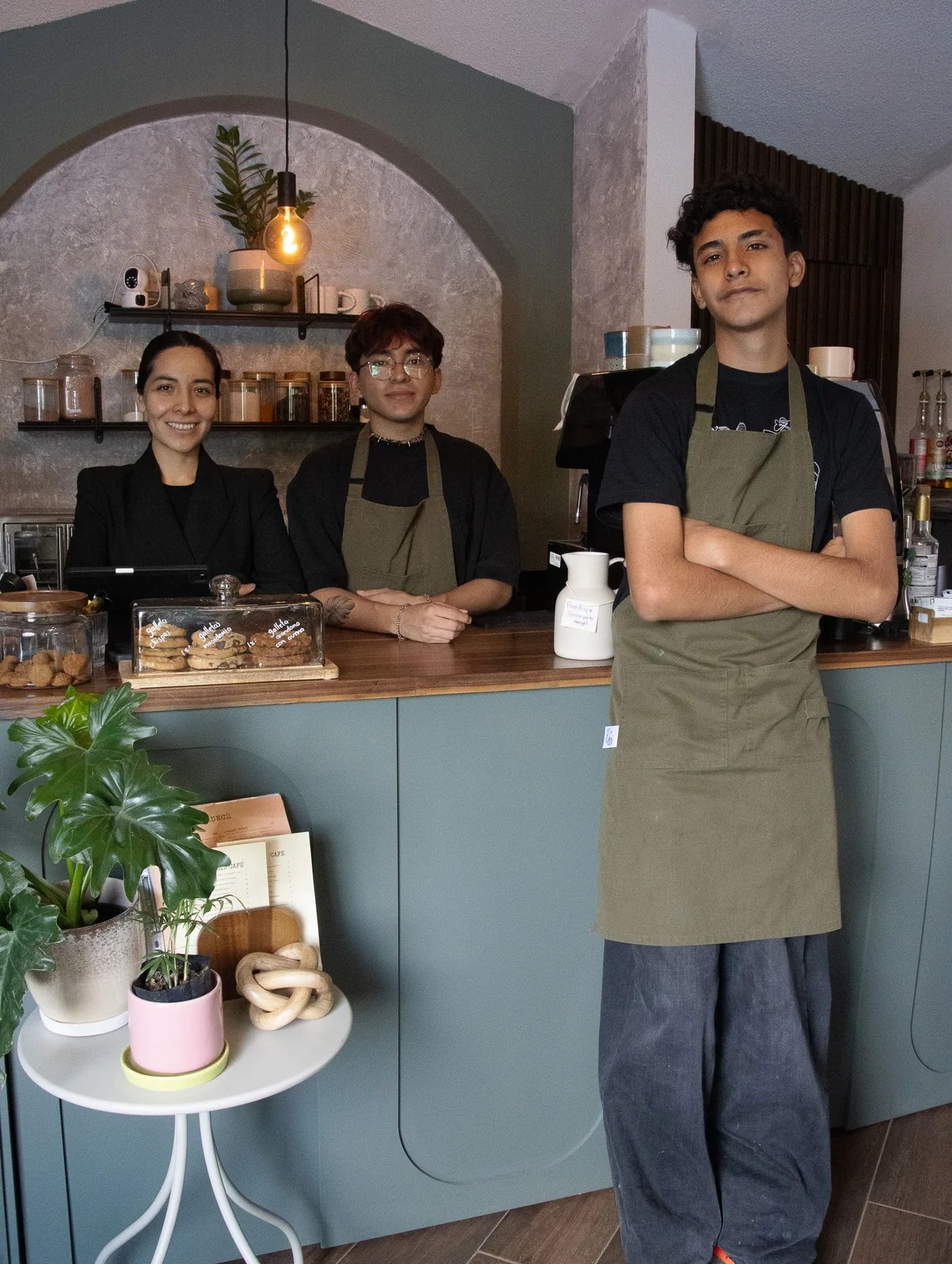
The door is unlocked, staff are present and the kitchen is warm, yet yesterday’s pause remains active on a delivery platform. A replenished dish is still sold out online. Such problems are often discovered only when a guest asks why ordering is unavailable.
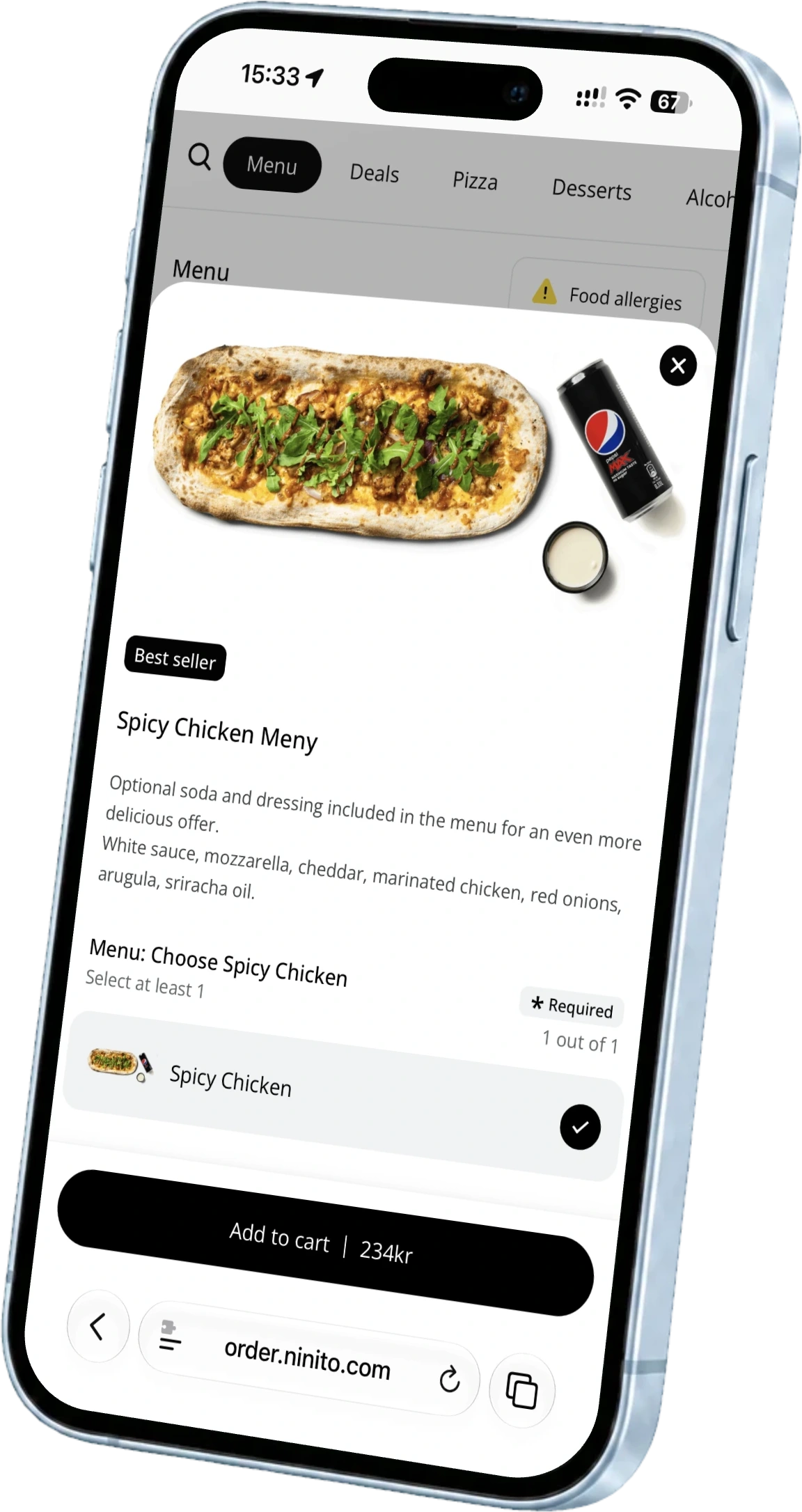
ninito brings connected delivery platforms and your own ordering channels into the same operating setup. Staff with the right permissions can open or pause channels and adjust preparation times, while menu work is managed in backoffice. That gives the shift a clear place to check yesterday’s exceptions before today’s first order.
Start with the previous shift’s exceptions
Read the handover before the standard checklist. Look for temporary pauses, revised preparation times, sold-out dishes and unresolved equipment issues. Each item needs an owner and a decision about today. Do not reset every exception simply because a new shift has begun.
The kitchen should confirm which dishes can be sold. Whoever opens the channels then checks that menu availability matches the decision. This division prevents a technical reopening being interpreted as confirmation that ingredients are ready.
Check the guest entrance and the kitchen receiving point
Open the menu as a guest in the channels you use. Check the correct location, today’s menu and collection or delivery availability. Make sure the information matches operations, especially after holidays, changed hours or a temporary campaign. Recorded opening hours are of little use if the kitchen cannot fulfil the promise.
Also check that necessary screens and printers are accessible and ready. Use the agreed testing procedure to verify an order reaches the correct destination. Do not create an unplanned paid order just to test. Once the routine is established, daily checks can reflect the setup and recent exceptions without repeating the whole installation test each morning.
Stop new promises without forgetting existing ones
At closing, separate the final time for new orders from the point when all accepted orders are complete. A closed channel may still have orders requiring preparation, collection or follow-up. Review outstanding orders before responsible employees leave.
Establish how scheduled orders are handled if offered. Check unresolved changes, cancellations and payments under the restaurant’s normal procedures. An empty production screen alone is not proof that everything has been closed out. Use the view that actually shows outstanding work in your configuration.
Open with a clear view of what guests can order
The useful check is simple. The right menu is available, the intended channels are open and accepted orders have somewhere to arrive. ninito connects these parts, so the opening routine can follow the actual order journey instead of a list of unrelated devices.
Tell us which channels and locations you operate. We can review the controls and employee permissions with you and show how a temporary pause fits into the next shift’s handover.