Sold out on Wolt but still available in the restaurant?
Keep a dish available in the restaurant while stopping new delivery orders. Here is how shared menus and channel controls in ninito help you avoid unnecessary cancellations.
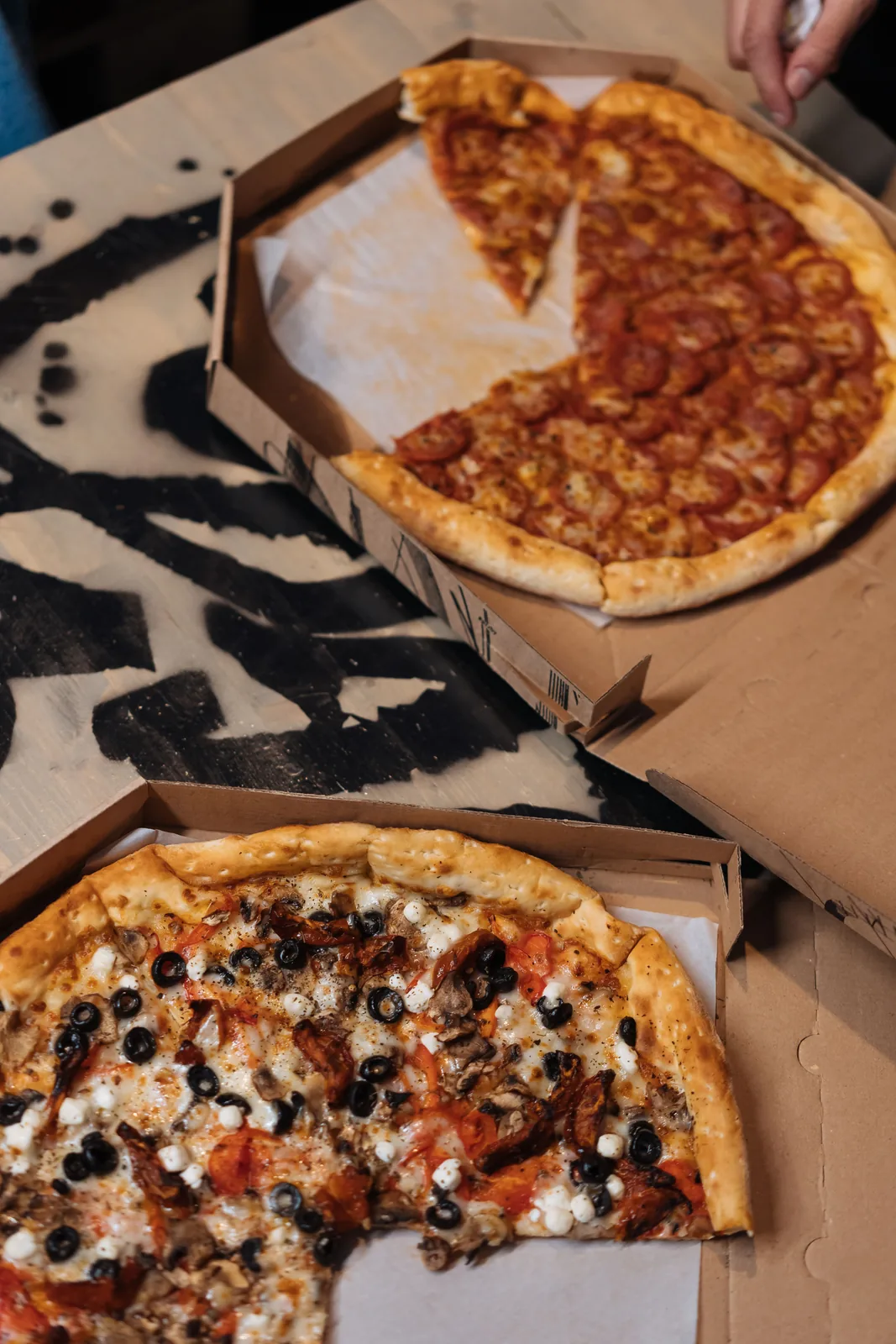
Identify the reason before marking an item sold out
A dish can become unavailable for several reasons. The kitchen may have run out of an ingredient. There may be enough portions for booked tables but not additional delivery orders. Or the dish may temporarily be unsuitable for collection because part of its production setup is unavailable. These situations require different decisions.
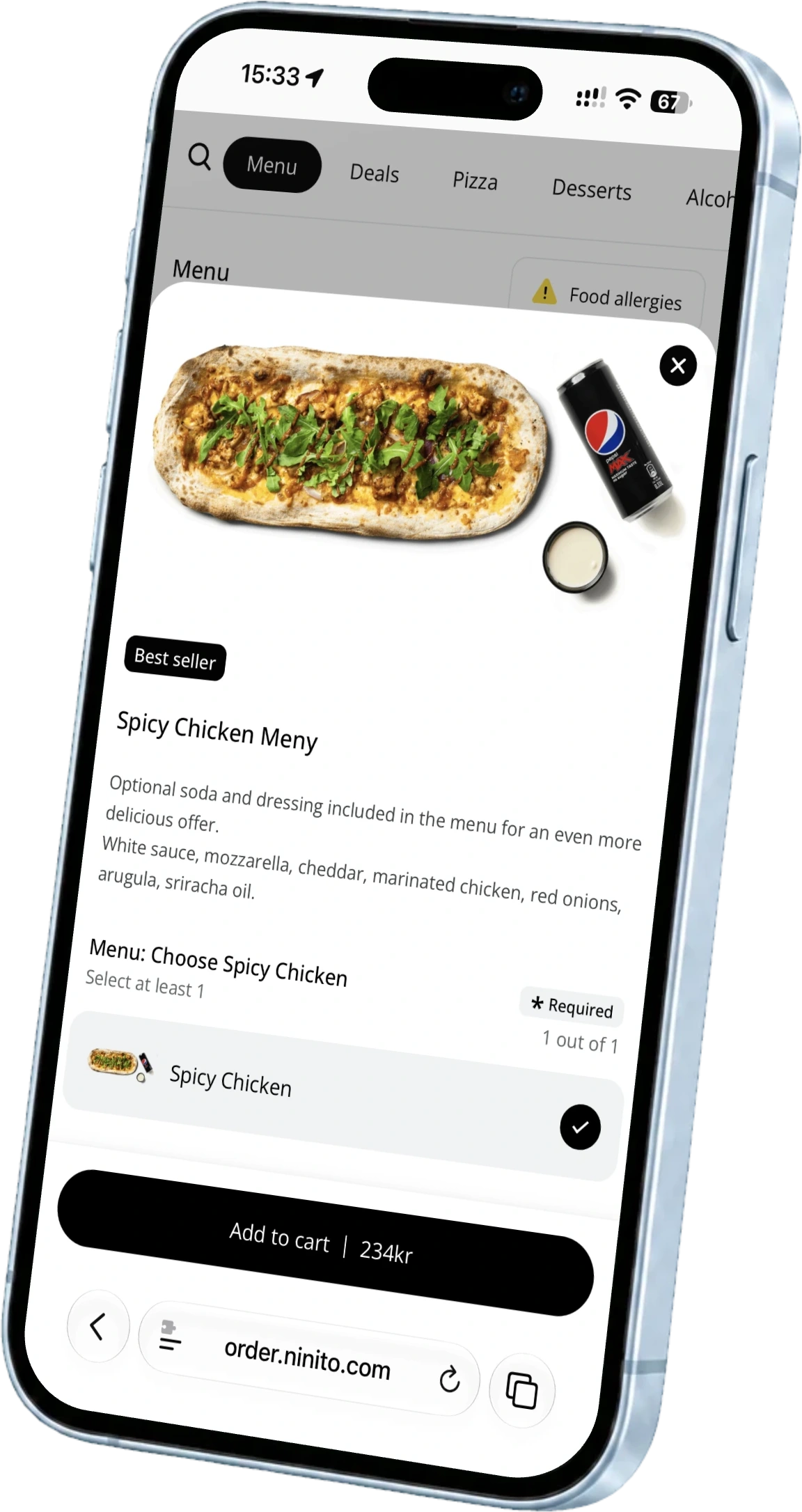
In ninito, you can manage availability for all connected channels or selected ones. If the last portions are reserved for guests in the restaurant, you can stop new delivery sales of that dish without taking it off the POS menu. One shared menu gives the team a place to make the change, instead of working through separate platform menus.
Check orders that have already arrived
Marking an item sold out primarily changes what the next guest can order. It does not automatically determine what happens to food already sold. Find open orders containing the dish and establish whether you can fulfil them before allocating remaining portions to new guests in the restaurant.
Consider an illustrative restaurant with only a few portions left and both dine-in guests and delivery orders waiting. The kitchen lead counts what has already been promised. The shift manager then stops the dish on the selected delivery channel and follows up any orders that cannot be fulfilled. This sequence prevents a sold-out button becoming a substitute for handling existing commitments.
Verify the change from the guest side
A saved setting in administration is not the whole check. Open the relevant menu as a guest would and verify the correct restaurant and channel. Confirm the dish is unavailable where intended and remains orderable where you still want to sell it. Assign someone to follow up any synchronisation error.
Check other routes to the same product too. A burger may appear alone and as part of a meal. A sauce may be an option on several dishes. Keep a short dependency list for products that regularly sell out. Updating a known list is easier than searching the entire menu during service.
Pay as much attention to restoring availability
Restoring availability also needs a clear owner. Record who will do it and what must be confirmed first. A delivery reaching the stockroom does not necessarily mean the ingredient has been prepared, checked and made ready for service. Let the kitchen confirm production readiness before reopening the menu item.
Pass temporary restrictions on at shift handover. Record the product, channel, reason and next check. Avoid automatic resets that nobody has assessed against actual stock. After restoring availability, check the menu again and confirm that the next relevant order follows the correct workflow.
Keep the sales you can still serve
A sold-out update should solve the actual shortage. ninito brings product availability and channel controls together, so you can stop the affected sales while leaving the rest open. If the whole kitchen is overloaded, pausing a channel is a different decision from marking one dish sold out.
Show us a dish you sometimes reserve for the restaurant. We can walk through marking it unavailable on a delivery channel, keeping it on your own menu and making it available again. That is a useful way to see how ninito fits your service.