The restaurant POS questions that lead to a better system
Clear answers about restaurant POS costs, kitchen screens, loyalty, hardware and switching systems. Know what to ask and what a good setup should do.
Start with the way your restaurant serves guests. A good POS should connect the order, payment, kitchen and next visit, with a team that helps you run it. These questions turn a product demonstration into a useful decision.
What does a restaurant POS actually connect?
A restaurant POS connects the sale with the work around it. For full service, that means tables, courses, open bills and the kitchen. For quick service, it means fast ordering, customisation and a clear pickup flow. Payments, reporting and the guest relationship should follow the same order, so the team spends less time piecing the service together.
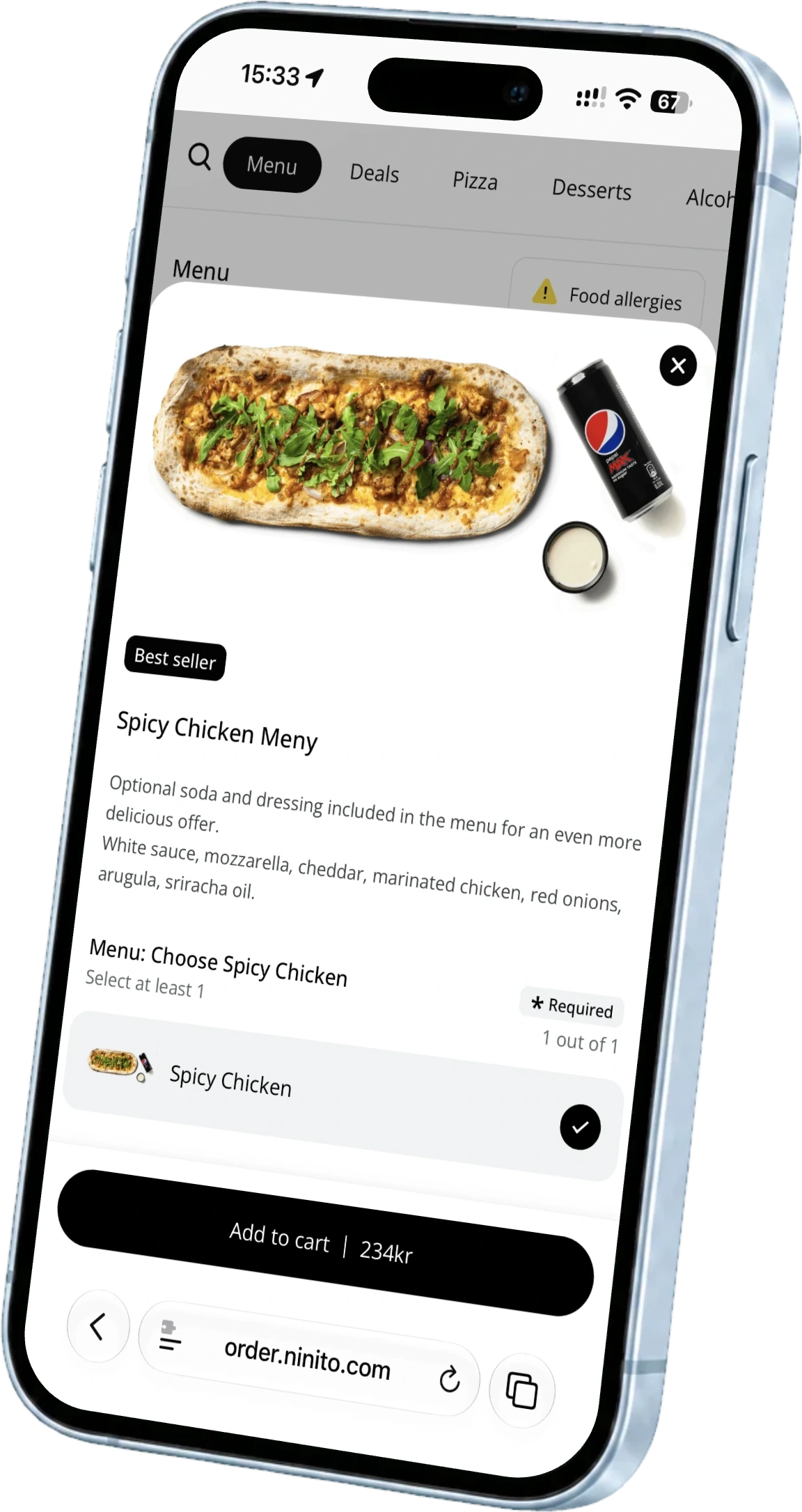
ninito provides dedicated Full Service and Quick Service experiences within its connected platform. Bring your actual menu to the demonstration and choose a busy-service scenario. Follow it from the guest’s first choice through preparation, payment and the next visit. That gives every function a purpose your team recognises.
How do I compare prices without missing extra costs?
Price the restaurant you run, including its busiest month. Add software, transaction percentages, fixed payment fees, equipment, setup, messages and separately charged services. Compare the same sales volume and the same payment mix. A low monthly subscription can become expensive when variable fees rise with every order.
With ninito, BankAxept in Norway is 0.161%, with 0% ninito commission and no fixed fee per BankAxept transaction. Guest SMS, native loyalty, supported accounting connections and 24/7 support are included without separate ninito fees. Hardware is supplied at ninito’s purchase cost with 0% markup.
Calculate the full year at today’s volume and your next growth target. ninito Pro and Enterprise add a 100% value guarantee to that calculation. If the value ninito creates does not cover what you pay for the system, you do not pay for it. The decision should account for what the system gives back to the restaurant, not only its monthly price.
Can I keep my existing equipment?
Sometimes, but confirm exact models rather than general device categories. Give the supplier the operating system, screen model, printer connection, payment terminal and network details. Ask which items are supported, which need an update and which must be replaced. Reusing a screen is useful only when the complete setup remains supportable.
Also agree who owns warranty handling and replacement during a fault. Keep the cost of optional cosmetic upgrades separate from equipment genuinely needed to run the service.
Do I need a kitchen display or a pickup screen?
They serve different people. A kitchen display helps the team organise preparation and order handover. A pickup screen tells guests or couriers about the order’s status. A restaurant may need both, with different information shown on each. Ask the supplier to demonstrate several simultaneous orders, an edited item and a delayed dish. The practical question is whether the kitchen can see what to do next without exposing unnecessary customer information to the dining room.
Does a browser-based system automatically work offline?
No. Browser access and offline capability are different technical properties. Confirm the exact behaviour of the POS, ordering channels and payment terminal during a connection failure. A terminal may support a payment fallback while another part of the restaurant system cannot accept new orders. Test the agreed recovery process and the resulting records. Norges Bank recommends rehearsed payment contingency arrangements, so staff should know the procedure before they need it.
What should I ask about a loyalty programme?
Ask how guests register, earn rewards and use them across the channels you operate. Check points, levels, birthday rewards and permissions for messages. Then ask who maintains the programme and how existing balances are handled during a change of supplier. A discount button alone does not explain the guest relationship.
ninito includes its own loyalty programme with points, levels, member prices and birthday rewards, without a separate loyalty add-on fee. Your restaurant sets the earning rules, reward choices and timing. The programme connects the guest relationship across your ordering channels, while an Enterprise app can add a tailored brand experience.
What should be ready before the first live shift?
Your menu, kitchen flow, payments and team should be ready together. ninito’s menu engineers work from digital or printed material, build the menu and organise the ordering choices around your restaurant. Agree the transfer of customer information and balances, the accounting setup and the timing of the change. Give the people who run service a chance to try it before the first live shift.
Run a complete order, change it, refund part of it and check the day’s records with the team. ninito’s own restaurant-experienced team in Norway supports you in Norwegian and English 24/7/365, at no extra cost. Menu, campaign, promotion and loyalty setup and ongoing changes are included with Pro and Enterprise. The people helping the first shift are part of the relationship after launch too.
Questions worth asking
Can a restaurant use ordering software without replacing its POS?
Yes, if a supported integration meets the required workflow. Confirm product versions, responsibility and the complete cost before choosing an ordering-only solution.
What is the most useful thing to bring to a demonstration?
Bring your menu and a real busy-service scenario, including one exception such as a refund or sold-out item. Ask every supplier to complete the same tasks.
What should a support agreement explain?
It should identify contact channels, coverage hours, any charges and responsibility for connected services and equipment. Ask how a critical interruption is handled during your opening hours.