The detail behind a better day at SmoothieXchange
SmoothieXchange connects app and kiosk ordering with ninito. A practical change at the counter shows why great restaurant technology goes beyond the screen.
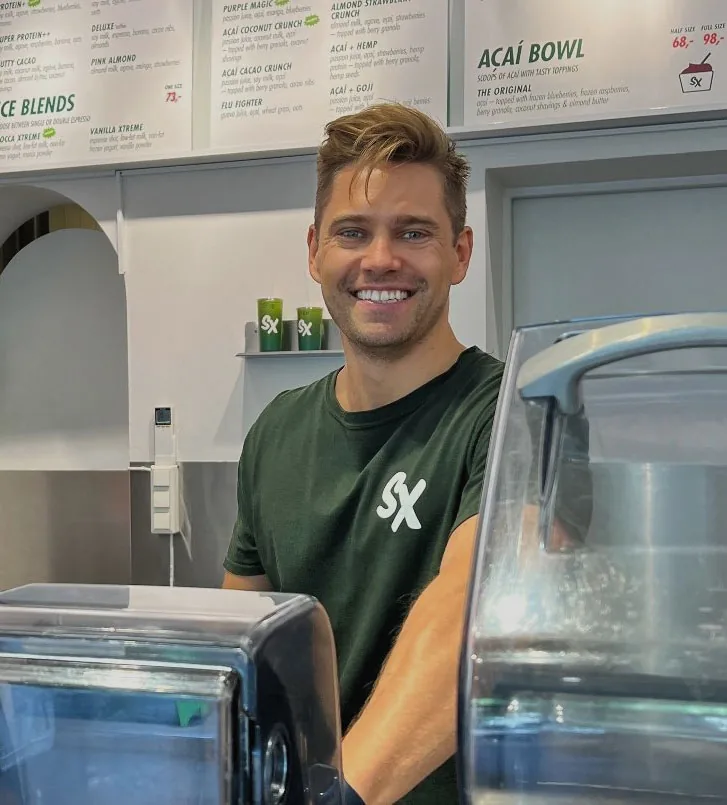
SmoothieXchange gives guests their own app, self-service ordering and the SX Club loyalty programme. Behind the counter, moving a printer and improving the order of its printouts helped the team work better. Small details make connected technology useful in real service.
Give guests a choice and the team a clear next step
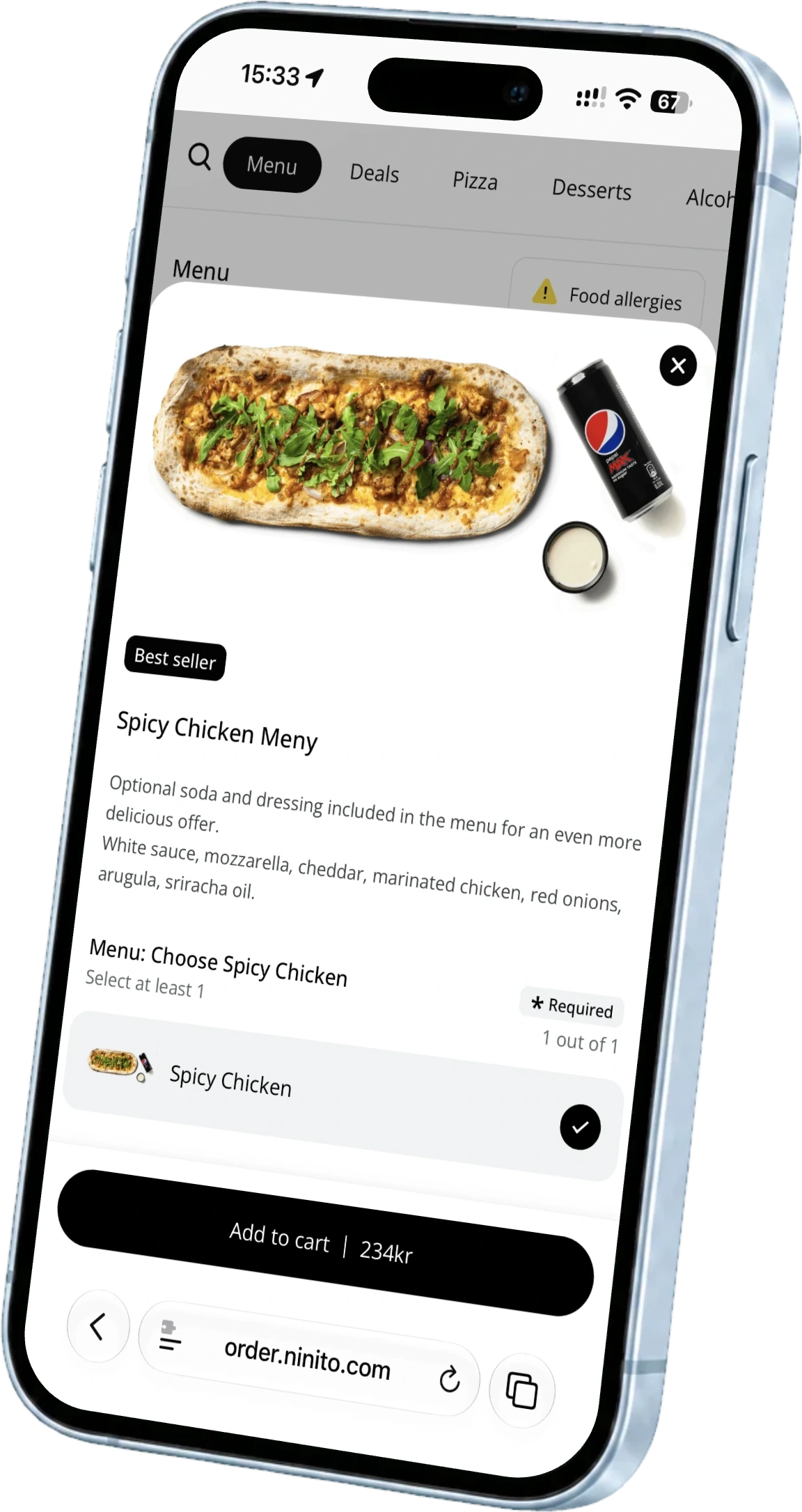
A smoothie order can begin on a phone before the guest arrives, or at a kiosk inside the store. At SmoothieXchange, ninito connects those ordering experiences with the work behind the counter. The chain uses its own Light app, self-service kiosks and ninito ordering, with SX Club giving guests a reason to keep coming back.
The customer story features CEO Mike Hodne and a detail that deserves attention. The improvement was not another button on a screen. It was a change to the physical workspace where orders become drinks, food and a handover. That is where restaurant technology has to prove useful to the people running the shift.
A better place for the next order
The printer moved into the counter. The direction and sorting of the printouts changed too. Together, these adjustments brought the order information into a better relationship with the work happening around it. Feedback from the change was that the workflow improved.
It is a modest detail with a clear lesson. A connected order still needs to arrive where somebody can act on it. The placement of a ticket, the direction it faces and the sequence in which it appears all shape that moment. Good implementation considers the counter as carefully as the guest-facing screen.
The experience continues after payment
Guests choose the channel that suits the visit. The restaurant team handles the resulting work. SmoothieXchange’s combination of app and kiosk ordering makes that relationship visible. The app supports the guest before arrival, while the kiosk lets someone order independently in the store. Both lead back to the people preparing the order.
SX Club adds another connection. The guest relationship can continue between visits instead of beginning again at every purchase. Ordering, rewards and the experience at the counter are parts of the same restaurant. That is why a discussion about digital channels should include the team responsible for the physical handover.
Borrow the question for your own counter
Stand beside your team during an ordinary service and follow one order. Notice where the employee looks first, where the information arrives and how the next person knows what to do. Look for unnecessary reaching, turning or asking. Let the person using the station describe the problem before deciding what to change.
Repeat the observation with a customised order and with several orders arriving together. A layout that feels clear during a quiet demonstration may demand extra attention at lunch. Write down the point where the flow becomes difficult. A precise problem, such as tickets facing away from the person preparing drinks, is much easier to solve than a general request to make service faster.
Change one thing and listen to the next shift
Start with the smallest change that addresses the problem. Adjust the position of a printer, the way order information is grouped or the handover point. Keep the team involved while the change is tested. Ask whether the next task is easier to understand and whether another task has become harder.
For several locations, keep the principle consistent while respecting the space. Two counters can use the same ordering platform and need different equipment positions. Give each team a clear way to report what works. A useful rollout preserves the shared process without forcing every restaurant into an identical physical layout.
Technology that pays attention to the restaurant
The SmoothieXchange story is a reminder of what implementation should feel like. The team’s everyday work belongs in the conversation, and a small practical adjustment can deserve as much attention as a new digital channel. The platform, the equipment and the counter have to make sense together.
Bring those practical details to ninito’s team. Restaurant experience helps us connect what happens on screen with what happens behind the counter. Support is included at no extra charge. Your team gets people to discuss the workflow with, from the first menu choice to the person handing over the finished order.
Questions worth asking
Which ninito products does SmoothieXchange use?
SmoothieXchange uses ninito Light app, self-service kiosks and the ordering platform. Guests can also take part in SX Club through the chain’s app.
What changed behind the counter?
A printer was moved into the counter, and the direction and sorting of its printouts were changed. The team reported a better workflow.